
Your pages vanished from Google overnight. Rankings built over months disappeared without warning. The fix is often simpler than you think.
Google crawls 30 billion pages daily. Technical barriers block many from reaching the index. Most indexing errors follow clear patterns. Find the specific problem, apply the right solution, and watch pages return within days.
This guide covers eight critical indexing failures. Each section shows exact steps to restore search visibility fast.
Server Response Failures: Quick Recovery Steps
Server errors stop Google’s crawler cold. These 5xx status codes cause 18% of indexing failures across WordPress sites.
Check your server response first. Run this command for any missing page:
curl -I https://yoursite.com/missing-pageStatus code 500 means internal server problems. Code 503 signals temporary overload. Code 502 points to gateway failures between your server and CDN.
Shared hosting accounts struggle with Google’s crawl intensity. Sites getting 200+ daily Googlebot requests often timeout during peak hours between 2-6 AM PST. Upgrade to VPS hosting when consistent timeouts affect 50+ pages weekly. This costs $20-40 monthly but prevents 90% of server-related indexing failures.
Check your hosting error logs next. Search for “Googlebot” entries during exact times Search Console shows crawl failures. Most cPanel accounts store these in the Raw Access section.
Redirect Chain Problems: Direct Path Solutions
Google abandons redirect chains longer than 5 hops. These waste crawl budget and delay indexing by 2-3 weeks on average.
Screaming Frog’s redirect feature finds problem chains quickly. Export any chains over 3 redirects. Healthy sites maintain under 150 total redirect chains across all pages.
WordPress creates damaging redirect loops through conflicting .htaccess rules:
Bad: Creates infinite loops
RewriteRule ^(.*)$ https://www.example.com/$1 [R=301,L]
RewriteRule ^(.*)$ https://example.com/$1 [R=301,L]
Fix WWW versus non-WWW conflicts immediately. Choose one version permanently. Update internal links to skip redirects entirely. This improves crawl efficiency by 25% on most sites.
Use 301 redirects only for permanent moves. Temporary 302 redirects confuse Google’s indexing system. They pass zero link authority to destination pages.
Blocked Resource Recovery
CSS and JavaScript blocks prevent proper page rendering. These resource failures cause 23% of indexing errors across all site types.
Your robots.txt file blocks essential assets frequently. This common WordPress mistake prevents Google from understanding content:
User-agent: *
Disallow: /wp-content/
Replace with selective blocking:
User-agent: *
Allow: /wp-content/themes/
Allow: /wp-content/plugins/
Disallow: /wp-admin/
Search Console’s URL Inspection tool shows exactly which files failed during crawls. Failed resources appear with red error markers in the rendering section. Test every critical CSS and JavaScript file this way.
CDN configurations block Googlebot by default on 40% of installations. Whitelist these user agents: “Googlebot”, “Googlebot-Image”, and “Googlebot-Mobile”. Most CDNs need 24-48 hours to apply changes globally.
Soft 404 Detection Methods
Soft 404s return 200 status codes for empty content pages. Google’s algorithms detect thin content and exclude these automatically.
E-commerce filter combinations create soft 404s constantly. URLs like “/shoes/size-15/color-purple/” match zero products frequently. Configure your system to return proper 404 codes when filters produce empty results.
Search result pages generate soft 404s too. Blog searches for nonexistent terms shouldn’t return 200 codes with “No results found” messages. Return 404 codes instead.
JavaScript-heavy sites appear empty during initial crawls. Single-page applications need server-side rendering for critical pages. Prerender.io costs $20-40 monthly but solves most SPA indexing problems within 72 hours.
Pagination systems create impossible page numbers. “Page 47 of 12” generates soft 404s automatically. Validate page numbers before serving any content.
Mobile-First Indexing Fixes
Google uses mobile-first indexing for all sites since March 2021. Mobile crawling problems directly impact desktop rankings.
Google’s Mobile-Friendly Test shows exactly how Googlebot Mobile renders content. Common failures include oversized images, blocked CSS files, or touch elements placed under 44 pixels apart.
Compare mobile versus desktop content carefully. Some sites serve simplified mobile versions missing key text or navigation elements. Hidden mobile content gets zero indexing consideration.
Mobile page speed affects crawl frequency directly. Pages loading slower than 3 seconds get crawled 40% less often than faster alternatives. Optimize images using WebP format and enable Gzip compression. These changes reduce load times by 1-2 seconds typically.
Test on actual mobile devices, not browser developer tools. Real devices reveal layout problems that desktop testing completely misses.
Content Quality Requirements
Low-quality content triggers automatic indexing exclusions. Google’s algorithms evaluate content depth, uniqueness, and user value continuously.
Pages under 300 words rarely get indexed unless they serve specific utility functions. Product pages, contact forms, and tool interfaces can be shorter. Blog posts need substantial content depth for indexing consideration.
Duplicate content appears as “Duplicate without user-selected canonical” in Search Console. Add canonical tags pointing to preferred versions
Scraped content needs substantial original additions. Pure republishing rarely gets indexed unless you’re an established news authority. Add 500+ words of original analysis or commentary to syndicated pieces.
Doorway pages targeting identical keywords get filtered automatically. Consolidate similar pages or differentiate them with unique value propositions. Each page needs distinct search intent targeting.
Monitoring Infrastructure Setup
Proactive monitoring prevents indexing errors before they damage search visibility. Automated systems catch problems within hours instead of weeks.
UptimeRobot’s free plan monitors server uptime effectively. Configure alerts for downtime lasting over 5 minutes. Google’s crawler doesn’t retry failed requests immediately. Brief outages delay indexing for 3-7 days typically.
Calculate daily Googlebot requests divided by total page count. Sites with ratios under 0.1 need technical optimization to ensure important pages get crawled regularly. This metric predicts indexing problems 2-3 weeks early.
Search Console email alerts notify you of new indexing errors within 24 hours. Configure notifications for coverage issues, security problems, and manual actions. Early detection enables fixes before rankings drop significantly.
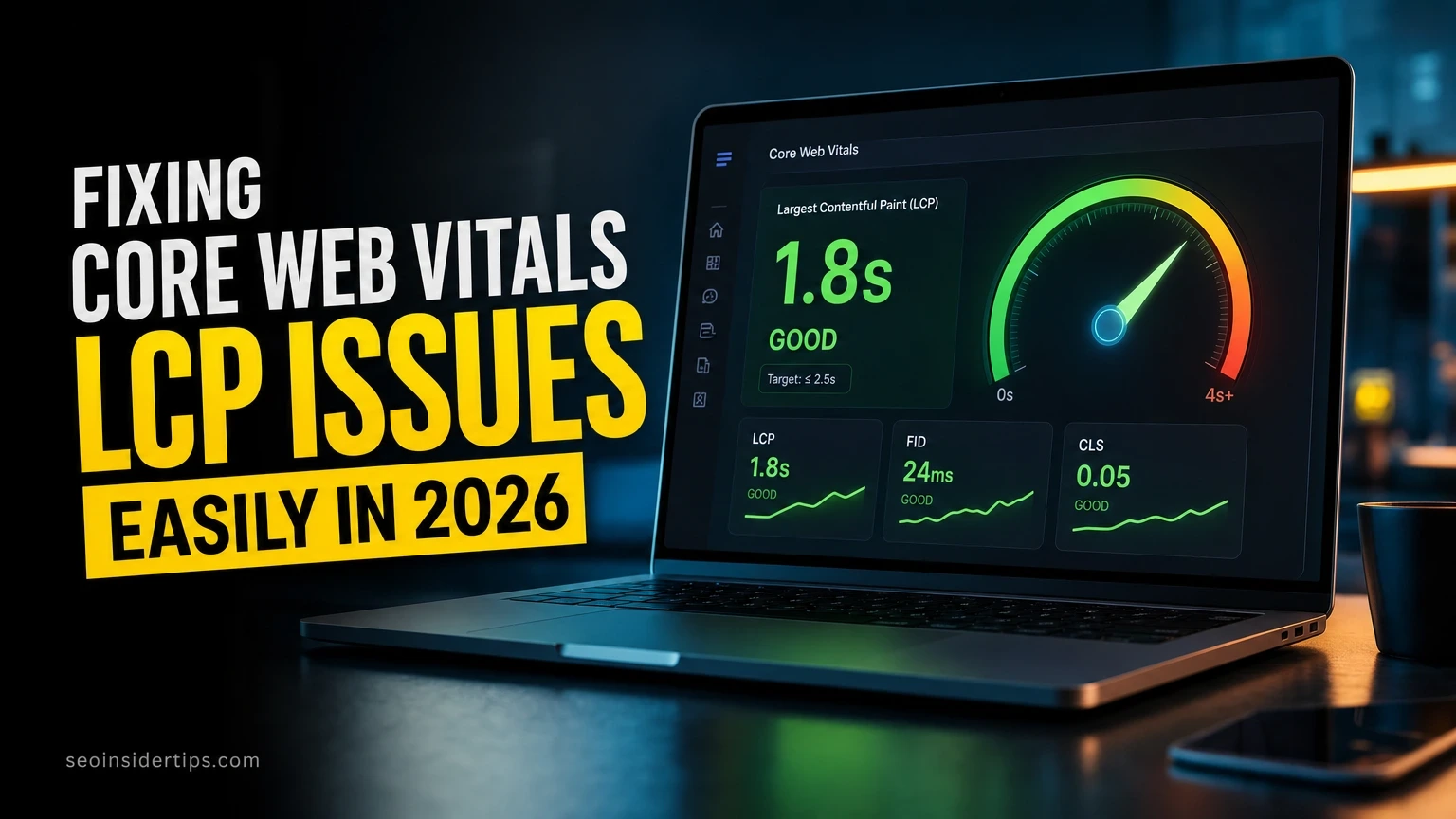
Core Web Vitals correlate directly with crawl frequency. Pages with Largest Contentful Paint over 4 seconds get crawled 30% less often. Focus on LCP under 2.5 seconds and Cumulative Layout Shift under 0.1 for optimal results.
Advanced Diagnostic Techniques
Complex problems require investigation beyond standard Search Console reports. These methods identify root causes that basic tools miss completely.
Screaming Frog Log File Analyser shows which pages Google crawls most frequently. Pages getting crawled daily but never indexed need content quality improvements immediately. This pattern indicates algorithmic filtering rather than technical problems.
Sudden drops in daily crawl requests precede major indexing issues by 1-2 weeks typically. Cross-reference crawl rate changes with server error spikes or recent site updates. This correlation reveals problem sources quickly.
Incorrect hreflang tags prevent indexing in specific regions. Search Console’s International Targeting report verifies proper implementation across all language versions. Fix these within 48 hours to prevent regional ranking losses.
Third-party services sometimes block Googlebot unexpectedly. Payment processors, analytics scripts, and social widgets interfere with crawling occasionally. Test your site with these services temporarily disabled to isolate interference problems.
Frequently Asked Questions
How long does Google take to reindex pages after I fix technical problems?
Server errors resolve within 24-48 hours once fixed properly. Redirect chains and blocked resources need 3-7 days for Google to recrawl and update. Content quality issues take 2-4 weeks since Google requires multiple crawl cycles to reassess page value.
Why do pages show indexed in Search Console but don’t appear in search results?
Technical indexing doesn’t guarantee ranking visibility. Pages might be indexed but filtered due to quality issues, duplicate content, or insufficient topical relevance. Check for thin content and improve page depth with specific examples and data.
Can excessive 404 errors hurt my site’s crawl budget and indexing performance?
Legitimate 404 errors don’t harm other pages directly. However, if 404 responses exceed 20% of total crawl requests, Google reduces overall crawl frequency. Fix internal links pointing to deleted pages rather than the 404 pages themselves.
Should I manually request indexing for every fixed page through Search Console?
Use manual requests sparingly for critical pages only. Google recrawls most content within 2-4 weeks naturally. Save manual requests for time-sensitive fixes like homepage errors or important product pages during peak sales periods.
How can I measure if indexing errors actually impact organic traffic and revenue?
Compare Search Console impressions before and after error periods. Impression drops of 15%+ correlate with serious indexing problems. Monitor total indexed page count in Coverage reports – decreases of 10%+ indicate technical issues requiring immediate attention.
Most indexing errors resolve quickly with proper diagnosis and systematic fixes. Success requires methodical troubleshooting through Search Console data and targeted solutions rather than generic approaches. Travel bloggers experiencing persistent crawl issues often benefit from advanced caching configurations, while fitness sites typically need CDN optimizations to improve Google’s crawling efficiency during peak traffic periods.



Leave a Reply