You built your WordPress site. You hit publish. Then… nothing. No traffic, no clicks, no sign that Google even knows you exist. That feeling is more common than you think, and it is not your fault.
The good news: WordPress SEO for beginners is genuinely learnable in a weekend. You do not need to hire an agency or master every algorithm update. You need the right foundation, set up correctly, from the start.
Why WordPress Is Actually Built for SEO (and What You Still Need to Do)
WordPress gives you a head start most platforms do not. Out of the box, it generates clean HTML, supports custom URLs, and lets you control your page titles and meta descriptions. That matters because Google reads all three when deciding where to rank you.
But “SEO-ready” is not the same as “SEO-done.” A fresh WordPress install still ships with some settings that can quietly block search engines. For example, the Settings > Reading screen has a checkbox labeled “Discourage search engines from indexing this site.” It is meant for staging sites. I have seen live sites with real content sitting on it for months, wondering why they had zero organic traffic.
> ⚠️ Warning: Never leave “Discourage search engines from indexing this site” checked on a live site. It adds a `noindex` tag to every page and tells Google to ignore your entire domain.
The fix takes 5 seconds. Go to Settings > Reading and make sure that box is unchecked. Then set your permalink structure to Settings > Permalinks > Post name. That one change turns ugly URLs like `/?p=123` into clean, readable paths like `/best-running-shoes/`, which both users and crawlers prefer.
Choosing the Right SEO Plugin (and Setting It Up Properly)
Every WordPress beginner needs an SEO plugin. Full stop. Two tools dominate this space in 2026.
Quick-picks:
- Rank Math – best free tier, built-in schema, AI-assisted suggestions
- Yoast SEO – longest track record, excellent readability scoring, solid free version
Both are free to start. Rank Math’s free plan includes features Yoast locks behind its $99/year premium tier, like multiple focus keywords and schema markup for articles, products, and FAQs. For a beginner on a budget, Rank Math is the stronger starting point.
After installing either plugin, the setup wizard walks you through the critical steps. Do not skip it. You will connect to Google Search Console, set your site type (blog, business, etc.), and configure your default title format. That last one matters: a good title format looks like `Post Title – Site Name`, which keeps your brand visible in every search result without eating into your keyword space.
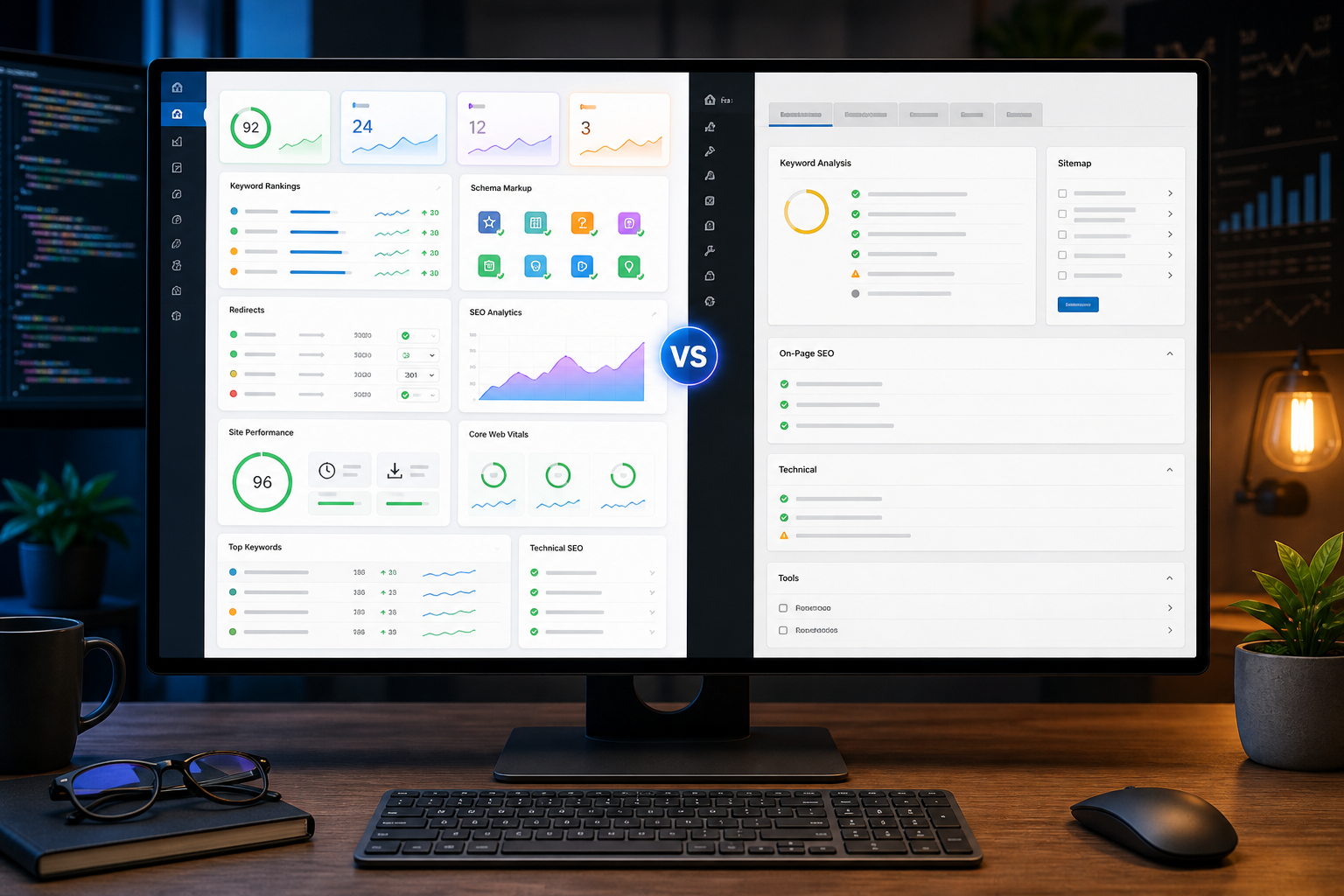
Rank Math vs. Yoast SEO: Key Differences
#### Rank Math
- Free tier includes schema markup, 5 keywords per post, and 404 monitoring
- Built-in content AI suggestions (limited free uses per month)
- Slightly steeper initial setup, but faster once configured
#### Yoast SEO
- Free tier covers one focus keyword per post and readability analysis
- Cornerstone content feature helps you prioritize your most important pages
- Premium adds internal linking suggestions for $99/year
For most beginners, either plugin handles 90% of what you need in the first 6 months.
Keyword Research Without Overthinking It
Pick one topic per page. That is the core rule.
Beginners often try to rank a single post for 15 different things. Google rewards focus. Each page should target one primary keyword and a handful of closely related phrases that naturally fit the same topic.
Start with free tools. Google Search Console shows you what searches already bring people to your site, even with low traffic. Ubersuggest gives you keyword volume and difficulty scores for free, up to 3 searches per day. For deeper research, Ahrefs and Semrush both offer 7-day trials.
A realistic target for a new site: keywords with a difficulty score under 30 and a monthly search volume between 200 and 2,000. That range is competitive enough to drive real traffic but not so saturated that a brand-new domain has zero chance. I worked with a client who launched a niche home improvement blog in early 2025. Within 4 months, by targeting only sub-30 difficulty keywords, they hit 3,200 monthly organic visits. No paid links, no tricks.
Once you have your keyword, place it in four spots: the page title, the first paragraph, one H2 heading, and the meta description. That covers the structural signals Google looks for without stuffing the phrase unnaturally into every sentence.
On-Page SEO: The Settings That Actually Move Rankings
On-page SEO is about what is on the page itself. Get these right and you are ahead of most beginners.
Here is what to check for every post or page you publish:
- Title tag: Keep it under 60 characters. Include your primary keyword near the front.
- Meta description: Aim for 140-155 characters. Write it for clicks, not just keywords. A clear benefit or question works well.
- H1 tag: WordPress uses your post title as the H1 automatically. Do not add a second H1 inside the body.
- Image alt text: Describe the image in plain English. If the image shows a WordPress dashboard screenshot, write “WordPress SEO plugin settings screen” – not “image1.jpg”.
- Internal links: Link to 2-3 related posts within every new article. This spreads authority across your site and helps Google understand your content structure.
- URL slug: Keep it short. `/wordpress-seo-beginners/` beats `/the-complete-guide-to-wordpress-seo-for-beginners-in-2026/` every time.
One number to remember: pages that rank in Google’s top 3 positions average around 1,400-1,800 words for informational queries, according to multiple content studies. That does not mean padding – it means covering the topic thoroughly enough that a reader does not need to go elsewhere.
Site Speed and Core Web Vitals: The Technical Basics
Fast pages rank better. That is not an opinion – Google made page experience a ranking factor in 2021, and it still applies in 2026.
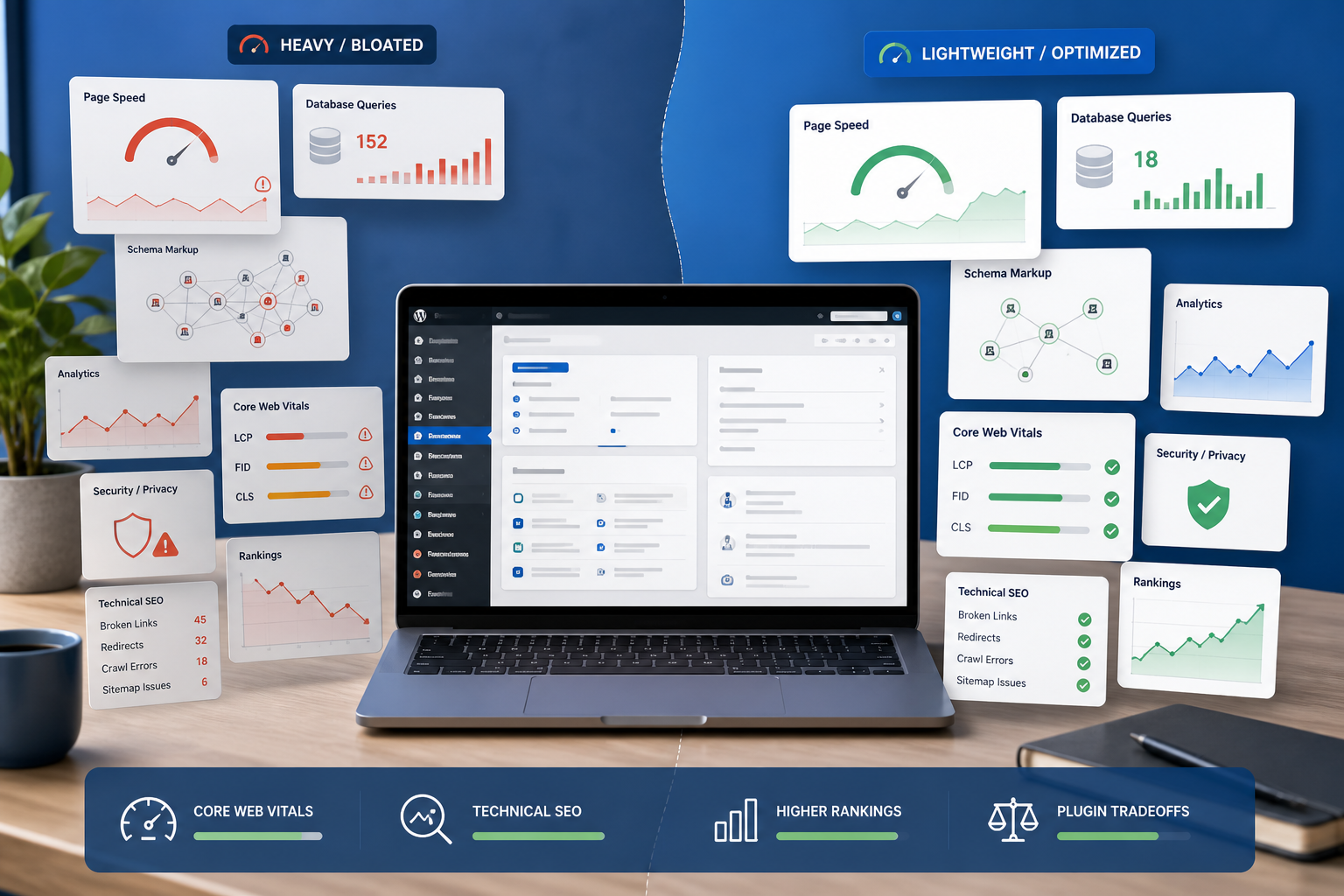
The main metric to watch is LCP (Largest Contentful Paint). LCP measures how long it takes for the biggest visible element on the page to load. Google’s target is under 2.5 seconds. Most unoptimized WordPress sites land between 4 and 8 seconds on mobile. That gap costs real rankings.
Three changes fix most WordPress speed problems:
- Install a caching plugin. WP Rocket is the gold standard at $59/year. The free W3 Total Cache covers the basics for zero cost.
- Compress your images before uploading. A plugin like ShortPixel converts images to WebP format automatically, often cutting file size by 60-80% with no visible quality loss.
- Use a fast host. Shared hosting on budget providers often means TTFB (Time to First Byte) over 800ms. Managed WordPress hosts like Kinsta or WP Engine typically deliver TTFB under 200ms.
You can check your current LCP and other Core Web Vitals for free in Google PageSpeed Insights. Run it on your homepage and your most visited post. Fix the biggest issues first – usually images and caching – before worrying about anything else.
Building Authority: Links, Content, and Patience
Rankings take time. That is not a comforting thing to hear, but it is true.
A brand-new WordPress site typically needs 3-6 months before Google starts ranking it for competitive terms. That is not a bug – it reflects how trust and authority accumulate. The sites that rank well have usually been publishing consistent, useful content for a while, and they have earned links from other sites pointing to them.
Backlinks are still one of Google’s top 3 ranking signals. A single link from a relevant, trusted site in your niche carries more weight than 50 links from unrelated directories. The most beginner-friendly ways to earn them: write genuinely useful content that others want to reference, contribute guest posts to established blogs in your space, and get listed in niche-specific resource pages.
On the content side, aim for one well-researched post per week rather than five thin posts. Google’s Helpful Content system, updated several times since 2022, specifically targets low-effort content that exists to rank rather than to help. Write for the reader. Answer the full question. Use real examples. That approach holds up across every algorithm update.
Your First 30 Days of WordPress SEO: A Practical Checklist
The first month sets the tone for everything that follows. Work through these in order, and you will have a properly configured site before most beginners even install their first plugin.
Here is the full setup sequence:
- Uncheck “Discourage search engines” in Settings > Reading
- Set permalink structure to Settings > Permalinks > Post name
- Install Rank Math or Yoast SEO and complete the setup wizard
- Connect your site to Google Search Console and submit your `sitemap.xml`
- Install a caching plugin (W3 Total Cache for free, WP Rocket for paid)
- Install ShortPixel or a similar image optimizer
- Research and target 5-10 low-difficulty keywords for your first posts
- Publish your first fully optimized post: title, meta description, alt text, internal links, and a focus keyword placed naturally in the content
- Check your LCP score in Google PageSpeed Insights and fix any issues above 2.5 seconds
- Set a calendar reminder to review Search Console data in 30 days
That is 10 concrete actions. Most take under 15 minutes each. By the end of day one, your site’s technical foundation is solid.
Getting Your WordPress SEO Foundation Right From Day One
The biggest mistake beginners make is treating SEO as something to add later. It is not. The settings you configure in week one – permalinks, indexing, your SEO plugin, site speed – shape how Google sees every page you ever publish. Fixing them retroactively is possible, but it costs time and sometimes causes ranking drops during transitions.
Start with the technical setup, then move to content. Write for real people, target realistic keywords, and build internal links as your library grows. Those three habits compound over time. A site with 50 well-optimized posts and a clean technical foundation consistently outperforms a site with 200 thin posts and broken settings.
If you want to go deeper after nailing these basics, learning how to build a smart internal linking structure is the natural next step. It is one of the highest-use SEO moves available inside WordPress, and it requires no external tools or budget.
Frequently asked questions
How long does WordPress SEO take to show results?
Most new WordPress sites start seeing measurable organic traffic within 3-6 months of consistent publishing and proper optimization. Competitive keywords in crowded niches can take 9-12 months. Low-competition, long-tail keywords sometimes rank within 4-8 weeks. Patience and consistency matter more than any single tactic.
Do I need to pay for an SEO plugin to rank on Google?
No. Both Rank Math and Yoast SEO offer free versions that cover everything a beginner needs – title tags, meta descriptions, sitemaps, and basic schema. Paid tiers add convenience features, not ranking magic. Start free and upgrade only if you hit a specific limitation.
What is the most important on-page SEO factor for WordPress beginners?
Your page title is the single most impactful element. It tells Google what the page is about and it is the first thing a searcher reads in the results. Keep it under 60 characters, lead with your primary keyword, and make it compelling enough to earn the click. A great title with decent content beats a weak title with excellent content almost every time.
Does WordPress site speed actually affect rankings?
Yes, directly. Google uses Core Web Vitals – including LCP – as a ranking signal for all pages. Sites loading in under 2.5 seconds on mobile have a measurable advantage over slower competitors in the same niche. Image compression and caching alone fix most speed issues on a typical WordPress blog.
How many keywords should a beginner target per post?
One primary keyword, supported by 3-5 closely related phrases that naturally appear in the content. Trying to optimize a single post for 10 unrelated terms dilutes your focus and confuses Google about what the page is actually about. One topic, one page, one clear intent – that is the rule that holds across every niche.


Leave a Reply