You install WordPress, publish a few posts, and then stare at Google Analytics wondering why nobody shows up. The content is solid. The site looks fine. But organic traffic sits at zero. That is a problem most site owners face within the first 90 days, and the fix is almost always the same: a proper SEO plugin doing the heavy lifting behind the scenes.
The right plugin handles your meta tags, XML sitemaps, schema markup, and readability signals – without requiring a technical background. This guide covers the best WordPress SEO plugins available in 2026, how they compare, and which one fits your exact situation.
Why Your WordPress Site Needs an SEO Plugin
WordPress does not ship with SEO tools built in. Out of the box, it generates messy URLs, missing meta descriptions, and no structured data. Search engines can still crawl your pages, but they are working with incomplete information.
A dedicated plugin fixes roughly 80% of on-page SEO issues without touching a single line of code. It adds title tags, canonical URLs, Open Graph tags for social sharing, and an XML sitemap that gets submitted directly to Google Search Console. Most plugins also flag thin content and keyword gaps before you hit publish.
The measurable difference is real. Sites that configure a proper SEO plugin typically see crawl coverage improve within 2 to 4 weeks of setup. That is not a guarantee of rankings, but it removes the technical barriers that were silently holding pages back.
Quick Picks: Top WordPress SEO Plugins at a Glance
Here are the 6 top-rated WordPress SEO plugins worth your attention in 2026:
- Yoast SEO – Best all-rounder for beginners and content teams. Free tier available; premium starts at $99/year.
- Rank Math – Feature-rich and generous free tier; best for power users who want schema control.
- All in One SEO (AIOSEO) – Easiest setup wizard; strong WooCommerce integration. Pro starts at $49.60/year.
- The SEO Framework – Lightweight, zero ads, no upsells; best for speed-focused sites.
- Slim SEO – Fully automated, under 50KB; best for developers who want zero configuration.
- SEOPress – Flat $49/year for unlimited sites; best agency and freelancer value.
Each one earns its spot for a different reason. The sections below break down the real differences.
The Two Giants: Yoast SEO vs. Rank Math
These two dominate the market. Choosing between them is the first decision most site owners face.
Yoast SEO
Yoast SEO has been installed over 10 million times and remains the most recognised name in WordPress optimization. The free version covers meta titles, descriptions, canonical tags, XML sitemaps, and the famous green/red content analysis dots. The readability checker scores your content against Flesch reading ease, sentence length, and passive voice – genuinely useful for non-writers.
The premium tier ($99/year for 1 site) adds internal linking suggestions, redirect management, and social previews. In my experience, the redirect manager alone saves hours when restructuring a site. One client migrated 200+ URLs and kept their traffic intact because every old path was redirected in under 30 minutes using Yoast’s built-in tool.
Yoast is not perfect. It runs 14 database queries per page load, which adds measurable overhead on shared hosting. If your site already struggles with speed, that matters.
Rank Math
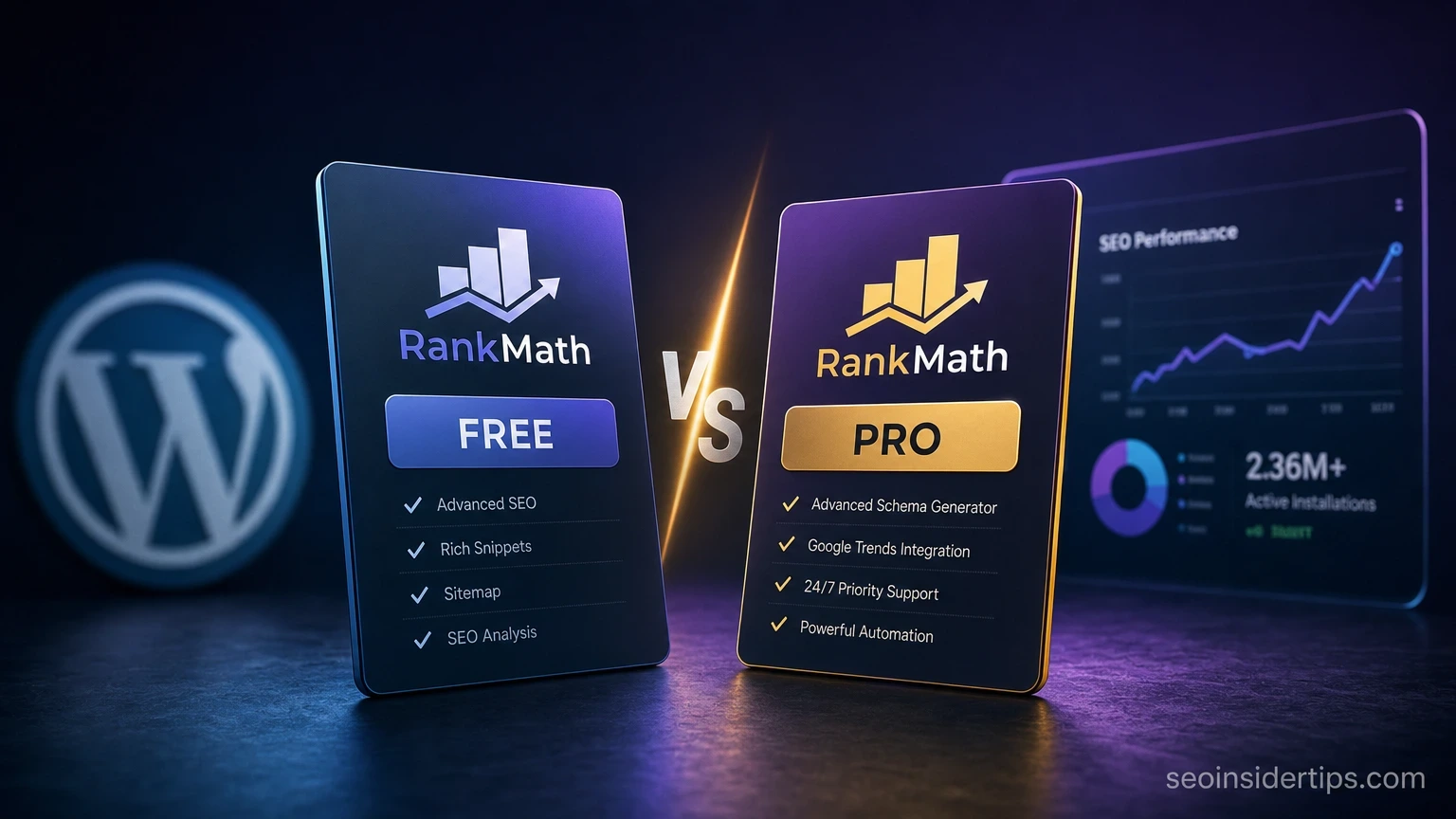
Rank Math launched in 2018 and immediately undercut the competition by offering schema markup, Google Search Console integration, and keyword tracking inside the free plan. Most plugins charge $100+ for those features.
The free version supports up to 5 focus keywords per post, compared to Yoast’s 1. The schema generator covers 20+ types including FAQ, HowTo, Product, and Review – all configurable without code. Rank Math also shows a live SEO score (0 to 100) as you write, which gives writers instant feedback.
The learning curve is steeper. The settings panel has 40+ options across multiple tabs. For solo bloggers, that complexity can feel overwhelming in week one.
Three Solid Alternatives Worth Considering
Not every site needs the biggest plugin. These three options solve specific problems better than the giants do.
All in One SEO runs a 5-step setup wizard that configures your site type, social profiles, and sitemap in under 10 minutes. That matters for clients who need a working SEO setup before their first call ends. The WooCommerce integration is particularly strong – it auto-generates product schema and handles category page optimization that most other plugins ignore.
The SEO Framework is the plugin I recommend when page speed is the top priority. It adds roughly 0.3ms of server response time, compared to 8 to 12ms for heavier alternatives. No ads, no nag notices, no affiliate links inside the dashboard. It works automatically with sensible defaults, which means zero configuration for basic sites.
SEOPress makes the most sense for agencies. One license covers unlimited sites for $49/year flat – that is the entire Pro plan. It includes white-label options, so you can remove SEOPress branding from client dashboards. The content analysis is not as polished as Yoast’s, but the value per site is unbeatable at scale.
How to Configure Your Chosen Plugin Correctly
Getting the plugin installed is only half the job. These 4 configuration steps apply regardless of which plugin you pick.
- Set your site’s title format. Go to your plugin’s general settings and define the title template. A format like `Post Title | Site Name` keeps things clean and consistent across all pages.
- Submit your XML sitemap. Every major plugin generates a sitemap at `sitemap.xml` or `sitemap_index.xml`. Submit that URL inside Google Search Console under Index > Sitemaps.
- Enable breadcrumb schema. This adds structured data that Google uses for breadcrumb trails in search results. In Rank Math, find it under General Settings > Breadcrumbs. In Yoast, enable it under SEO > Search Appearance > Breadcrumbs.
- Check your robots settings. Visit Settings > Reading and confirm “Discourage search engines” is unchecked. Then verify your plugin is not accidentally adding `noindex` to categories or archives.
> ⚠️ Warning: Never leave “Discourage search engines” checked on a live site. It blocks all Google crawling and can wipe existing rankings within 2 to 3 weeks.
After configuration, use Google’s Rich Results Test to confirm your schema is valid. A passing result means Google can read your structured data and may show enhanced listings in search.
Plugin Performance: What the Numbers Actually Show
Speed matters more than most people realise. Google’s Core Web Vitals use LCP (Largest Contentful Paint) and TTFB (Time to First Byte) as ranking signals, and a bloated SEO plugin can nudge both in the wrong direction.
Here is an honest comparison of plugin overhead on a standard WordPress install with 20 active plugins:
| Plugin | Avg. Page Queries Added | Approx. Load Added | Schema in Free Plan |
|---|---|---|---|
| Yoast SEO | 14 | ~12ms | Basic only |
| Rank Math | 11 | ~9ms | 20+ types |
| All in One SEO | 13 | ~11ms | Yes |
| The SEO Framework | 3 | ~0.3ms | Yes |
| Slim SEO | 2 | ~0.2ms | Basic |
| SEOPress | 9 | ~7ms | Yes |
The SEO Framework and Slim SEO win on performance by a significant margin. If your site already scores above 90 on PageSpeed Insights and you want to maintain that, either of those two is the safer pick. For sites where features matter more than raw speed, Rank Math’s free tier delivers the best overall package.
Choosing the Right WordPress SEO Plugin for Your Situation
The honest answer is that there is no single best plugin for every site. There is only the right one for your setup.
If you run a content-heavy blog and your team includes non-technical writers, Yoast SEO’s traffic-light feedback system keeps everyone aligned without needing an SEO manager in the room. If you are building out a personal site and want maximum features without paying, Rank Math’s free plan is genuinely hard to beat – 5 focus keywords, full schema control, and GSC data inside your dashboard.
For WooCommerce stores, All in One SEO handles product schema and category optimization in ways the others do not match out of the box. For developers building client sites at volume, SEOPress at $49/year for unlimited installs is the obvious choice. And if your entire goal is a fast, clean site with zero plugin drama, The SEO Framework runs quietly in the background and never asks for anything.
Pick one. Configure it properly. Avoid running two SEO plugins at the same time – they conflict on title tags and canonical URLs, which causes more problems than having no plugin at all.
The Right Plugin Gets You to the Starting Line
An SEO plugin does not rank your site. It removes the technical obstacles that prevent Google from understanding what your pages are about. That distinction matters. Once your metadata is clean, your sitemap is live, and your schema is valid, the real work – content quality, backlinks, and search intent – takes over.
Every plugin on this list does the fundamentals correctly. The differences come down to feature depth, performance overhead, and price. A beginner site with 20 posts does not need the same setup as a 500-page ecommerce store. Match the tool to the job, not to the marketing page.
If you want to go deeper after picking your plugin, learning how to handle internal linking inside WordPress is the natural next step – it is one of the highest-ROI on-page tactics most site owners overlook after their initial setup.
Frequently asked questions
Can I use two SEO plugins at the same time?
No. Running two SEO plugins simultaneously causes conflicts on title tags, meta descriptions, and canonical URLs. The result is duplicate or contradictory signals sent to Google. Pick one plugin, configure it fully, and stick with it.
Is the free version of Yoast SEO or Rank Math enough for most sites?
For the majority of sites under 100 pages, yes. Both free tiers cover meta tags, XML sitemaps, and basic schema. Rank Math’s free plan is more generous – it includes 20+ schema types and GSC integration that Yoast reserves for its $99/year premium tier.
Will installing an SEO plugin immediately improve my Google rankings?
Not immediately. A plugin fixes technical signals, which Google processes over 2 to 6 weeks as it recrawls your pages. Rankings improve when those technical fixes combine with strong content and relevant backlinks – not from the plugin alone.
Which WordPress SEO plugin is best for WooCommerce stores?
All in One SEO handles WooCommerce the most thoroughly out of the box. It auto-generates product schema, manages category page SEO, and integrates with WooCommerce breadcrumbs without extra configuration.
Does an SEO plugin replace the need for a technical SEO audit?
No. A plugin automates common on-page tasks but cannot fix hosting-level issues like slow TTFB, broken redirects at the server level, or crawl budget problems on very large sites. For sites above 1,000 pages or with significant traffic, a technical audit by an SEO specialist is still worth doing annually.



Leave a Reply