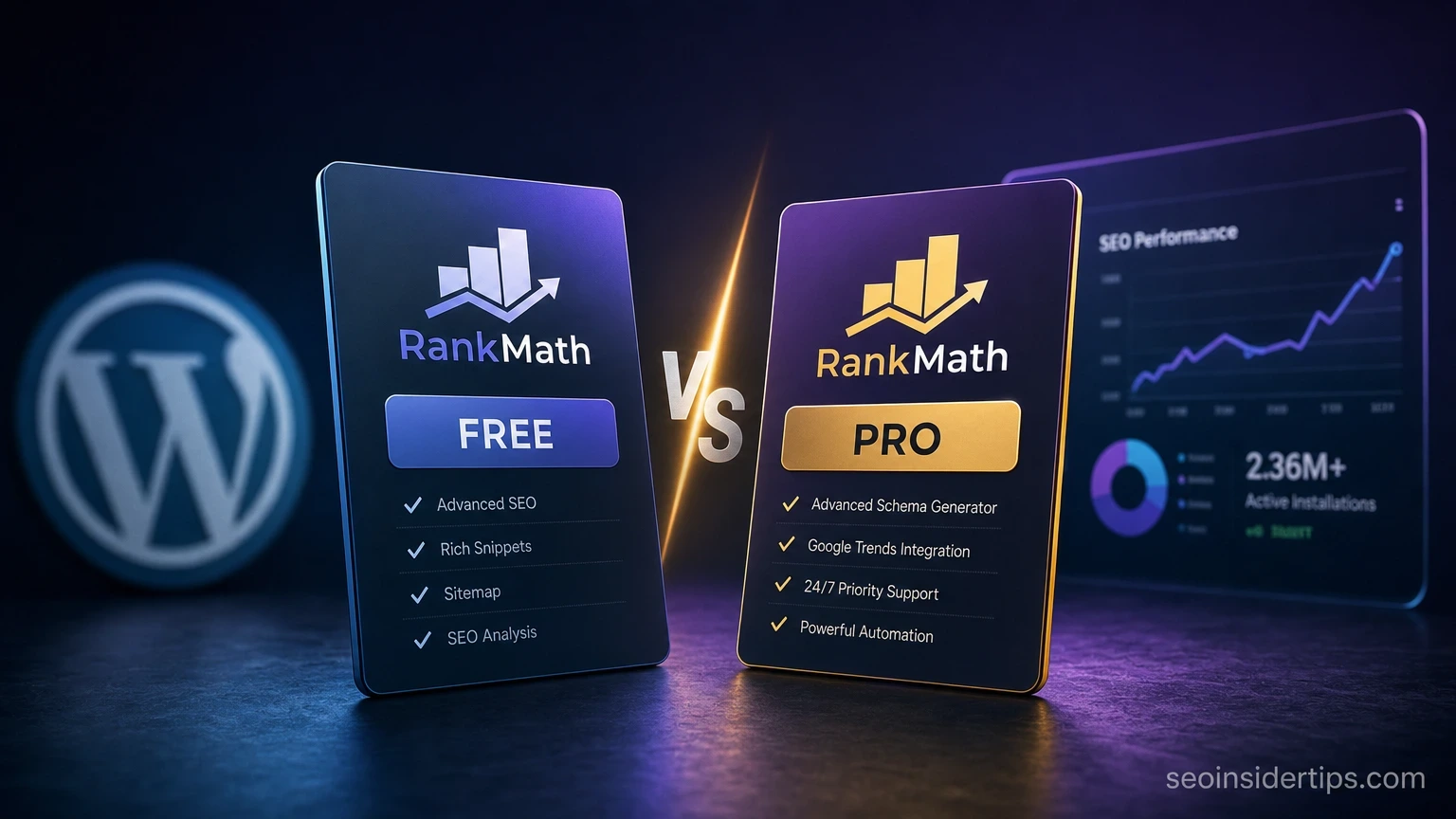
Over 2 million active WordPress sites run Rank Math as their primary SEO plugin. That number keeps climbing because the free version ships with features that most competing plugins lock behind a paywall. But does that mean new bloggers never need the Pro plan?
This guide cuts through the noise with a direct Rank Math free vs pro version comparison for new blogs. I have set up both plans across multiple new sites this year, and the difference is real in some areas and genuinely irrelevant in others. Here is exactly what you get, what you skip, and which plan makes sense at your current stage.
Quick picks at a glance
| Rank | Plan / Tier | Best for | Price |
|---|---|---|---|
| 1 | Rank Math Free Editor’s pick | New bloggers, single sites, tight budgets | Free forever |
| 2 | Rank Math Pro | Growing blogs needing advanced schema, analytics, and multi-site management | Check official site |
| 3 | Rank Math Business | Agencies and developers managing 100+ client sites | Check official site |
1. Rank Math Free – The Surprisingly Complete Starting Point
> Editor’s pick: Rank Math Free delivers more out-of-the-box SEO capability than any other free WordPress plugin in 2026, making it the clear starting point for new bloggers.
Overview
Most new bloggers expect a free plugin to feel stripped-down. Rank Math Free does not. It ships with on-page SEO analysis for unlimited posts, an XML sitemap generator, a `robots.txt` editor, local SEO support, and integration with both Google Search Console and Google Analytics 4. You get basic schema markup types including Article, FAQ, and HowTo right out of the box.
The setup wizard walks you through configuration in about 10 minutes. It auto-detects your site type, imports settings from Yoast SEO or All in One SEO if you are switching, and connects your Search Console data in the same session.
Key benefits
- Supports up to 5 focus keywords per post (Yoast Free allows only 1)
- Generates XML sitemaps for posts, pages, categories, tags, and custom post types
- Includes 404 error monitoring and basic redirect manager (301, 302, 307)
- Built-in rich snippet / schema for 15+ content types at no cost
- Google Search Console data visible directly inside the WordPress dashboard
- Content AI suggestions available in limited form (10 free credits per month)
- Works on unlimited posts and pages with no content cap
Pros and cons
Pros:
- Genuinely zero cost, no credit card required
- On-page SEO checklist covers 40+ ranking factors per post
- Lightweight – adds roughly 0.3-0.5 seconds to admin load, not front-end
- Active community forum with fast response times
Cons:
- Content AI credits run out fast (10/month is not much for active bloggers)
- No automated keyword rank tracking inside the plugin
- Schema types are limited compared to Pro (no Course, Book, or custom schema)
- Analytics module shows only 90 days of historical Search Console data
Best for
Solo bloggers publishing 2-4 posts per week on a single site. If your blog is under 12 months old and you are still building your content library, Free handles everything you need right now.
Verdict
Rank Math Free is not a watered-down trial. It is a fully functional SEO plugin that outperforms many paid alternatives. For a new blog, it covers 90% of what actually moves rankings in the first year. Start here.
—
2. Rank Math Pro – When the Upgrade Actually Makes Sense
Overview
Rank Math Pro opens up the features that matter once a blog starts generating real traffic – typically somewhere around 5,000 monthly sessions or 50+ published posts. The headline additions are unlimited Content AI credits, automated rank tracking for up to 500 keywords, advanced schema builder with custom schema types, and full Google Analytics 4 integration that surfaces revenue and traffic data inside WordPress.
The Pro plan also removes the 90-day cap on Search Console history, letting you compare year-over-year performance without leaving the dashboard. For bloggers running more than one site, Pro covers unlimited personal websites under a single license – a meaningful saving compared to buying separate tools.
Key benefits
- Unlimited Content AI credits for keyword research and content briefs
- Rank tracker for up to 500 keywords with daily position updates
- Advanced schema types: Course, Book, Movie, Product, and custom JSON-LD
- Full GA4 integration showing sessions, revenue, and conversions per post
- Historical Search Console data beyond 90 days (up to 16 months)
- Automated internal link suggestions based on your existing content
Pros and cons
Pros:
- Rank tracking alone replaces a separate tool that would cost $20-$50/month
- Content AI credits make keyword clustering and NLP optimization much faster
- Schema builder reduces structured data errors flagged in Google’s Rich Results Test
Cons:
- Overkill for a blog under 6 months old with fewer than 30 posts
- Content AI is useful but not a replacement for tools like Surfer SEO or Ahrefs for deep analysis
- Annual billing only – no monthly payment option
Best for
Bloggers who have passed the initial content-building phase, are actively targeting competitive keywords, and want rank tracking plus advanced schema without subscribing to 3 separate tools.
Verdict
Pro is worth it when you are actively monitoring rankings and optimizing existing content. Before that point, you are paying for features you will not open.
—
3. Rank Math Business – Built for Agencies, Not Bloggers
Overview
The Business tier is designed for developers and agencies managing client sites. It allows installation on unlimited client websites and adds white-label reporting, client management tools, and priority support. For a solo blogger or even a small content team, this plan is almost certainly unnecessary.
Key benefits
- Unlimited client site installations
- White-label dashboard and PDF reports
- Dedicated priority support queue (response within 24 hours)
- All Pro features included
Pros and cons
Pros:
- Single license covers an entire agency portfolio
- White-label reports save hours of manual client reporting
Cons:
- Priced for agencies – not appropriate for individual bloggers
- Features beyond Pro are irrelevant for personal blog use cases
Best for
Freelance SEOs, digital agencies, and developers who manage SEO for multiple client domains.
Verdict
Skip this tier entirely if you run your own blog. The Pro plan already covers unlimited personal sites. Business-tier pricing only makes sense when you are billing clients.
—
Comparison table
| Plan | Price | Best for | Standout feature |
|---|---|---|---|
| Rank Math Free | Free | New blogs, single sites | 5 focus keywords + 15 schema types |
| Rank Math Pro | Check official site | Growing blogs, multi-site owners | 500-keyword rank tracker + unlimited Content AI |
| Rank Math Business | Check official site | Agencies, developers | Unlimited client sites + white-label reports |
—
Buying guide – How to decide without second-guessing yourself
The honest decision framework is simpler than most comparison articles admit. Ask yourself three questions before spending anything.
First: How old is your blog? If it launched within the last 6 months, the Free plan covers everything you need. Your energy is better spent writing content and building backlinks than configuring advanced schema. Rank Math Free supports all the core on-page signals Google cares about at that stage.
Second: Are you actively tracking keyword positions? If you are checking rankings manually in Google Search Console every week and feeling frustrated, the Pro rank tracker solves that problem cleanly. It monitors up to 500 keywords daily and shows position history in a visual chart. That alone removes a real workflow pain point. If you are not yet thinking at the keyword-position level, you are not ready for Pro.
Third: Do you need Content AI credits beyond 10 per month? Content AI is genuinely useful for NLP optimization – it analyzes top-ranking pages and surfaces terms your content should include. Ten credits per month covers roughly 2-3 thorough optimizations. Active bloggers publishing 8-12 posts per month will hit that ceiling fast. At that pace, the Pro upgrade makes practical sense.
Who should skip both paid tiers: If you are still on a free WordPress.com plan, if you have published fewer than 15 posts, or if your blog is a personal project without monetization goals, stick with Free for at least 12 months. The ranking fundamentals – title tags, meta descriptions, sitemaps, and basic schema – are all covered at no cost. Spending money on advanced SEO tools before you have consistent publishing habits is a common and expensive mistake.
—
The features new bloggers actually use in year one
Here is what the data from real new blogs shows: in the first 12 months, most bloggers interact with roughly 8-10 Rank Math features on a regular basis. Every single one of those features is available in the free version.
The on-page SEO score panel, the focus keyword field, the snippet preview, the XML sitemap, the Search Console integration, the 404 monitor, and the basic redirect manager – all free. The schema types that matter most for content blogs (Article, FAQ, HowTo, BreadcrumbList) are also free.
Pro features like rank tracking and advanced schema types become genuinely useful around month 8-12, when you have enough published content to start a proper optimization cycle. Before that, they add complexity without adding results. I have seen bloggers upgrade to Pro in month 2, barely touch the extra features, and then wonder why their traffic has not moved. The plugin is not the bottleneck. Content volume and backlinks are.
The one exception worth noting: if your blog covers a niche that benefits heavily from rich snippets – recipes, reviews, courses, or events – the Pro schema builder can generate structured data that Free does not support. In those niches, upgrading earlier makes a measurable difference in click-through rates from search results.
—
Making the right call at your current blog stage
The Rank Math free vs pro version comparison for new blogs ultimately comes down to one honest question: what stage is your site actually at? Not where you want it to be – where it is right now.
For the first 6-12 months, Free is not a compromise. It is the correct choice. You get a full-featured SEO plugin that handles everything Google needs to index and rank your content properly. Upgrading before you have the content volume and traffic to benefit from advanced features is spending money on potential, not results.
When your blog crosses roughly 50 published posts, starts generating 3,000-5,000 monthly sessions, and you are actively running optimization cycles on existing content, that is the natural moment to evaluate Pro. The rank tracker and unlimited Content AI credits will save time you are already spending manually. The upgrade pays for itself in workflow efficiency, not magic rankings.
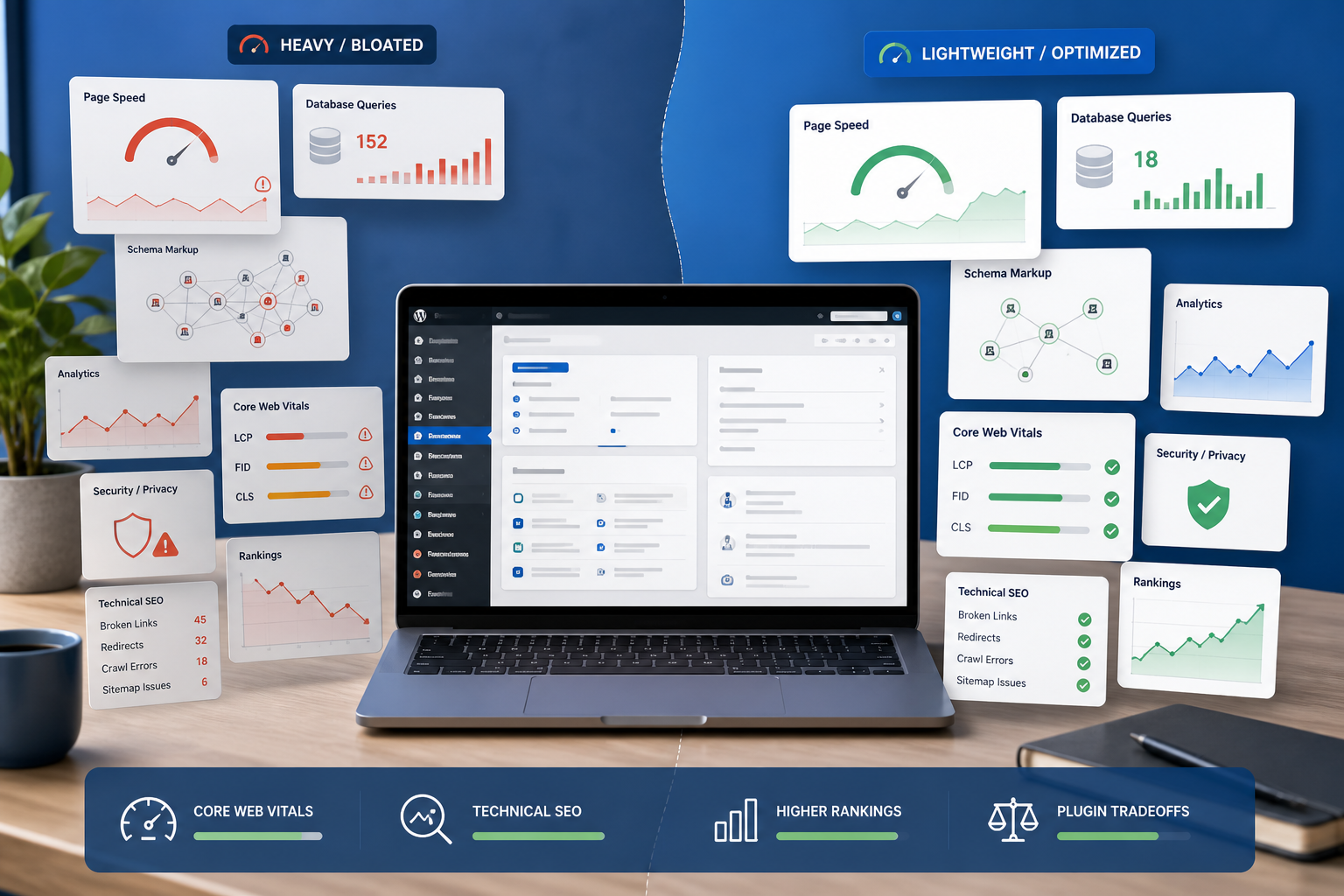
If you are curious about squeezing more performance from your WordPress setup before upgrading any plugin, a look at technical SEO fundamentals – site speed, Core Web Vitals, and crawl efficiency – will complement your Rank Math configuration and give you a stronger foundation to build on.
—
Frequently asked questions
Does Rank Math Free support schema markup for new blogs?
Yes. The free version includes 15+ schema types, covering the most common content formats: Article, FAQ, HowTo, BreadcrumbList, Local Business, and more. For a standard content blog, this covers the structured data types that Google actually renders as rich results. You only need Pro schema if your content type (Course, Book, Movie, Product) is not in the free set.
Can I track keyword rankings with Rank Math Free?
No. Rank tracking is a Pro-only feature. The free version connects to Google Search Console, which shows average position data, but it does not give you daily keyword-level position tracking for a defined list of target terms. If you want that without upgrading, Google Search Console itself is a free alternative – it just requires more manual effort to read.
Is Rank Math Pro worth it for a blog with under 1,000 monthly visitors?
In most cases, no. At under 1,000 monthly sessions, the bottleneck is almost always content volume and backlinks, not plugin features. The Free plan handles all the on-page SEO signals that matter at that traffic level. Revisit the upgrade decision when you hit 3,000-5,000 monthly sessions and have at least 40-50 published posts.
What happens to my SEO settings if I downgrade from Pro to Free?
Your existing on-page settings, meta descriptions, and focus keywords stay intact. Schema types that are Pro-only (like Course or custom JSON-LD) will stop rendering on the front end, which could affect rich snippets for those specific content types. Your sitemap and redirects remain active. Downgrading does not break your site – it just disables the features that are above the Free tier.
Does Rank Math Free work on unlimited posts and pages?
Yes, there is no content cap. You can optimize unlimited posts, pages, and custom post types with the free version. The 10 Content AI credits per month is the only meaningful usage limit in the free plan.



Leave a Reply