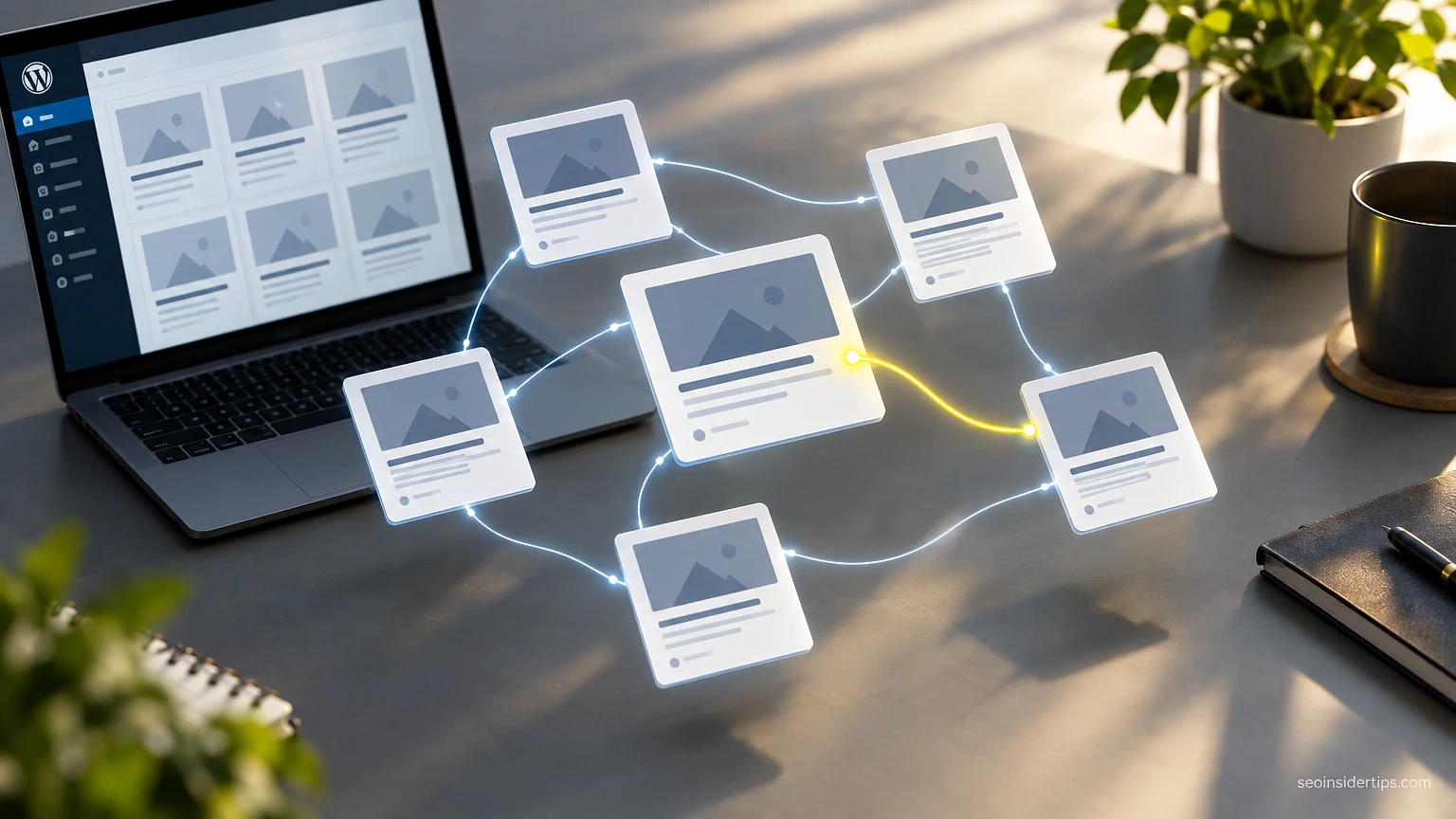
You just hit publish on your 200th post. Somewhere in that archive sits the perfect link for the article you wrote today, but you have no idea which one. So you skip it. Multiply that by every post you’ve ever written, and you’ve got a blog full of orphaned pages Google barely bothers to crawl.
Manual linking works fine at 20 posts. It falls apart at 100. This guide covers the plugins, settings, and habits that fix that gap without eating your whole afternoon.
Why Manual Linking Breaks Down at Scale
Internal linking spreads authority and helps Google understand which pages matter most on your site. That’s not new information. What changes is your ability to do it by hand.
At 30 posts, you remember what you wrote. At 300, you don’t. Bloggers end up either re-linking the same five popular posts over and over, or skipping internal links entirely because hunting through the archive takes too long. Both outcomes hurt. Concentrated links make your cornerstone content look strong while your supporting posts sit isolated with zero incoming links, a classic orphan problem that Google Search Console‘s Links report will expose if you check it.
The fix isn’t linking everything to everything. It’s using tools that surface relevant connections you’d never find scrolling through a post list, then applying editorial judgment on top. Automation finds the candidates. You still decide which ones actually help the reader.
Plugins That Actually Automate the Linking
Link Whisper is the plugin most bloggers land on first, and for good reason. It scans your published content, suggests related posts while you’re writing, and shows you an interlinking report broken down by post so you can spot orphans fast. The suggestion engine works off title and content matching, not some black-box algorithm, so you can see why it picked a link.
Rank Math‘s internal linking module does something similar built into an SEO plugin you may already run. It auto-links keywords you set up in advance, capped at a number of links per keyword so you don’t flood a post with the same anchor text.
For a lighter option, the built-in WordPress block editor’s link tool now does fuzzy search across your post titles, which speeds up manual linking even without a dedicated plugin. It won’t find related content you didn’t think of, though. That’s the gap the paid tools close.
Whatever you pick, run the audit report first before turning on any auto-linking feature. Auto-inserting links into 300 old posts overnight without reviewing them first is how you end up with a link pointing your “best coffee grinders” post to a five-year-old post about switching to decaf that no longer reflects your current recommendations.
⚠️ Warning: Never enable bulk auto-insert on a live site without a staging test first. A bad keyword match can insert a link mid-sentence in a way that reads broken to visitors.
Setting Up Link Whisper Without Wrecking Your Anchor Text
Install the plugin, then head to its settings before you touch the auto-link feature. Set a maximum of one or two auto-links per keyword per post. More than that starts to look spammy to both readers and Google’s spam systems.
Next, build your keyword list manually rather than letting the plugin guess. Add your main category terms, your most-linked-to cornerstone posts, and any branded terms unique to your site. Skip generic words like “tips” or “guide” as auto-link triggers. They’ll match everywhere and create noise instead of relevance.
Run the “Report” tab before any bulk action. It shows total internal links per post, so you can immediately spot which ten posts have zero inbound links. Fix those manually first. They’re your quick wins.
Turn on auto-linking only for new posts going forward, not your entire back catalog at once. Batch through old content in groups of 20 or so, reviewing each suggested link before accepting it. This is slower than a single bulk run, but it means every link earns its place instead of matching a keyword by accident.
Building a Linking Habit Into Your Writing Workflow
Tools help, but the real fix is a habit you build into every draft. Before you hit publish, open the plugin’s suggestion panel and add three to five internal links minimum, more for long-form pillar posts.
Link out from new posts to older ones you want to keep relevant, and just as importantly, go back and add a link from an old post to the new one. This second step is what most bloggers skip. It’s also, according to how Google crawls sites, exactly how you get a new post discovered faster instead of waiting for the next sitemap crawl.
Keep a simple running list of your five to ten cornerstone posts, the ones you want ranking for your main keywords. Every time you publish something remotely related, link to one of them. This single habit does more for your site structure than any plugin setting.
Fixing Orphaned Posts in Your Existing Archive
Every blog with more than a year of content has orphans, posts with no internal links pointing to them at all. Find them using the Rank Math or Link Whisper reports, or by exporting a list of URLs from Google Search Console and cross-referencing which ones show zero clicks and low impressions over months.
Once you’ve got your list, work through it in small batches. For each orphan, find two or three newer posts on related topics and add a contextual link. Don’t force it into a sentence where it doesn’t belong. If you can’t find a natural place to link to an orphan, that’s often a sign the post itself needs updating or merging into a broader piece, not just a linking fix.
This process pairs well with a broader content audit, and it’s worth reading a full breakdown of WordPress internal linking automation tools and tips for bloggers if you want the deeper workflow for auditing hundreds of posts at once without losing track of what you’ve already fixed.
Common Mistakes That Undo Your Automation Work
Auto-linking every instance of a keyword is the most common mistake. If “email marketing” appears eight times in a post and your plugin links every single one, you’ve created a wall of blue text that looks spammy and dilutes the value of each link. Cap it.
Another mistake: linking only to your homepage or category pages. Those already get plenty of internal signal from your navigation menu. Spend your editorial links on individual posts that need the boost instead.
Broken internal links pile up quietly too, especially after you delete old posts or change permalinks. Run a broken link checker like Broken Link Checker or the link report inside Rank Math every few months to catch 404s before they accumulate.
Last mistake worth flagging: treating automation as a replacement for thought. A plugin surfaces the option. A human decides if the link actually helps someone reading the post at that moment.
Getting the Most Out of Link Whisper Ongoing Reports
Once your linking habit is running, check the ongoing reports monthly rather than just during setup. Look specifically at which posts still sit under three inbound links. That number tends to correlate with weak rankings for posts that otherwise have solid content and decent word count.
Cross-reference the report against Google Search Console performance data. Posts getting impressions but low clicks sometimes just need better internal support to climb a few positions, not a full rewrite. Add two or three links from stronger, related posts and watch the position over the following few crawl cycles.
Also track anchor text variety. If every internal link into your top post uses the exact same phrase, that’s a pattern worth breaking up. Vary the anchor slightly each time so the link profile looks natural rather than templated.



Leave a Reply