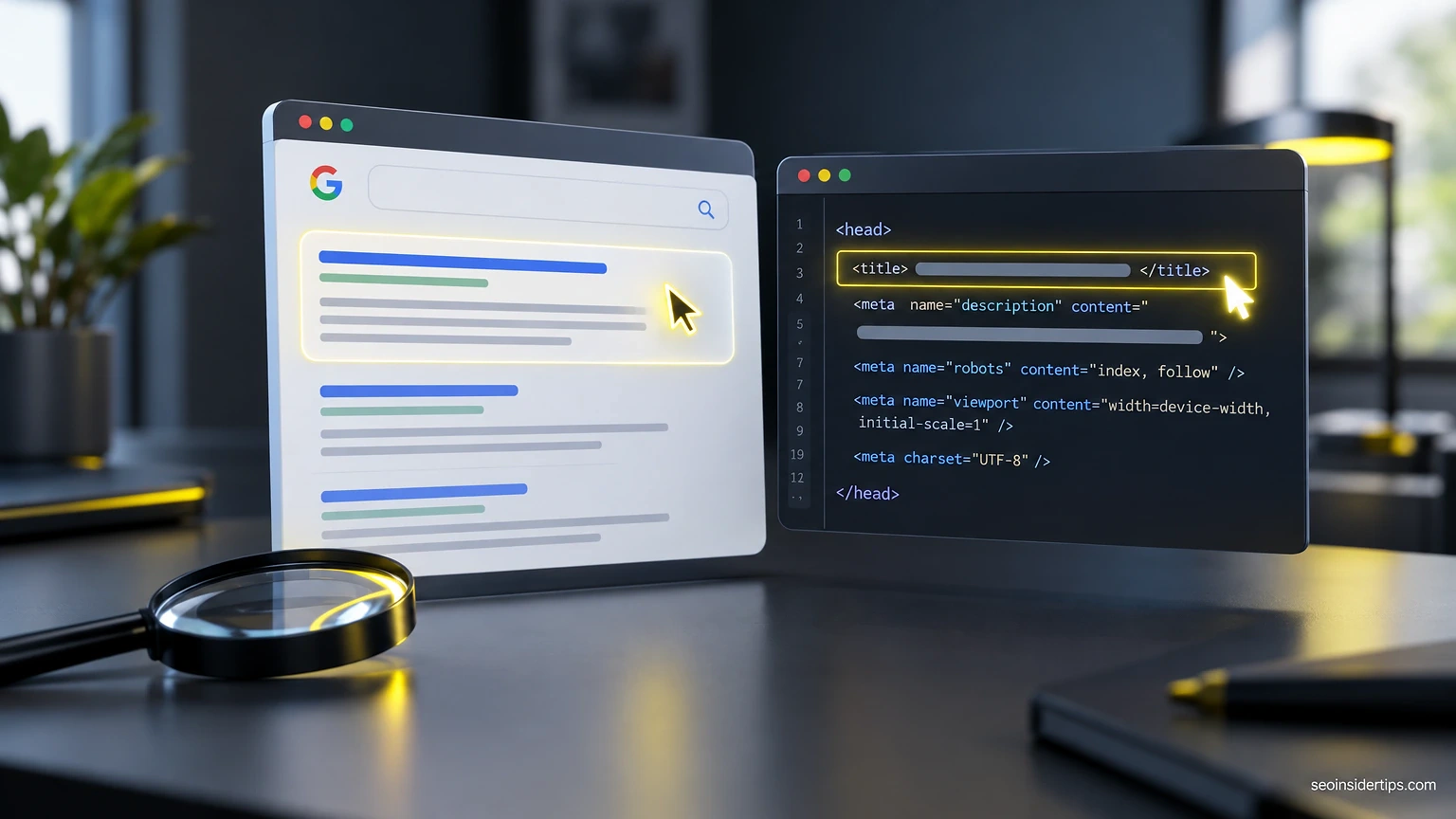
You rewrite a title tag, hit update, and nothing changes in the search results three days later. Or worse, Google shows a completely different title than the one you wrote. This happens constantly, and most site owners never find out why.
The truth is blunt: most on page SEO meta tags don’t do what people assume. Some get rewritten. Some get ignored outright. Knowing which is which saves you hours of fiddling with tags that were never going to move the needle anyway.
Title Tags: The One Google Rewrites Most
Your title tag is the single most influential meta element on the page. It’s also the one Google Search Central rewrites most often.
Here’s a before example: <title>Home</title>. That’s 4 characters, no keyword, no context. Google has nothing to work with, so it builds its own title from your H1, breadcrumb, or body copy.
Here’s an after: <title>On Page SEO Meta Tags: What Google Actually Reads | Acme SEO</title>. That’s 68 characters. Google typically displays somewhere around 50-60 characters before truncating on desktop, though the actual cutoff is pixel-based, not character-based, so a title full of wide letters (W, M) truncates sooner than one full of narrow ones (i, l).
Google’s own documentation on title links states plainly that the title tag is a strong hint, not a command. The system rewrites titles when they’re missing, stuffed with repeated keywords, too generic (“Home,” “Untitled,” “Page 1”), or mismatched with the page’s actual content versus what users click on in search results.
Quick way to check this on a live page: search site:yourdomain.com/your-page-url in Google, or better, open Google Search Console, go to Performance > Search results, filter by that URL, and compare the displayed title against your source <title> tag. If they differ, Google decided your version wasn’t the best fit.
Meta Descriptions: Why Yours Gets Ignored
Plain fact: Google rewrites meta descriptions more often than it rewrites titles. A lot more.
This matters because a snippet you carefully wrote for click-through often never appears. Google pulls text from the page body instead, matching whatever seems most relevant to the specific query.
Before: <meta name="description" content="Welcome to our site">. Vague, 20 characters, says nothing. After: <meta name="description" content="Learn how on page SEO meta tags affect rankings, what Google rewrites, and how to check results on a live page."> at 141 characters. Google’s documentation on snippets confirms there’s no fixed length limit enforced on the tag itself, but display space is capped around 155-160 characters on desktop, less on mobile, and it varies by query because Google sometimes generates a custom snippet pulling your exact search terms from the page.
A common mistake: writing one generic meta description and pasting it across every product or category page. The fix is writing a unique description per URL that answers what that specific page offers, ideally including a phrase close to what searchers type. Duplicate descriptions across pages is one of the few things Search Console will actually flag for you under Search Console > Pages.
Robots Meta Tag: The One That Can Break Everything
This tag doesn’t influence rankings. It controls whether your page shows up at all.
That’s a bigger deal than keyword placement, because one wrong value here can deindex an entire page or site. <meta name="robots" content="noindex"> tells Google: don’t show this page in results, period.
The mistake happens constantly on WordPress sites after a staging-to-production migration. Settings > Reading > Search Engine Visibility has a checkbox labeled “Discourage search engines from indexing this site.” If that box stays checked after launch, every page gets a noindex directive, and traffic quietly dies over the following weeks as Google drops pages from its index.
⚠️ Warning: Never leave “Discourage search engines” checked on a live WordPress site. It injects
noindexsitewide and can take weeks to reverse once Google recrawls.
Check this fast: view page source (Ctrl+U or Cmd+Option+U), search for “robots,” and confirm there’s no stray noindex. Or use the URL Inspection tool in Search Console, which shows exactly how Googlebot sees the indexing directive, live.
Open Graph and Twitter Card Tags: Social, Not Search
These tags do nothing for your Google ranking. None at all.
Open Graph tags control how your page looks when shared on Facebook, LinkedIn, or Slack. They matter for click-through from social platforms, not search visibility, which is a distinction a lot of SEO checklists blur.
A working example:
<meta property="og:title" content="On Page SEO Meta Tags: What Google Actually Reads">
<meta property="og:description" content="See before/after examples, what Google rewrites, and how to verify results on a live page.">
<meta property="og:image" content="https://example.com/images/meta-tags-guide.jpg">
This tells Facebook and LinkedIn which title, description, and image to pull when someone pastes your URL into a post. Without it, those platforms guess, often pulling the wrong image or a broken snippet.
Twitter (now X) uses its own tags, prefixed twitter:card, twitter:title, twitter:image. If they’re missing, X falls back to Open Graph tags automatically, so you rarely need to duplicate every value. Meta’s own Open Graph documentation lists the full property set if you want to go further than the basics.
Canonical Tags: Fixing Duplicate Content Silently
This tag tells Google which version of a page is the “real” one. It matters most when the same content exists at more than one URL.
E-commerce sites hit this constantly: a product page accessible at /shoes/red-sneaker, /shoes/red-sneaker?color=red, and /category/shoes/red-sneaker all serving identical content. Without a canonical, Google may index all three separately, splitting ranking signals across duplicates instead of consolidating them.
The fix: <link rel="canonical" href="https://example.com/shoes/red-sneaker"> placed in the <head> of every variant, pointing to the one preferred URL. Google’s canonicalization documentation is explicit that this is a hint, not a directive; Google can and does override a canonical tag when other signals (internal links, sitemap entries, redirects) point elsewhere.
A mistake I see constantly on WordPress sites running Yoast SEO or Rank Math: paginated comment sections or ?replytocom= URLs generating self-referencing canonicals that are technically correct but mathematically useless, since they were never going to get indexed as duplicates anyway. Not harmful, just noise. Check your canonical setup under Pages > URL Inspection in Search Console to see which URL Google actually selected as canonical, versus what you declared.
Meta Tags You Can Safely Skip
Not every tag from 2005-era SEO advice still does anything. Several are dead weight.
The meta keywords tag, <meta name="keywords" content="seo, meta tags, google">, has been confirmed ignored by Google for ranking purposes for over a decade. Google’s own guidance on search essentials doesn’t even mention it as a ranking factor. Including it does no harm, but writing one is wasted effort.
Here’s the quick list of what to deprioritize versus what still earns attention:
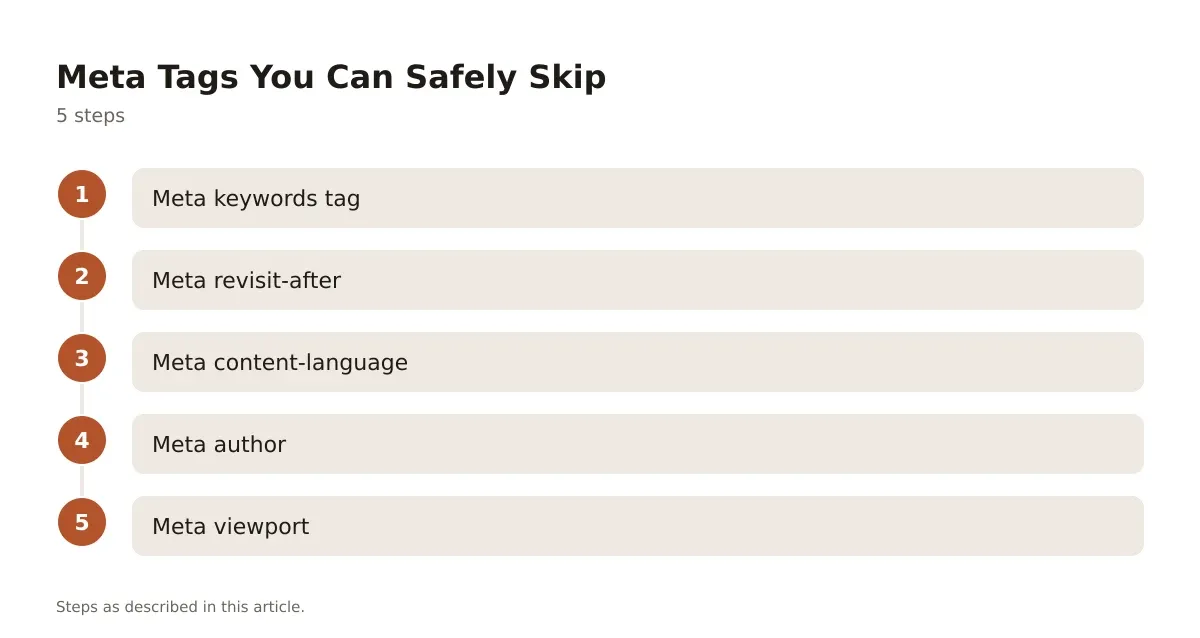
- Meta keywords tag: ignored entirely by Google; skip writing it.
- Meta revisit-after: never was a real directive; crawlers ignore it.
- Meta content-language: largely superseded by
hreflangattributes for multilingual sites. - Meta author: no ranking influence, occasionally used by content management systems internally.
- Meta viewport: still essential, but for mobile rendering, not for SEO scoring directly, so don’t confuse it with a ranking lever.
If you’re auditing an older site and find a 2012-era <meta name="keywords"> tag stuffed with fifty terms, leave it or remove it; either way, it changes nothing in Search Console or rankings.
Structured Data in the Head: Schema’s Real Job
Schema markup isn’t technically a meta tag, but it lives in the same mental bucket for most site owners. It belongs here.
JSON-LD structured data, placed in the <head> or <body>, tells Google what type of content a page is: an article, a recipe, a product, an FAQ. This can open up rich results, like star ratings or FAQ dropdowns in search listings, which affects click-through rate even when it doesn’t move organic position.
A basic article example:
<script type="application/ld+json">
{
 "@context": "https://schema.org",
 "@type": "Article",
 "headline": "On Page SEO Meta Tags: What Google Actually Reads",
 "datePublished": "2026-10-01",
 "author": {
 "@type": "Organization",
 "name": "Acme SEO"
 }
}
</script>
This block describes the page as an Article with a headline, publish date, and author, in a format search engines parse directly without guessing from visible text.
Test it with Google’s Rich Results Test, which flags missing required fields and shows exactly which rich result type, if any, your markup qualifies for. Schema.org maintains the full vocabulary if you need types beyond Article, Product, or FAQPage.
How On Page SEO Meta Tags Compare in Practice
Not every tag deserves equal attention, and treating them all the same is how teams waste a sprint on low-impact fixes. Here’s how the main ones stack up against each other for a working SEO checklist:
| Tag | Google’s treatment | Rewrite frequency | Priority to fix |
|---|---|---|---|
| Title tag | Strong hint, often used as-is | Moderate | High |
| Meta description | Hint only, frequently replaced | High | Medium |
| Robots meta | Directive, followed exactly | None (if present) | Critical if misconfigured |
| Canonical | Hint, can be overridden | Low to moderate | High on duplicate-heavy sites |
| Open Graph | Not used for ranking at all | N/A (social platforms only) | Medium, for CTR from social |
| Meta keywords | Fully ignored | N/A | None |
The pattern is clear once you see it laid out: tags that control indexing (robots, canonical) deserve the most careful attention because errors there are binary and severe. Tags Google treats as hints (title, description) are worth optimizing but won’t break anything if Google overrides them. Social tags and meta keywords sit in a different category entirely, worth doing but not worth obsessing over.
Where WordPress Sites Usually Go Wrong
On a WordPress install specifically, most of these tags get generated by your SEO plugin, not hand-written in the theme. Yoast SEO and Rank Math both expose title and description fields per post under the editor’s SEO panel, and both let you set site-wide templates under Yoast SEO > Search Appearance or Rank Math > Titles & Meta.
The recurring issue is template mismatch: a site-wide title template like %title% | %sitename% works fine for blog posts but produces awkward, duplicate-sounding titles on category archives or tag pages. Check your archive templates separately from your single-post templates, because they’re configured in different tabs and often get left on plugin defaults nobody reviewed.
Getting Meta Tags Right Without Overthinking Them
The pattern across every tag here is the same: some control what Google shows, some control whether Google shows anything at all, and some do nothing for search at all. Mixing those up is how people spend hours polishing a meta description that Google was always going to rewrite, while a stray noindex tag quietly sits on a page that should be ranking.
Start with the tags that carry the most risk. Check your robots meta and canonical tags first, since mistakes there are binary and can deindex pages outright. Then move to titles and descriptions, where the goal is giving Google a strong, accurate hint rather than chasing an exact character count. Open Graph and schema markup come last, useful for click-through and rich results, but never a substitute for getting the indexing fundamentals right first.
None of this guarantees a ranking jump. What it does is remove the self-inflicted problems, the wrong tag, the sitewide noindex, the duplicate description, that quietly cap a page’s performance regardless of how good the content is.
Frequently asked questions
Do meta tags still matter for SEO?
Some do heavily, some not at all. Title tags, robots meta, and canonical tags directly influence how Google indexes and displays your page, while meta keywords and revisit-after have no effect on rankings whatsoever.
Why did Google change my title tag in search results?
Google rewrites titles when the original is missing, too generic, keyword-stuffed, or doesn’t match what searchers are looking for based on the query. Check the actual displayed title in Search Console’s Performance report against your source code to confirm what changed.
How long should a meta description be?
There’s no fixed character limit enforced by Google, but displayed snippets are generally capped around 155-160 characters on desktop and shorter on mobile. Writing a unique, accurate description per page matters more than hitting an exact count, since Google often generates its own snippet anyway.
Can a meta tag get my whole site deindexed?
Yes, specifically the robots meta tag. A sitewide noindex value, often left over from a WordPress staging setup, tells Google not to index any page carrying that tag, and reversing it requires a recrawl that can take days to weeks.
Is it worth adding Open Graph tags if I don’t use social media ads?
Yes, because Open Graph controls how your page appears whenever anyone shares it organically on Facebook, LinkedIn, or messaging apps like Slack. Without it, platforms guess at a title and image, often pulling something broken or irrelevant, which hurts click-through even without any paid promotion



Leave a Reply