
Does running through a giant SEO checklist actually move rankings, or is it busywork that makes you feel productive? Most checklists you find online list fifty tasks with no sense of which five matter. That’s backwards.
This seo checklist is ordered by impact and effort, not alphabetically. Before you touch anything, run a quick backlink scan with one of the free backlink checkers so you know your starting point. Then work through the sections below in order. Skip what doesn’t apply to your site, and I’ll tell you where that’s likely to happen.
On-Page SEO Checklist: Title Tags, Headers and Content
Title tags still carry the most weight per minute spent. A rewritten title tag can change click-through rate within days, since Google often pulls it directly into search results.
Open Yoast SEO or Rank Math (if you’re on WordPress) and check every title tag is under roughly 60 characters, includes the target term once, and reads like something a person would click. Don’t stuff the keyword twice. Google’s own Creating Helpful, Reliable, People-First Content guidance is blunt about this: content written to satisfy a pattern-matcher instead of a reader tends to underperform over time.
After titles, check your H1 and H2 structure. Every page needs exactly one H1. If a theme is auto-generating two H1s (common with some WordPress page builders), that’s a bug to fix now, not later. Then look at word count relative to intent: a how-to guide competing against 2,000-word pages shouldn’t ship at 400 words, but padding to hit a number nobody asked for wastes your time too.
Internal linking is the one on-page task site owners skip constantly. Link from your highest-authority pages down to newer or thinner pages, using descriptive anchor text instead of “click here.” This is low effort, high impact, and most small sites have never done it systematically.
Technical SEO Checklist: Crawlability and Indexing
Start here: can Google actually crawl and index your pages? This sounds basic, but it’s the most common blind spot.
A misconfigured robots.txt file can block your entire site from crawlers without anyone noticing for months. Open yoursite.com/robots.txt in a browser right now and check for a stray Disallow: / line.
User-agent: *
Disallow: /wp-admin/
Allow: /wp-admin/admin-ajax.php
This example blocks crawlers from your admin area while still allowing a required AJAX file through, which is the standard safe configuration for WordPress sites.
Next, check Google Search Console under Indexing > Pages. Look at the “Not indexed” bucket and read the reasons Google gives. “Crawled, currently not indexed” usually means thin or duplicate content; “Discovered, currently not indexed” often means Google hasn’t prioritized crawling it yet, which can relate to site-wide crawl budget on larger sites.
Submit an XML sitemap at sitemap.xml through Search Console’s Sitemaps report, and confirm it only lists canonical, indexable URLs. A sitemap stuffed with redirected or noindexed pages wastes crawl attention and signals a messy site to Google.
Page speed sits in this bucket too, but don’t over-invest here if your Core Web Vitals are already passing. Check the Core Web Vitals report in Search Console first. If everything’s green, move your hours elsewhere on this seo checklist.
Off-Page SEO Checklist: Links and Digital PR
Off-page work is where most small sites either do nothing or do the wrong thing. Neither helps.
A link from a relevant, trafficked site in your niche beats ten links from random directories. Start with a competitive gap: run your top three competitors through a backlink tool and look for domains linking to all three but not you. Those are warm prospects, because they’ve already shown willingness to link to sites like yours.
Digital PR works better than cold outreach for most businesses, because you’re offering something newsworthy instead of asking for a favor. A genuinely useful original data point, survey, or tool gets picked up without much chasing. This is slower than buying links, but it’s the approach that survives algorithm updates instead of getting penalized by them.
Skip link exchanges and paid link networks. Google’s spam policies treat large-scale reciprocal linking and paid links that pass PageRank as manipulative, and manual actions for unnatural links are still issued regularly. If you’re unsure whether a past campaign left bad links behind, that free backlink checker from earlier is the fastest way to audit your profile before deciding whether disavowing is even necessary.
SEO Audit Checklist: What to Review First
An seo audit checklist should start broad and narrow down, not the other way around. Here’s the order that actually surfaces problems fast:
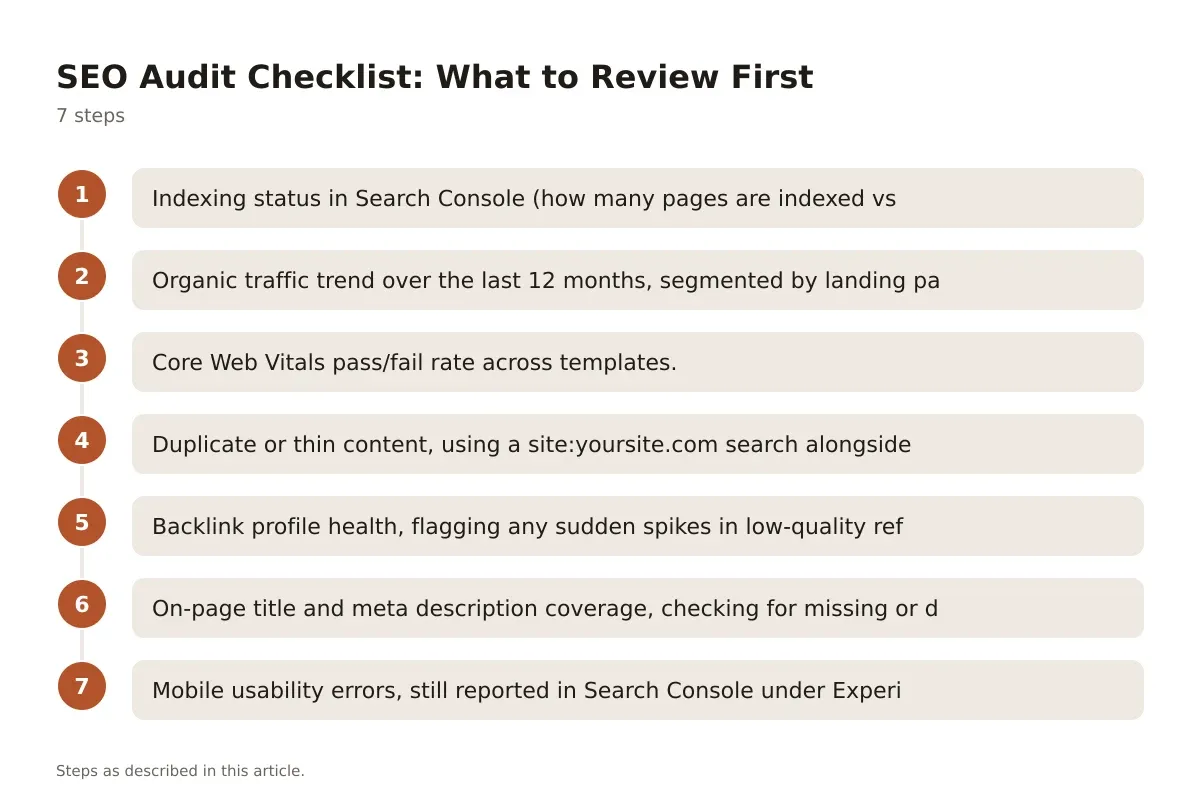
- Indexing status in Search Console (how many pages are indexed vs. submitted).
- Organic traffic trend over the last 12 months, segmented by landing page.
- Core Web Vitals pass/fail rate across templates.
- Duplicate or thin content, using a
site:yoursite.comsearch alongside a crawler like Screaming Frog. - Backlink profile health, flagging any sudden spikes in low-quality referring domains.
- On-page title and meta description coverage, checking for missing or duplicate tags.
- Mobile usability errors, still reported in Search Console under Experience.
Run this once per quarter on an active site. For a site that hasn’t been touched in a year, run it before you do anything else on this seo checklist, because fixing on-page copy on pages Google isn’t even crawling wastes effort.
International SEO Checklist: Hreflang and Targeting
If you serve more than one country or language, this section matters. If you don’t, skip it entirely and don’t waste time implementing hreflang tags nobody needs.
The core technical requirement is the hreflang attribute, which tells Google which page version to serve for which language and region.
<link rel="alternate" hreflang="en-us" href="https://example.com/us/" />
<link rel="alternate" hreflang="en-gb" href="https://example.com/uk/" />
<link rel="alternate" hreflang="x-default" href="https://example.com/" />
This markup tells search engines that US and UK visitors should land on different URLs, with a fallback default for everyone else.
The most common mistake here is a missing return tag. If your US page points to the UK version, the UK page must point back to the US version, or Google ignores the whole annotation. Google’s own documentation covers this requirement directly, and it’s worth reading before implementing hreflang on more than two or three pages.
Separately, decide your URL structure early: subdirectories (example.com/uk/), subdomains (uk.example.com), or country-code domains (example.co.uk). Subdirectories are the easiest to manage SEO authority for, since they inherit the root domain’s existing signals instead of starting from zero.
Competitor Analysis Checklist: What to Benchmark
A competitor analysis checklist only earns its keep if it changes what you do next. Otherwise it’s just screenshots.
Pick three to five competitors who rank for your actual target terms, not just big brand names in your industry. Compare content depth on your shared target pages: word count, heading structure, and whether they answer the question your page doesn’t. Then check their backlink velocity using a tool like Ahrefs or a free backlink checker, looking specifically at new domains gained in the last 90 days.
Don’t just count their links. Look at anchor text patterns and referring domain relevance, since a competitor with 200 low-quality links is often easier to outrank than one with 40 highly relevant ones. This is the difference a lot of DIY audits miss, because raw link counts are the easiest metric to pull and the least useful one on its own.
Option A: Manual Spreadsheet Tracking
Build a spreadsheet with competitor URLs down one side and metrics across the top: word count, title tag, H1, backlink count, referring domains, and last content update date. This works fine for fewer than ten competitor pages and costs nothing beyond your time.
Option B: Dedicated Competitive Tool
Tools like SEMrush or Ahrefs automate gap analysis and refresh the data on a schedule. This is worth the subscription if you’re tracking competitors across dozens of pages or doing this monthly, since manual updates at that scale eat more hours than the software costs.
For most small sites doing this quarterly, Option A is genuinely fine. Save the software budget for link building or content instead.
Printable SEO Checklist: A Weekly Sequence
Here’s a version you can actually print and work through, ordered by what to do first.
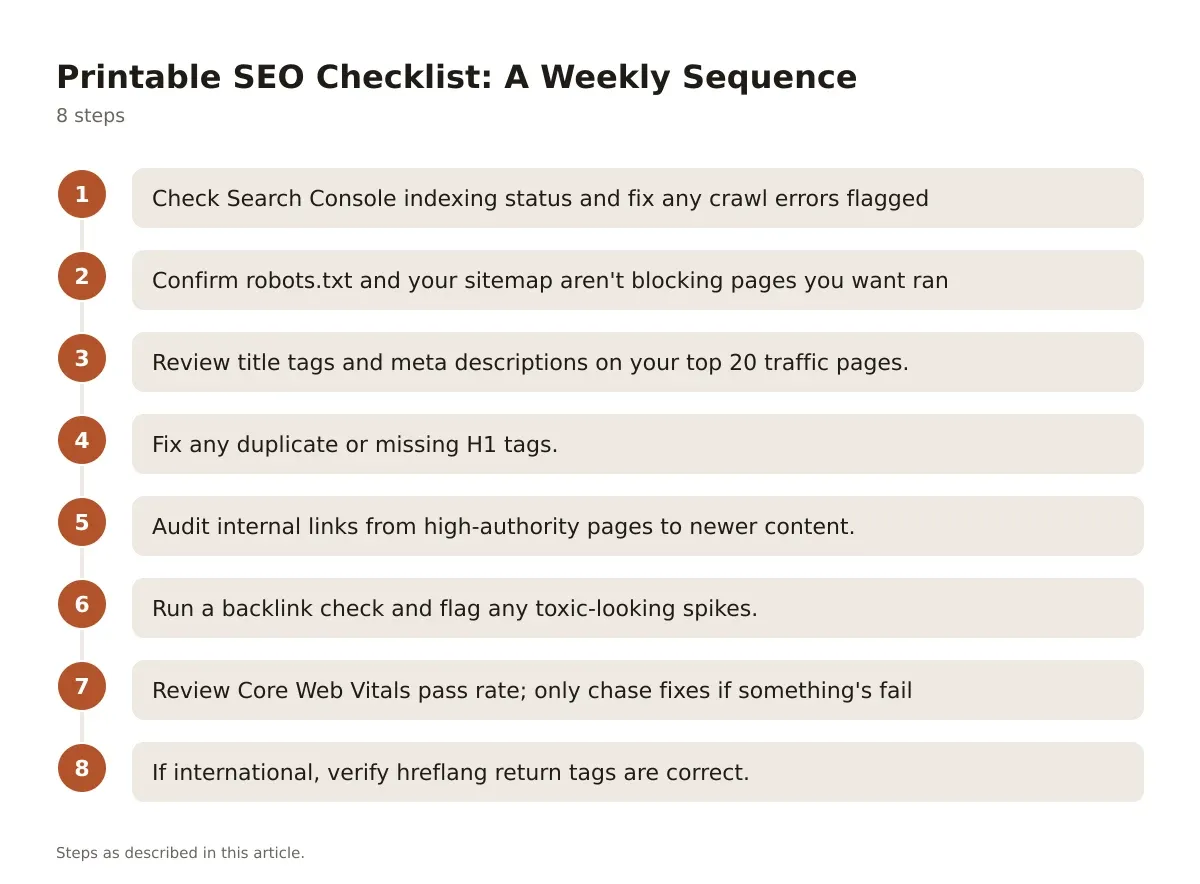
- Check Search Console indexing status and fix any crawl errors flagged under Indexing > Pages.
- Confirm
robots.txtand your sitemap aren’t blocking pages you want ranked. - Review title tags and meta descriptions on your top 20 traffic pages.
- Fix any duplicate or missing H1 tags.
- Audit internal links from high-authority pages to newer content.
- Run a backlink check and flag any toxic-looking spikes.
- Review Core Web Vitals pass rate; only chase fixes if something’s failing.
- If international, verify hreflang return tags are correct.
Print it, pin it near your desk, and work top to bottom. Most of this takes a focused afternoon once a quarter, not a full week, once the initial cleanup is done.
Mistakes That Waste Time on Any SEO Checklist
Chasing Domain Authority or similar third-party scores is the single biggest time sink I see. These are vendor metrics, not Google ranking factors, and optimizing for them directly doesn’t move actual search performance.
Another one: rewriting content that’s already ranking on page one because a tool flagged a “content score” below 80. If a page is performing, leave it. Spend that time on pages stuck on page two, where small on-page fixes genuinely move the needle.
Last one, and it’s common: treating every item on a generic seo checklist as equally urgent. A missing alt tag on a decorative image is not the same priority as a blocked robots.txt file. Rank your fixes by what actually touches crawlability, indexing, and user intent first, and worry about polish after.
Keeping Your SEO Checklist Current
An seo checklist isn’t a document you finish once. Search behavior shifts, Google updates its systems multiple times a year, and a site that passed every check last quarter can quietly drift out of compliance without anyone touching the code.
The sequence that works is simple: audit broad, fix what blocks crawling and indexing first, then move to on-page and off-page work in that order. Technical problems cap everything else, so no amount of content polish fixes a noindex tag left on by accident. Revisit this list quarterly, and treat any major Google update as a trigger to re-check Core Web Vitals and indexing status specifically, since those are the areas most likely to shift.
If you want a sense of where search is headed next, and which parts of this checklist will matter less in a couple of years, the future of seo is worth a read once your current list is under control.
Frequently asked questions
How often should I run a full SEO checklist audit?
Quarterly works for most small to mid-sized sites, with a lighter monthly check on indexing status and Core Web Vitals. Sites with frequent content publishing or recent redesigns should audit more often, since structural changes tend to introduce new crawl or indexing issues.
What’s the difference between an SEO checklist and an SEO audit?
A checklist is a repeatable list of tasks you run through on a schedule. An audit is a deeper, often one-time investigation into why a specific problem exists, like a traffic drop, and usually starts from checklist findings before digging further.
Do I need the international SEO checklist items if I only sell in one country?
No. Hreflang and multi-region URL structures only matter if you’re targeting more than one country or language with distinct content. Implementing them for a single-market site adds complexity with no ranking benefit.
Which items on this seo checklist should a beginner do first?
Start with indexing status in Search Console and basic title tag review. Those two catch the most common, highest-impact problems before you invest time in backlinks or international structure.
Can I skip off-page SEO if my on-page and technical work is solid?
Not for competitive terms. Strong on-page and technical SEO make your site eligible to rank, but off-page signals like relevant backlinks are what usually separate similarly-optimized competitors on contested keywords.




Leave a Reply