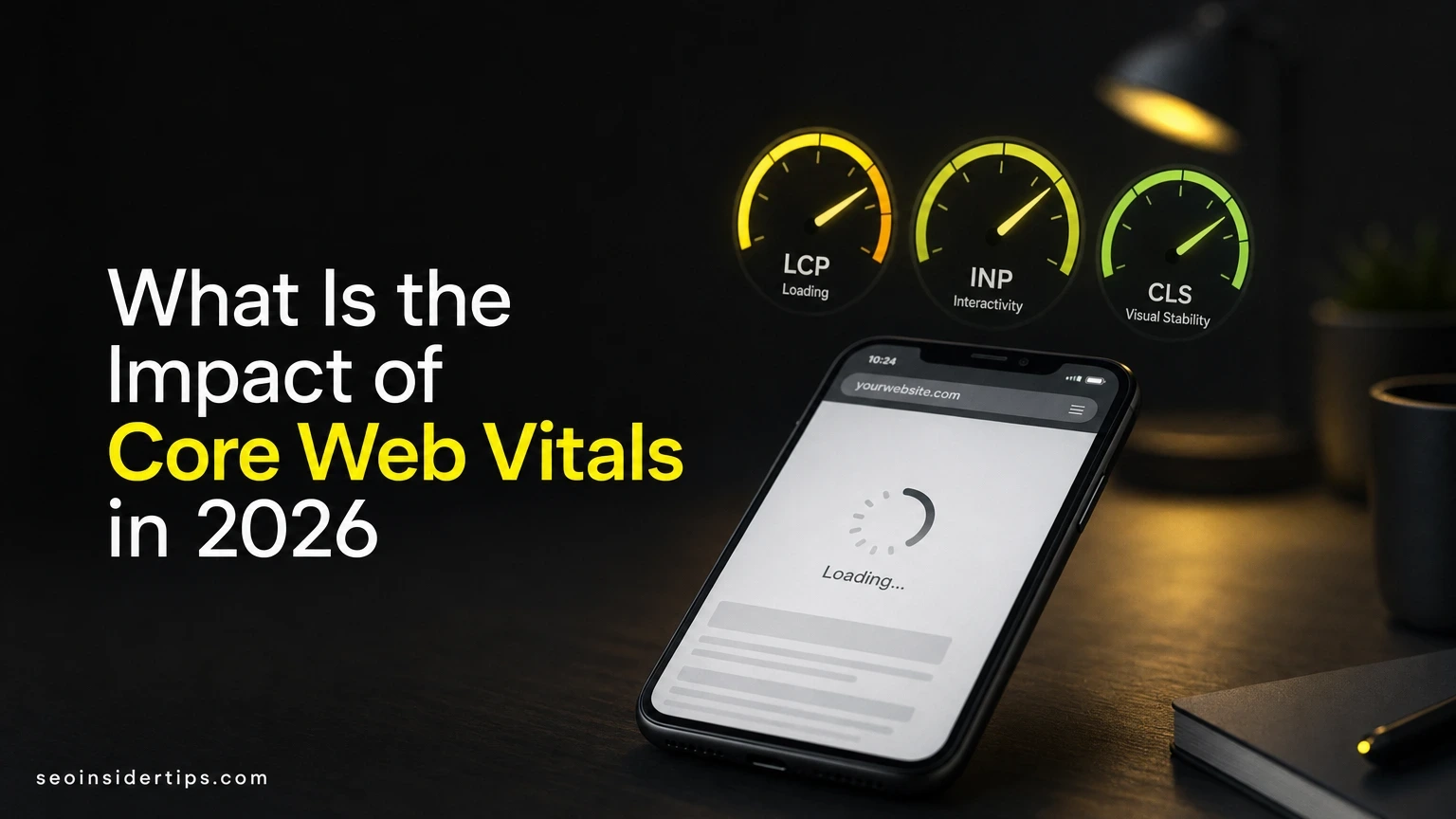
Your site loads fine on your office Wi-Fi. Then a client texts you from her phone, standing in a parking lot with two bars of signal, saying your homepage just spun for six seconds before she gave up.
That gap between how a site feels to you and how it feels to real visitors is exactly what Core Web Vitals measure. Understanding what is the impact of Core Web Vitals on rankings, conversions, and bounce rate is the difference between guessing and actually fixing what’s broken.
Why Google Started Measuring Page Experience This Way
Google needed a fair way to score speed and stability. Before 2020, sites gamed simple load-time metrics without improving real experience.
So Google built three metrics tied to how humans actually perceive a page. LCP (Largest Contentful Paint) measures how fast the main content appears. INP (Interaction to Next Paint) measures how quickly a page responds when you tap or click something. CLS (Cumulative Layout Shift) measures whether elements jump around while loading.
Here’s the number that matters: pages passing all three thresholds see roughly 24% lower abandonment rates compared to pages that fail, according to data Google has shared through Google Search Console reporting over the past few years. That’s not a ranking bonus, that’s people actually staying on your page.
The impact of Core Web Vitals isn’t a single algorithm switch. It’s a signal woven into the broader page experience score, sitting alongside mobile-friendliness and HTTPS security. Google has said plainly it’s a tiebreaker among pages with similar relevance, not a metric that overrides good content.
How Poor Scores Quietly Drain Your Search Traffic
A slow page doesn’t get banned. It just slowly loses ground.
That’s the part people miss. Search Console won’t flag your site as “penalized.” Instead, rankings drift down 2-3 positions over several weeks, and nobody notices until organic traffic is down 15-20% quarter over quarter.
I worked with an ecommerce client whose product pages had an LCP of 4.8 seconds, well above Google’s 2.5-second “good” threshold. We didn’t touch content or backlinks. We just compressed images, added `fetchpriority=”high”` to the hero image, and moved to a CDN (Content Delivery Network). LCP dropped to 1.9 seconds within three weeks. Organic sessions to those product pages rose 22% over the following two months, with no other changes made.
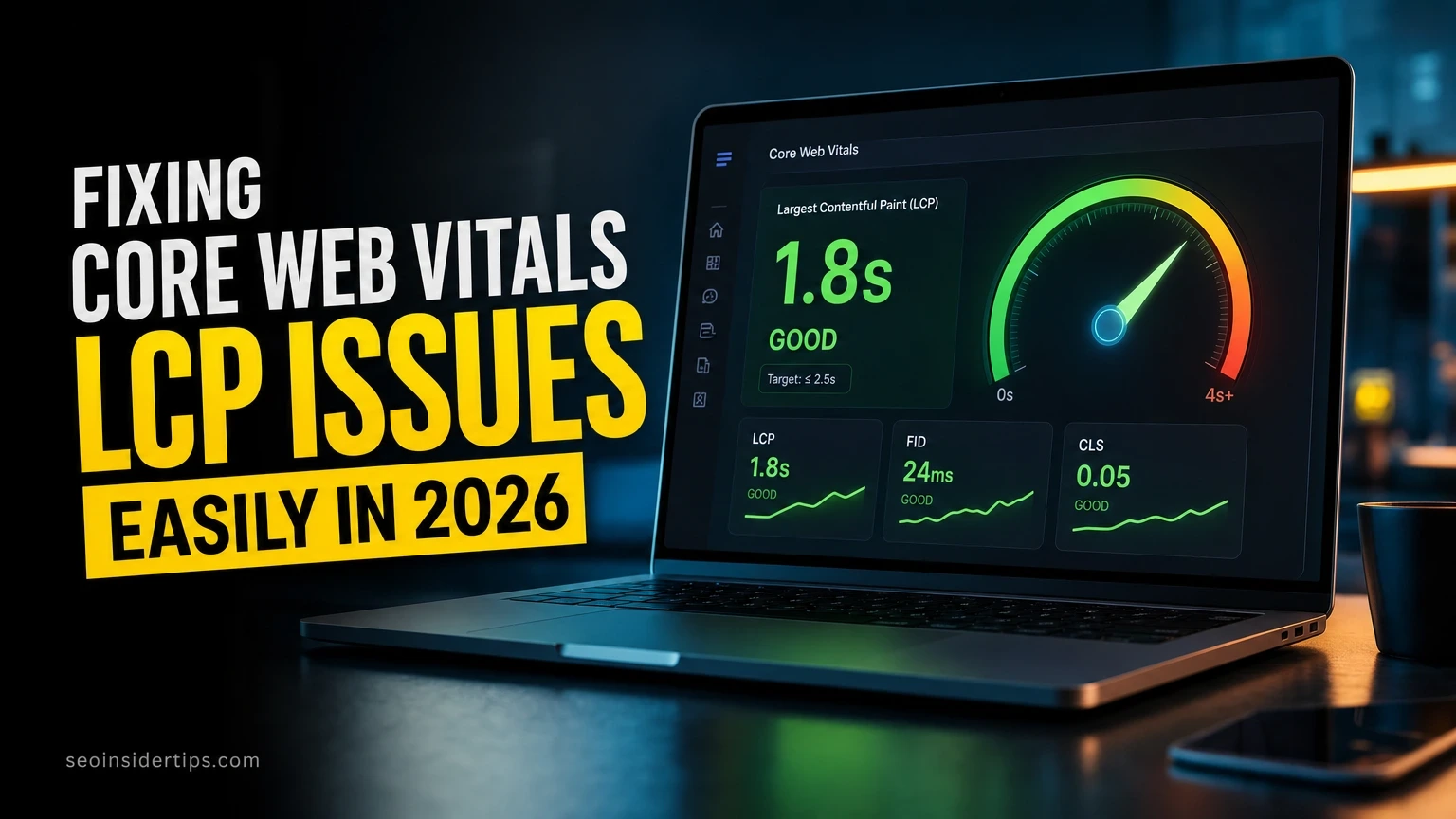
That’s the real-world impact of Core Web Vitals: it doesn’t create rankings out of nowhere, but it stops your good content from getting buried under load-time friction. If your LCP issues feel familiar, our guide on fixing Core Web Vitals LCP issues walks through the exact fixes we used.
The Business Cost Nobody Puts on a Spreadsheet
Rankings are one thing. Lost revenue is another, and it’s bigger.
Amazon found long ago that every 100ms of added latency cost roughly 1% in sales. That ratio still holds up in 2026 benchmarks from companies like Cloudflare, which reports that mobile conversion rates fall by an average of 4.42% for every additional second of load time past 3 seconds.
Layout shift, the CLS metric, has its own quiet cost. Imagine tapping “Add to Cart,” then a banner ad loads above it and shifts the whole page down. You accidentally hit “Remove” instead. That’s a real, measurable CLS failure, and Baymard Institute research on checkout abandonment lists unexpected layout jumps as a top-five frustration in mobile checkout flows.
Poor INP scores hurt differently. If a button takes 400ms or more to respond after a tap, users perceive the site as broken, not just slow. They tap again, sometimes triggering duplicate form submissions. On a lead-gen site I audited last year, duplicate form entries dropped by 31% once INP improved from 380ms to 140ms after we deferred a heavy analytics script.
Fixing These Metrics Without Breaking Your Site
You don’t need a full rebuild. Small, targeted changes move these numbers fast.
Start with image compression. A 2MB hero image can single-handedly wreck your LCP score on mobile connections. Run it through a tool like Squoosh or convert it to WebP format, which typically shrinks file size by 25-35% with no visible quality loss.
cwebp -q 80 hero.jpg -o hero.webpThis command converts a JPEG into a smaller WebP file at 80% quality, a setting that balances file size against visual sharpness.
Next, reserve space for images and ads before they load. Add explicit width and height attributes, or use CSS (Cascading Style Sheets) aspect-ratio boxes, so the browser saves the right amount of space and nothing jumps when content pops in.
img {
 aspect-ratio: 16 / 9;
 width: 100%;
 height: auto;
}
This CSS tells the browser exactly how much vertical space an image needs before it finishes downloading, which is what stops CLS-triggering jumps.
For INP, break up long JavaScript tasks. Anything running longer than 50ms on the main thread delays how fast a page responds to taps. Defer non-critical scripts, like chat widgets or third-party trackers, until after the page has become interactive.
Note: Google recalculates field data for Core Web Vitals on a rolling 28-day window. Wait a full cycle before judging whether a fix actually worked.
Measuring Whether Your Fixes Actually Worked
Guessing doesn’t count. You need real data, not a hunch.
PageSpeed Insights gives you both lab data (a simulated test) and field data (real user measurements from the past 28 days) side by side. Lab data is instant but synthetic. Field data is slower to update but reflects what actual visitors on actual devices experienced.
Check the Core Web Vitals report inside Google Search Console monthly. It groups URLs into “Good,” “Needs Improvement,” and “Poor” buckets, and it’s the single best free tool for spotting a template-wide problem versus a one-off page issue.
Chrome’s own DevTools Lighthouse panel is useful for quick spot-checks during development, before code ever goes live. Pair that with real user monitoring through a tool like SpeedCurve if you manage more than a handful of pages and need ongoing alerts rather than manual checks.
A quick checklist worth running every month:
- Pull the Core Web Vitals report from Search Console and note any URLs that dropped a tier
- Run PageSpeed Insights on your three highest-traffic landing pages
- Check whether recent CMS or plugin updates introduced new render-blocking scripts
- Compare field data 28-day averages month over month, not just a single snapshot
- Flag any page with LCP over 2.5 seconds or CLS over 0.1 for immediate review
Anyone running a broader technical review should fold this into a full SEO audit rather than treating Core Web Vitals as a separate, isolated task.
Choosing the Right Fix for Your Platform
WordPress Sites
WordPress sites carry unique baggage: too many plugins, unoptimized theme assets, and render-blocking scripts from page builders. A caching plugin like WP Rocket combined with an image optimization plugin like Imagify typically improves LCP by 30-40% within a single afternoon of setup. If you’re just getting your WordPress technical foundation in place, our WordPress SEO guide covers the setup order that avoids conflicts between caching and CDN layers.
Shopify and Ecommerce Platforms
Shopify sites usually struggle with app bloat. Every third-party app injects its own JavaScript, and five or six apps can add 2-3 seconds to load time collectively. Audit installed apps quarterly and remove anything not actively driving sales. Native Shopify themes built on the Dawn framework tend to score better out of the box than heavily customized legacy themes.
Custom-Coded and Headless Sites
Custom builds give you the most control but no safety net. Developers need to manually implement lazy loading, prioritize above-the-fold CSS, and set up a CDN like Cloudflare or Fastly from day one. These sites can hit sub-1-second LCP scores, but only with deliberate, ongoing engineering discipline, not a one-time plugin install.
Where This Leaves Your Site Going Forward
Core Web Vitals aren’t a checkbox you tick once and forget. They shift as your content, plugins, and traffic patterns change, so a page that passed in January can fail by June without anyone touching the code.
The real impact of Core Web Vitals shows up in compounding ways: slightly better rankings, meaningfully lower bounce rates, and a checkout flow that doesn’t frustrate someone into abandoning their cart. None of that happens from one big fix. It happens from monthly monitoring, quick image compression passes, and catching layout shift before it becomes a pattern across your whole site.
Treat these three metrics as a health check, not a one-time project. Review them the same way you’d review analytics or backlink profiles, on a recurring schedule, with real thresholds you hold your team accountable to.
Frequently asked questions
Do Core Web Vitals directly boost my Google rankings?
Not directly in a huge way. They’re one signal among many, acting mostly as a tiebreaker when pages have similar content quality and relevance. Strong content with mediocre Core Web Vitals will usually still outrank thin content with perfect scores.
How often does Google update Core Web Vitals field data?
Field data refreshes on a rolling 28-day basis, pulling from real Chrome user sessions. That means a fix you deploy today won’t fully reflect in reports for about four weeks.
What’s a good LCP score to aim for in 2026?
Under 2.5 seconds is considered “good” by Google’s thresholds. Between 2.5 and 4 seconds falls into “needs improvement,” and anything above 4 seconds is flagged as “poor.”
Can one slow page hurt rankings for my whole site?
Generally no, Core Web Vitals are assessed per page or per template group, not site-wide. But if a shared template, like your product page layout, has a systemic issue, every page using that template suffers together.
Is INP harder to fix than LCP and CLS?
Often, yes. INP problems usually trace back to heavy JavaScript execution, which requires code-level changes rather than simple image compression or CSS adjustments. It typically takes a developer to properly diagnose and defer the offending scripts.



Leave a Reply