You built a beautiful website. It looks sharp on your laptop. Then a customer opens it on their phone and half the menu is cut off, the text is tiny, and the page takes 11 seconds to load. They leave. That is not a design problem – it is an indexing problem.
Google switched to mobile-first indexing for all sites back in 2023, meaning the mobile version of your site is now what Google actually reads and ranks. If your small business site was built desktop-first, you may already be losing ground to competitors who got this right.
What Mobile-First Indexing Actually Means for Your Rankings
Google no longer checks your desktop site first. It crawls the mobile version and uses that to decide where you rank. This shift changes everything about how you should think about your website.
Before 2023, Google’s crawler would visit your desktop site, index its content, and rank you based on that. Now Googlebot uses a smartphone user-agent by default. If your mobile page is missing content that exists on your desktop page – say, a product description or a key service section you hid for mobile users – Google never sees it. That content simply does not exist in Google’s eyes.
For small businesses, this hits harder than it does for large brands. A national retailer has hundreds of backlinks and domain authority to cushion a bad mobile experience. A local plumber or boutique bakery does not. A single ranking drop of 5-10 positions can mean the difference between page one and page three, which in practice means almost zero organic traffic.
The fix starts with using Google Search Console to check your mobile usability report. It will flag issues like text too small to read, clickable elements too close together, and content wider than the screen. These are not cosmetic complaints – they are ranking signals.
5 Mobile-First Problems Small Business Sites Get Wrong Most Often
Most small business sites share the same handful of mobile issues. Here is what I see repeatedly when auditing sites for local clients.
- Hidden content on mobile – Developers collapse sections on mobile using CSS (Cascading Style Sheets) display:none to keep the layout clean. Google’s mobile crawler sees that hidden content and may give it reduced weight or skip it entirely. Every word you want ranked must be visible on mobile.
- Slow page speed from unoptimized images – A single uncompressed hero image can run 3-5 MB. On a 4G connection that adds 6-9 seconds to load time. Google’s threshold for a good LCP (Largest Contentful Paint) score is under 2.5 seconds. Most small business homepages I audit come in between 5 and 9 seconds.
- Viewport not configured – Without a proper viewport meta tag, mobile browsers render your page at desktop width and shrink it down. The result looks like a zoomed-out map nobody can read. This tag goes in your HTML head and takes about 30 seconds to add.
- Unlinked pages on mobile nav – Some mobile menus drop secondary pages to save space. If Google’s crawler cannot find a link to your services page from mobile, that page may not get crawled or ranked at all.
- Font sizes under 16px – Google flags text smaller than 16px as a mobile usability issue. Small text forces users to pinch and zoom. That friction raises your bounce rate, and a high bounce rate on mobile sends a negative signal back to Google.
How Page Speed Ties Directly Into Mobile Indexing
Page speed is not a separate topic from mobile indexing – it is baked into it. Google’s Core Web Vitals measure real-world load performance on mobile devices, and those scores feed into your rankings.
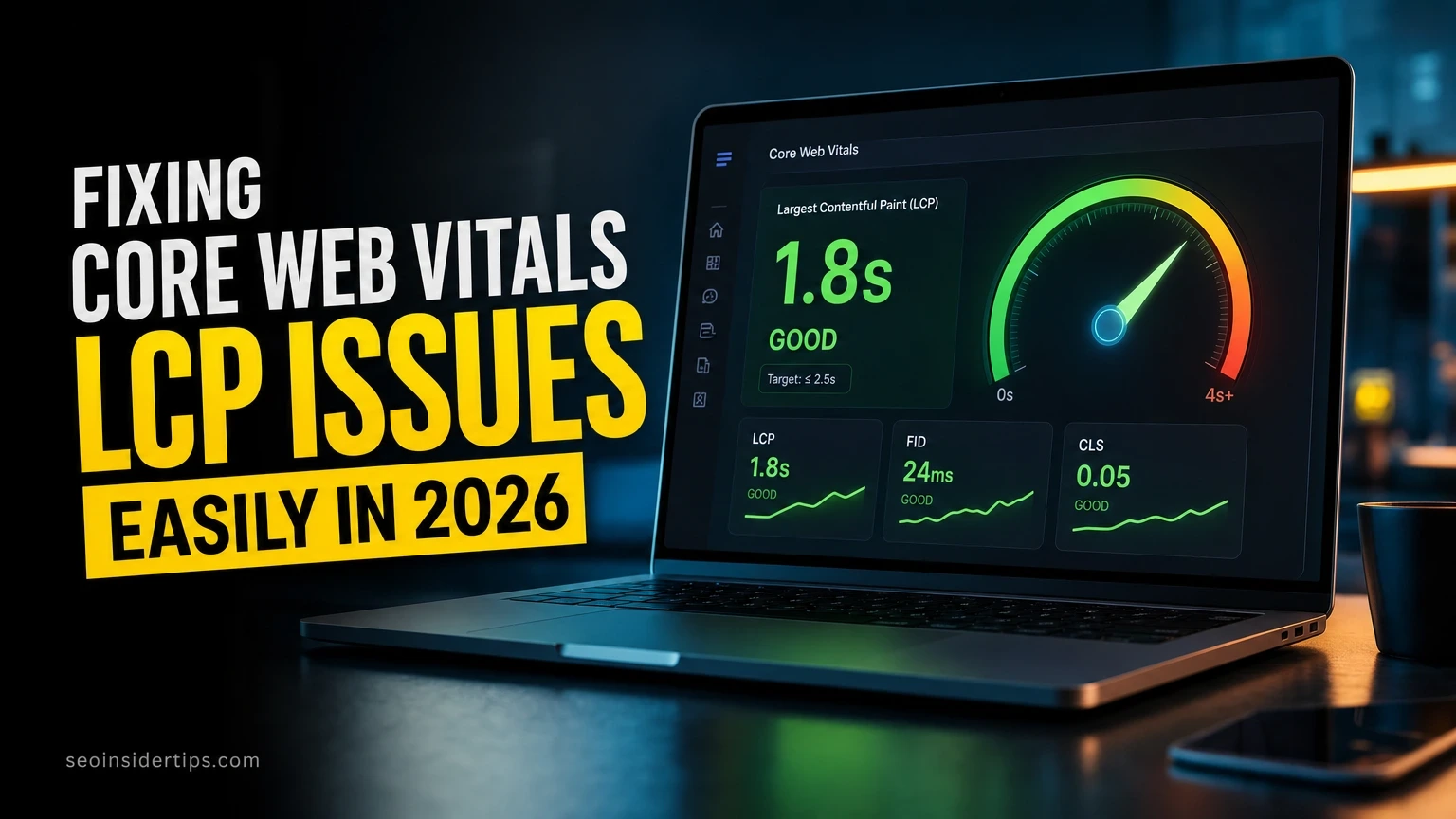
The three metrics that matter most are LCP (Largest Contentful Paint), which should be under 2.5 seconds; CLS (Cumulative Layout Shift), which should be under 0.1; and INP (Interaction to Next Paint), which should be under 200 milliseconds. Missing even one of these on mobile can push you out of the “Good” range in PageSpeed Insights.
For a small business site, the fastest wins come from image compression and caching. Converting images to WebP format typically cuts file size by 25-35% compared to JPEG with no visible quality loss. A plugin like Smush on WordPress handles this automatically. Enabling browser caching means returning visitors load your site 40-60% faster because static assets are stored locally on their device.
A CDN (Content Delivery Network) like Cloudflare routes your content from servers closest to the visitor. For a small business serving a regional area, this can shave 200-400ms off TTFB (Time to First Byte) – the time before the browser receives its first byte of data. That number compounds across every page load.
Quick Diagnostic: Is Your Site Mobile-First Ready?
Not sure where your site stands right now? Run through these checks in under 15 minutes.
- Go to Google Search Console and open the “Mobile Usability” report under Experience. Any errors listed there are active ranking risks.
- Paste your homepage URL into PageSpeed Insights and switch the toggle to Mobile. A score under 50 needs urgent attention. A score of 50-89 has room to improve. Above 90 is solid.
- Right-click your site in Chrome, choose “Inspect,” and click the mobile device icon in the top-left of the DevTools panel. This shows you exactly what your site looks like on a 375px-wide iPhone screen.
- Check that your viewport meta tag exists. In the same Inspect panel, search the HTML for `
“`html
“`
This single line tells mobile browsers to render your page at the device’s actual screen width instead of a shrunken desktop view.
- Open your mobile nav and click through every link. If any page is unreachable from mobile navigation, add it or consolidate your menu structure.
What Google’s Mobile Crawler Looks for in Small Business Content
Content structure matters as much as speed. Google’s smartphone crawler reads your page the same way a mobile user would – top to bottom, in a single column.
Your most important content needs to appear early. On a service business site, that means your primary service, your location, and a clear call to action should all be visible without scrolling on a 390px-wide screen. If a user has to scroll past a large banner image and three paragraphs of brand story before they see “Plumbing Services in Denver,” Google’s crawler notices that structure too.
Structured data also carries more weight in a mobile-first world. Schema markup for local businesses – including your business name, address, phone number, and hours – helps Google surface your information in mobile search results as a rich result. Tools like Schema.org and Rank Math make adding this markup straightforward, even without a developer.
Internal linking on mobile deserves a specific mention. Desktop sites often use sidebar widgets and footer mega-menus to link to important pages. Those elements often disappear or collapse on mobile. Weave internal links into your body content so Google’s mobile crawler can always find and follow them, regardless of what the navigation does.
What Getting This Right Means for Your Small Business Visibility
Mobile-first indexing is not a technical checkbox to tick once and forget. It is the ongoing reality of how Google evaluates every page on your site, every time Googlebot visits.
Small businesses that treat their mobile experience as an afterthought are essentially handing their rankings to competitors who did not. I have watched clients jump from page three to page one in under 60 days after fixing mobile speed and usability issues – without building a single new backlink. The site was already good. Google just could not see it properly.
The practical path forward is straightforward: run the diagnostic steps above, fix the issues in order of severity, and recheck your Core Web Vitals every 28 days as Google refreshes those scores. Small, consistent improvements compound quickly. A site that scores 62 on mobile PageSpeed today can realistically reach 85 within 6-8 weeks with focused work on image compression, caching, and layout stability. If you want to go deeper on the technical side, understanding how structured data and crawl budget interact with mobile indexing is a natural next step worth exploring.
When you implement Importance of mobile first indexing for small business websites, revisit the checklist above against your real constraints.
Common Questions About Mobile Indexing for Small Business Sites
Does having a separate mobile site (m.dot) still work in 2026?
It works, but it creates extra complexity. You need canonical tags pointing from your m.dot pages to your main domain, and any content difference between the two versions is a ranking risk. A responsive design on a single URL is simpler to manage and less likely to cause indexing errors.
Will a WordPress theme automatically make my site mobile-friendly?
Not necessarily. A responsive theme adjusts layout, but it does not fix slow images, missing schema, or hidden content. Theme responsiveness is a starting point, not a complete solution.
My Google Search Console shows no mobile errors. Am I fine?
No errors means no critical failures – not that your site is optimized. A site can pass mobile usability checks and still load in 8 seconds or have a CLS score of 0.4. Use PageSpeed Insights alongside Search Console for a full picture.


Leave a Reply