You paste your URL into a “free SEO audit” box, wait ten seconds, and get a score of 54 out of 100. Now what? Half the warnings look urgent, the other half look made up, and nothing says which ones matter.
A free SEO audit of a website can be genuinely useful. It can also waste a weekend. Here is how to run one, read it, and decide when free stops being enough.
What a Free Audit Actually Checks
A free audit is an automated crawl plus a rulebook. Fast to run, shallow in judgment.
Most tools fetch your page, request a handful of linked URLs, and test each against fixed rules. Typical checks: title tag and meta description length, missing H1, image alt text, broken links, redirect chains, HTTPS, and page speed.
What it cannot do is judge intent. A tool will flag a 70-character title as “too long” but cannot tell you the page targets the wrong query. It also cannot say whether your content deserves to rank.
Treat the score as a smoke detector. It tells you something may be burning, not what or how badly.
Start With the Audit Google Gives You Free
Google Search Console shows what Google itself sees, which no third-party crawler can match. It is free (Google Search Console), and it should be your first stop.
Verify your site, then open these three reports:
- Indexing > Pages: lists URLs Google knows about and why some are not indexed (“Crawled – currently not indexed”, “Duplicate without user-selected canonical”, “Blocked by robots.txt”).
- Experience > Core Web Vitals: groups URLs by real-user speed data from Chrome, so it reflects actual visitors, not a lab test.
- Experience > Page Experience / HTTPS: confirms whether pages are served securely.
Search Console only shows your own verified property and only what Google has already processed. A brand-new site may show nothing for days. That gap is exactly why you pair it with a crawler.
Free Crawlers Worth Running
A crawler finds the on-page and structural problems Search Console summarizes loosely. Three free options cover most small sites.
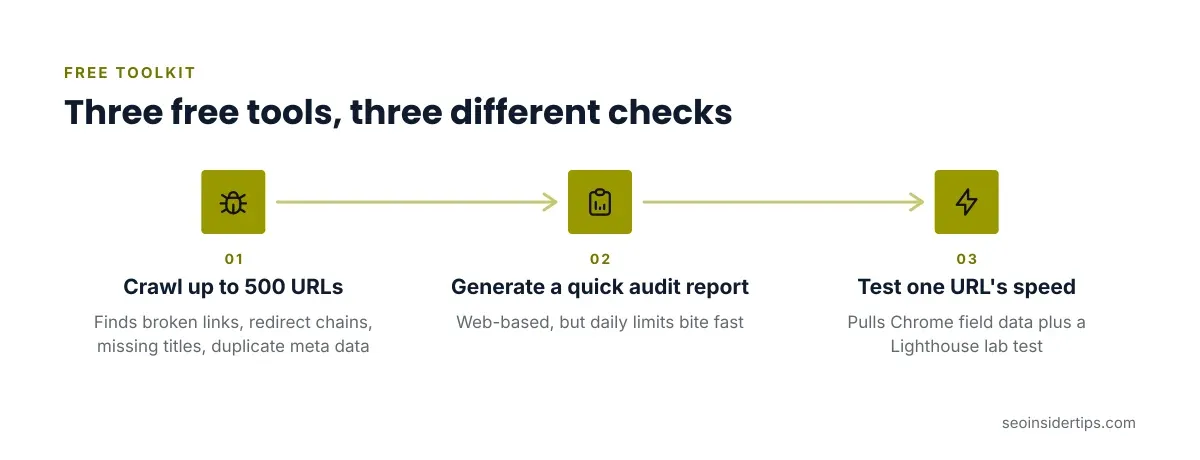
- Screaming Frog SEO Spider (free version): desktop app, crawls up to 500 URLs. Best for broken links, redirect chains, missing titles and duplicate meta data.
- Ubersuggest: web-based, limited free use, with low-cost paid plans (check the vendor’s pricing page for current rates). Handy for a quick site audit report, but its daily limits bite fast.
- Google PageSpeed Insights: one URL at a time, pulling Chrome field data plus a Lighthouse lab test.
Which fits you? A 30-page local business site can finish in Screaming Frog’s free tier in minutes. A 5,000-page store cannot, because the 500-URL cap cuts the crawl off before it finishes, and a partial crawl gives misleading totals.
For a wider tool comparison aimed at beginners, see our roundup of free SEO audit tools that actually work.
How to Run the Audit in Order
Run it in a fixed order, because early problems hide later ones. If Google cannot crawl a page, its title tag does not matter yet.
Step 1: Check crawlability. Open yourdomain.com/robots.txt in a browser. Look for an accidental block like this:
User-agent: *
Disallow: /
Those two lines tell every crawler to skip the whole site. It is the single most damaging line a staging-to-live migration leaves behind. Fix it by removing the Disallow: / line or narrowing it to a real private folder.
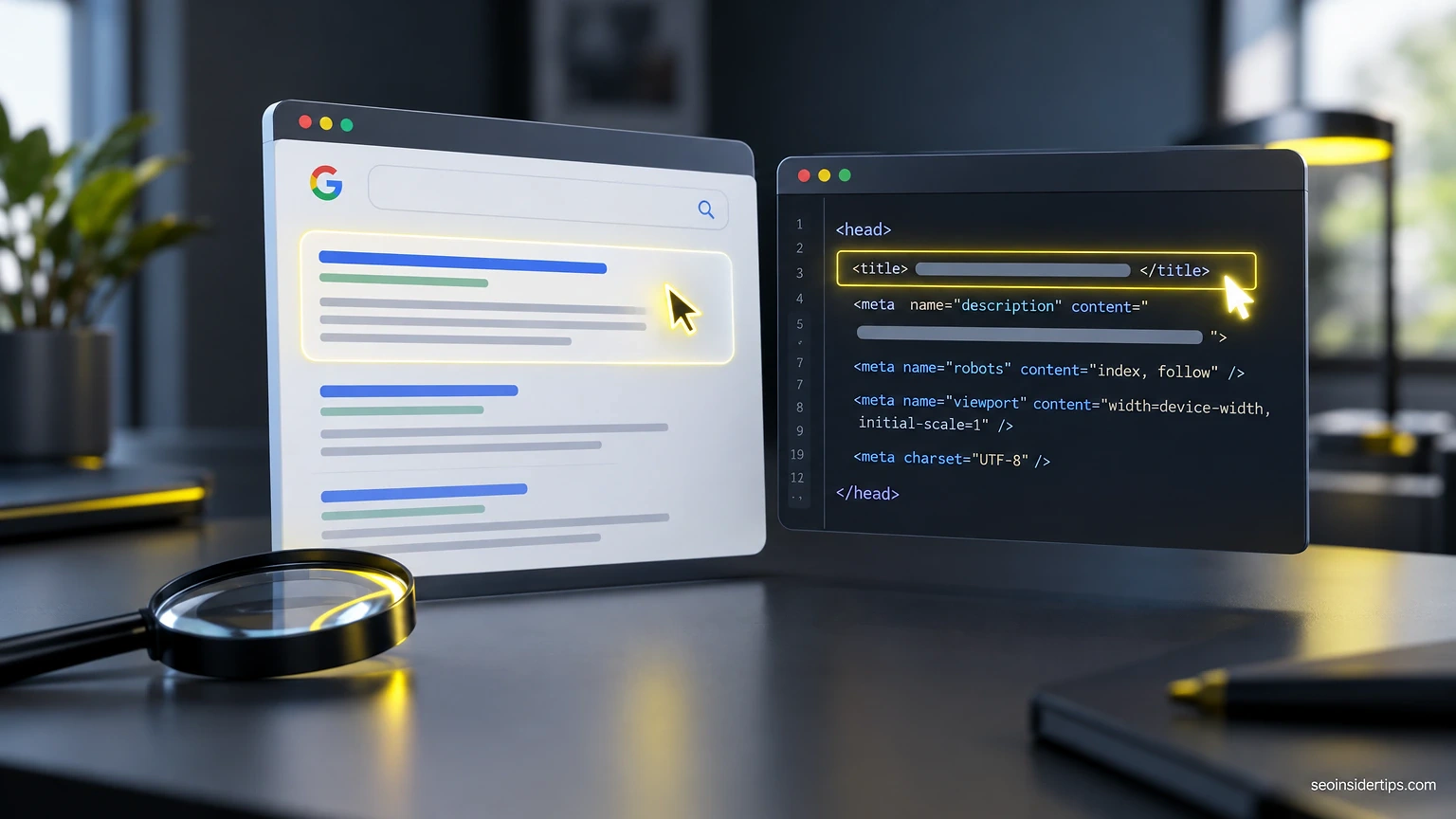
Step 2: Check indexability. In your crawl results, filter for pages with a noindex tag. In page source it looks like <meta name="robots" content="noindex">. Confirm every noindexed page is meant to be hidden, such as thank-you pages or internal search results.
Step 3: Check status codes. Filter for 404s and redirect chains, meaning A redirects to B redirects to C. Collapse chains into a single redirect to the final URL.
Step 4: Check on-page basics. Titles, meta descriptions, H1s, and image alt text come last. They are the cheapest to fix and the least likely to change rankings on their own.
For a fuller walkthrough of the whole process, our guide on how to do an SEO audit step by step covers each stage in more depth.
Reading the Report Without Panicking
Most flagged items are low-impact. Learning to sort them saves days of busywork.
Ignore these on first pass: “meta description too short” on thin utility pages, “multiple H1 tags” (Google handles this fine), and generic “low word count” warnings on pages that do not need length, like a contact page.
Take these seriously: pages blocked by robots.txt that should be public, important pages marked noindex, 5xx server errors, and canonical tags pointing at the wrong URL.
A worked example. Say your report shows 140 issues. Sort by severity, then by how many pages each issue touches. You find 3 critical items (a stray noindex on your pricing page, a redirect loop, and a blocked CSS folder) and 137 minor warnings. Fixing those three in an afternoon will do more than patching the other 137 across a month.
Never trust the overall score as the goal. Chasing 100/100 means fixing things Google ignores.
Free Audit vs Paid Audit
Free tools tell you what is broken. Paid tools and humans tell you what to do about it, in what order, and why.
| Factor | Free audit | Paid tool or human audit |
|---|---|---|
| Crawl size | Often capped (500 URLs in Screaming Frog free) | Large or unlimited |
| Data source | Single crawl, your own site | Adds backlink and keyword databases |
| Prioritization | Flags issues, you sort them | Ranks by likely impact |
| Intent and content review | None | Possible with a human |
| Cost | $0 to low limits | Subscription or one-off fee |
Who a free audit suits
A free audit suits a small site under a few hundred pages, a site owner comfortable reading reports, and a first-pass health check before launch.
Who should not rely on it alone
Large e-commerce sites, sites that lost traffic after a migration or core update, and sites with heavy JavaScript rendering. For a drop in traffic, a plain crawl rarely explains the cause, and you will need Search Console history and a closer look. Our piece on why a website is not showing in Google search walks through that diagnosis.
Before You Fix Anything: What Can Break
Some audit fixes are safe. Others can take pages out of Google overnight.
Low risk: rewriting titles, adding alt text, compressing images. If it goes wrong, you rewrite it back.
High risk: editing robots.txt, changing canonical tags, bulk redirects, and removing noindex tags on many pages at once. A bad robots.txt edit can block your whole site, and a wrong site-wide redirect rule can loop users and crawlers forever.
Before any high-risk change, copy the original file, test on a staging copy if you have one, and make one change at a time. After the change, use the URL Inspection tool in Search Console to check how Google sees the page, then watch the Indexing report over the next few weeks. Rollback should always be one file restore away.
When Free Stops Being Enough
You have outgrown free tools when the same unanswered question keeps returning, like “why is this page not ranking when everything checks out?”
Common signals: your crawl hits the 500-URL cap, you need to compare your backlink profile against competitors, or you need a repeatable monthly report. At that point a paid crawler or a manual review pays back its cost in time saved.
Be honest about the limit, though. No tool, free or paid, promises rankings. An audit finds technical friction. What happens after you fix it depends on your content, competition, and how long Google takes to recrawl.
Frequently asked questions
Is a free SEO audit of a website accurate?
It is accurate about measurable facts: status codes, tags, speed scores. It is weak on judgment, such as whether your content matches search intent. Cross-check any alarming finding in Search Console before acting.
How often should I run a free audit?
Run one after any migration, redesign, or plugin change, and a light check roughly quarterly for a small site. Search Console’s Indexing report is worth glancing at monthly for sudden changes.
Can a free audit tool fix the problems it finds?
No. Tools report issues and sometimes suggest fixes, but you or a developer make the actual edits. Automated “one-click fix” claims should be treated carefully, since bulk changes can break redirects or canonicals.
Which free tool should I start with?
Start with Google Search Console because it shows Google’s own view of your site. Add Screaming Frog’s free version for a crawl if your site is under 500 URLs.
Do I need an SEO audit template?
A template helps if you repeat audits for several sites or clients, since it keeps the order consistent. Our technical SEO audit checklist is a reasonable starting point you can adapt.



Leave a Reply