
long tail keywords sets the context for what follows.
You find a keyword with decent volume, run it through a few tools, and get three different difficulty scores. One says easy. One says hard. One says somewhere in between. Now what do you do?
This happens on nearly every project. A keyword difficulty tool is useful, but only if you understand what it’s actually measuring, and what it ignores. Volume, difficulty, and intent have to be read together, or you’ll chase keywords that look winnable and aren’t, or skip ones that actually are.
What A Keyword Difficulty Score Actually Measures
Most keyword difficulty tools build their score from backlink data on the pages currently ranking. Ahrefs, for example, calculates its 0-100 KD score mainly from the number of referring domains linking to the top 10 results. Fewer links on page one generally means a lower score. More links, especially from pages with big link profiles, pushes it higher.
That’s the whole mechanism for most tools, and it’s also the limitation. A keyword difficulty tool is not measuring your domain’s trust, your content quality, or how well you match search intent. It’s measuring how hard competitors have historically worked to rank, as expressed through links. A thin page with a lucky backlink profile can show up as “hard” even when the content itself is weak and beatable.
That’s why two tools can disagree. Semrush factors in SERP features and keyword variations differently than Ahrefs does. Moz Keyword Explorer blends difficulty with a separate Domain Authority signal tied to the ranking pages. None of them are wrong. They’re just weighing different inputs, which is why pulling a score from one source and treating it as gospel is the first mistake most people make.
Why Volume And Difficulty Change Between Tools
Pull the same keyword in Ahrefs, Semrush, and Ubersuggest, and the volume numbers rarely match exactly. Each tool sources search data from different combinations of clickstream panels, Google Ads API estimates, and its own crawled datasets. The underlying methodology isn’t public in full detail from any vendor, which means small differences compound.
Take a query like “best running shoes for flat feet.” One tool might show 2,400 monthly searches with a KD of 34. Another might show 1,900 with a difficulty of 41. Neither number is fabricated or wrong. They’re estimates built on different sampling.
The practical fix is picking one tool as your primary source of truth for a given project and sticking with it for comparisons across your keyword list. Don’t shop around for the lowest difficulty score on a keyword you like. Pick a tool, learn its scale, and judge every keyword against that same baseline so your prioritization stays internally consistent.
Reading Difficulty Alongside Search Intent
A low difficulty score on a keyword with the wrong intent is still a bad target. This is where a lot of keyword research goes sideways: someone finds a KD of 8, gets excited, writes a page, and wonders why it never converts or even ranks.
Check what’s actually ranking before you commit. If you’re targeting “running shoe size chart” and the top 10 is dominated by big retailer pages with buying guides, a blog post without a chart or data table isn’t going to dislodge them no matter how low the difficulty score reads. Pull up the SERP directly. Look at content format, not just backlink count. Google’s own guidance on creating helpful content is explicit that matching what the searcher actually wants matters more than hitting a word count or keyword density target.
Intent buckets break down roughly into informational, commercial, navigational, and transactional. A keyword difficulty tool won’t sort these for you reliably, though Semrush and Moz both attempt automated intent tagging. Treat that tagging as a starting hint, then verify it yourself by eyeballing the top 10.
A Worked Example: Comparing Two Real Queries
Here’s how this plays out with two queries side by side.
“Keyword difficulty checker free” sounds like a near-duplicate of a transactional term, but the people typing it usually want a tool they can use right now without a credit card. The SERP tends to mix blog roundups, free-tier tool landing pages, and a few forum threads. Difficulty scores on terms like this often sit in the moderate range because roundup posts attract natural links over time, but a dedicated tool page with real functionality, not just a write-up, tends to outcompete pure content.
“Long tail keyword difficulty” reads similarly but behaves differently. Searchers here are already past the beginner stage. They know what long-tail means and want to know how to evaluate specific phrases. The ranking pages skew toward in-depth guides rather than tool pages. If you’re building out a page targeting this kind of query, it’s worth reading up on long tail keywords and why newer sites often get traction faster on these phrases than on head terms, since competition is thinner and intent is sharper.
The lesson from both examples: the score tells you about competition. It doesn’t tell you about searcher expectations. You still have to read the query like a human would.
Five Free And Low-Cost Keyword Difficulty Checkers
If budget is tight, or you just want a second opinion before committing to a paid subscription, these are the tools worth testing. Each one approaches difficulty scoring differently, so cross-checking two of them on your top keywords is a reasonable habit.
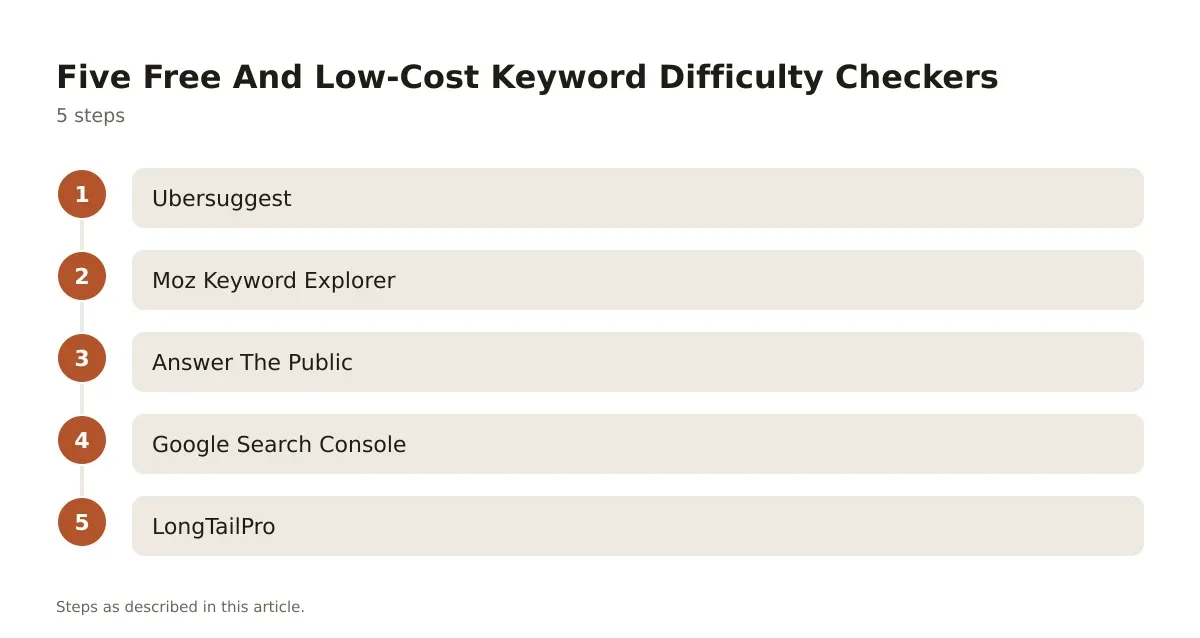
- Ubersuggest shows an SEO Difficulty and a separate Paid Difficulty score per keyword, alongside volume, CPC, and seasonal trend charts. It also runs a Chrome extension that overlays its data directly onto Google’s results page, which saves a tab-switching step during research sessions. Pricing on request.
- Moz Keyword Explorer pairs its Keyword Difficulty score with a “Priority” metric that blends difficulty, volume, and estimated organic click-through potential, useful when you’re trying to rank a shortlist rather than just eyeball one number at a time. Pricing on request.
- Answer The Public doesn’t score difficulty at all. It visualizes question, preposition, and comparison-based queries pulled from autocomplete data, which makes it better for finding content angles than for judging competition. Pricing on request.
- Google Search Console isn’t a keyword research tool in the traditional sense, but its Performance report shows you queries you already rank for, including ones sitting at position 11 to 30 that are realistic to push toward page one with targeted on-page work.
- LongTailPro uses a proprietary “Keyword Competitiveness” score aimed specifically at long-tail terms, and lets you bulk-search from seed keywords to pull volume, CPC, and competitor rank data in one pass. Pricing on request.
None of these replace a full paid suite if you’re managing dozens of client sites, but for a single site or a quick sanity check, they cover enough ground.
Competitor Keyword Research Without Guessing
Difficulty scores improve a lot once you stop looking at them in isolation and start looking at who’s actually ranking. Competitor keyword research means pulling the keyword list of a site that’s already winning in your space and finding the gaps.
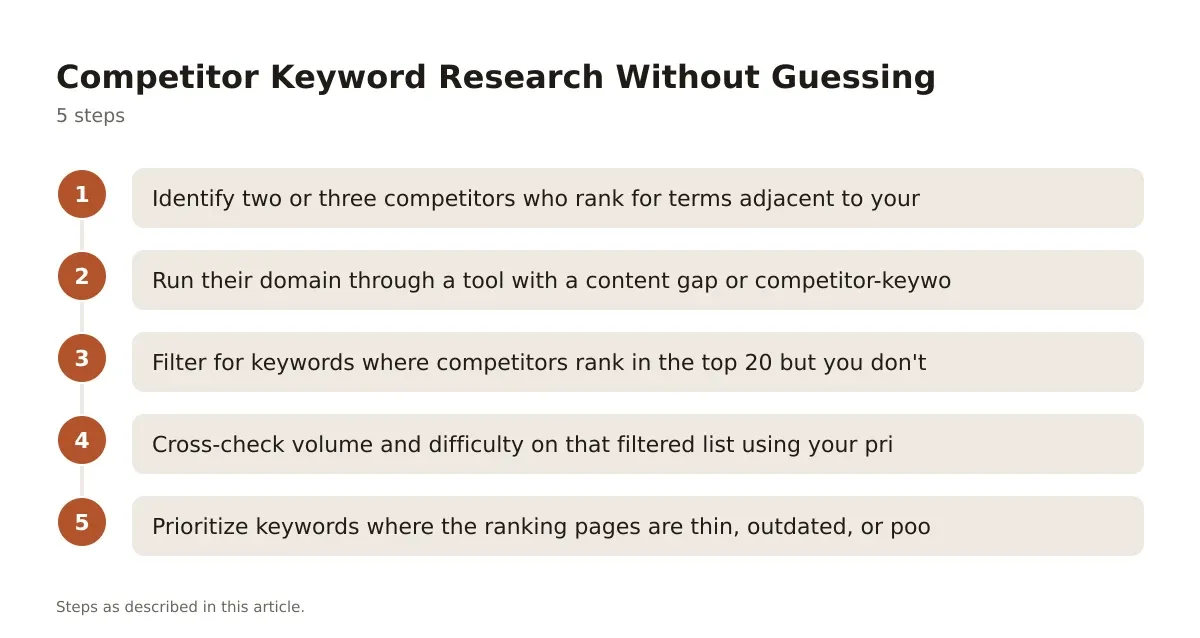
The practical steps:
- Identify two or three competitors who rank for terms adjacent to your target keyword, not just your obvious direct competitors.
- Run their domain through a tool with a content gap or competitor-keyword feature. Semrush’s Keyword Gap tool and Ahrefs’ Content Gap report both do this by comparing ranking keyword sets across multiple domains at once.
- Filter for keywords where competitors rank in the top 20 but you don’t rank at all. These are usually lower-hanging fruit than head terms you’re all fighting over.
- Cross-check volume and difficulty on that filtered list using your primary tool, so you’re comparing apples to apples against your own site’s existing data.
- Prioritize keywords where the ranking pages are thin, outdated, or poorly matched to intent. A 2019 blog post sitting at position 6 with no updates is a more realistic target than a fresh, well-optimized guide at position 3.
This process surfaces keywords a plain difficulty check misses entirely, because it starts from what’s winning rather than from a seed list you typed in yourself.
SERP-Level Tools: Looking Past The Score
A SERP keyword research tool shows you what’s actually sitting in the search results rather than a single aggregated number. This matters because two keywords can carry an identical difficulty score and still require completely different content strategies.
Semrush’s Keyword Overview pulls SERP features directly into the keyword report: featured snippets, People Also Ask boxes, video carousels, local packs. If a keyword triggers a video carousel, a text-only blog post is fighting an uphill battle regardless of its difficulty score. If it triggers a featured snippet opportunity, structuring your content with a direct answer near the top becomes the actual ranking lever, not link building.
Moz Keyword Explorer goes a layer further by showing the Page Authority and Domain Authority of each individual ranking URL, not just an averaged score. That lets you spot outliers: maybe nine of the top 10 results come from high-authority domains, but one is a smaller site that snuck in with a particularly strong piece of content. That’s your opening.
Checking the SERP directly, rather than trusting the number alone, is the single habit that separates people who waste months on unreachable keywords from people who don’t.
Common Mistakes That Skew Difficulty Readings
The most common mistake is treating KD like a universal scale that means the same thing across every niche. A KD of 40 in a tightly contested finance keyword set represents genuinely stiff competition. A KD of 40 in a niche hobby space might be inflated by a handful of old, over-optimized forum threads that are actually easy to outrank with a modern, well-structured page. The fix is checking the actual ranking pages before trusting the number in isolation.
Another frequent error: ignoring that difficulty tools only account for backlinks and on-page signals they can crawl. They don’t account for brand signals, user engagement data, or the kind of content depth Google rewards per its helpful content guidance. A keyword can show low difficulty and still be hard to rank for if the intent requires expertise you haven’t demonstrated yet.
A third mistake, and a subtle one: running difficulty checks on keywords in isolation rather than as part of a topic cluster. A single page targeting one keyword with a KD of 25 might struggle. The same page built as part of a cluster of five related pages, all internally linked and covering the topic from different angles, often performs better because it signals topical depth that individual difficulty scores don’t capture at all.
Choosing The Right Tool For Your Site’s Size
For a single-site owner or a small agency managing a handful of clients, the decision usually comes down to budget and how deep you need to go. If you’re mostly hunting long-tail opportunities and don’t need enterprise backlink data, LongTailPro’s bulk search and Keyword Competitiveness scoring is built specifically for that use case.
If you’re managing competitor gap analysis, rank tracking, and keyword difficulty in one dashboard, Ahrefs or Semrush both bundle that, though you’re paying for the full suite rather than just the keyword module. Moz Keyword Explorer sits in between, useful if you’re already invested in Moz’s Domain Authority metric for link-building decisions and want your keyword prioritization to use the same underlying signal. Ubersuggest remains the more affordable entry point for solo bloggers who want difficulty data without committing to a full enterprise platform, and Answer The Public is worth keeping in your toolkit purely for topic brainstorming, since it doesn’t score competition at all.
Q&A: Should You Ever Ignore A High Difficulty Score?
Sometimes, yes. If you check the actual SERP and find the ranking pages are outdated, badly structured, or missing obvious subtopics, a high score from backlink count alone doesn’t mean the content is actually hard to beat. It means it’s hard to out-link, which is a different problem you can sometimes solve with a genuinely better page plus a modest outreach push. The reverse is also true: a low score with highly relevant, well-matched competitor content is a trap worth skipping.
Getting More Out Of Every Difficulty Check You Run
A keyword difficulty tool earns its keep when you treat the number as a starting filter, not a verdict. Check the actual ranking pages, compare volume and intent side by side, and expect the score to shift slightly depending on which vendor generated it. None of that makes the tools less useful. It just means the score is one input among several, not the whole decision.
If you’re building out a keyword list for a newer site, lean toward the long-tail end of your research rather than chasing head terms with inflated competition. Reading up on long tail keywords is worth the time before you commit a content calendar to anything with a difficulty score above your site’s current authority level.
For teams managing bigger keyword lists across AI-assisted research workflows, it’s also worth comparing how newer platforms handle this scoring differently, which is covered in more detail in our roundup of AI keyword research tools.
Pricing verified 2026-10-06. Check the vendor site for the latest.
Frequently asked questions
What is a good keyword difficulty score to target?
There’s no universal number that works across every site and niche. A newer site with little authority usually has better luck under KD 20-30 on most tools, while an established site with a strong backlink profile can realistically compete well into the 40s and beyond. Always check the actual SERP rather than relying on the number alone.
Why do Ahrefs and Semrush show different difficulty scores for the same keyword?
Each tool uses its own methodology and data sources, weighing backlinks, SERP features, and on-page signals differently. Ahrefs leans heavily on referring domain counts to the top 10, while Semrush factors in a broader mix of ranking signals. Pick one tool as your baseline and compare keywords against each other within that same tool for consistency.
Can I check keyword difficulty for free?
Yes. Ubersuggest offers a difficulty score alongside volume and CPC data, and Google Search Console shows you real performance data for keywords you already partially rank for, which is arguably more reliable than any estimated score. Neither replaces a full paid suite for competitor gap analysis, but both work for a quick sanity check.
Does low difficulty guarantee I’ll rank on page one?
No, and no honest tool vendor claims otherwise. A low score usually means fewer competing backlinks, but ranking also depends on your content quality, how well it matches search intent, your site’s existing authority, and ongoing factors like page experience. Treat the score as a reasonable starting filter, not a promise.
How often should I recheck difficulty scores on my target keywords?
Difficulty scores shift as the SERP changes, so rechecking every few months on your priority keywords is a reasonable habit, especially


Leave a Reply