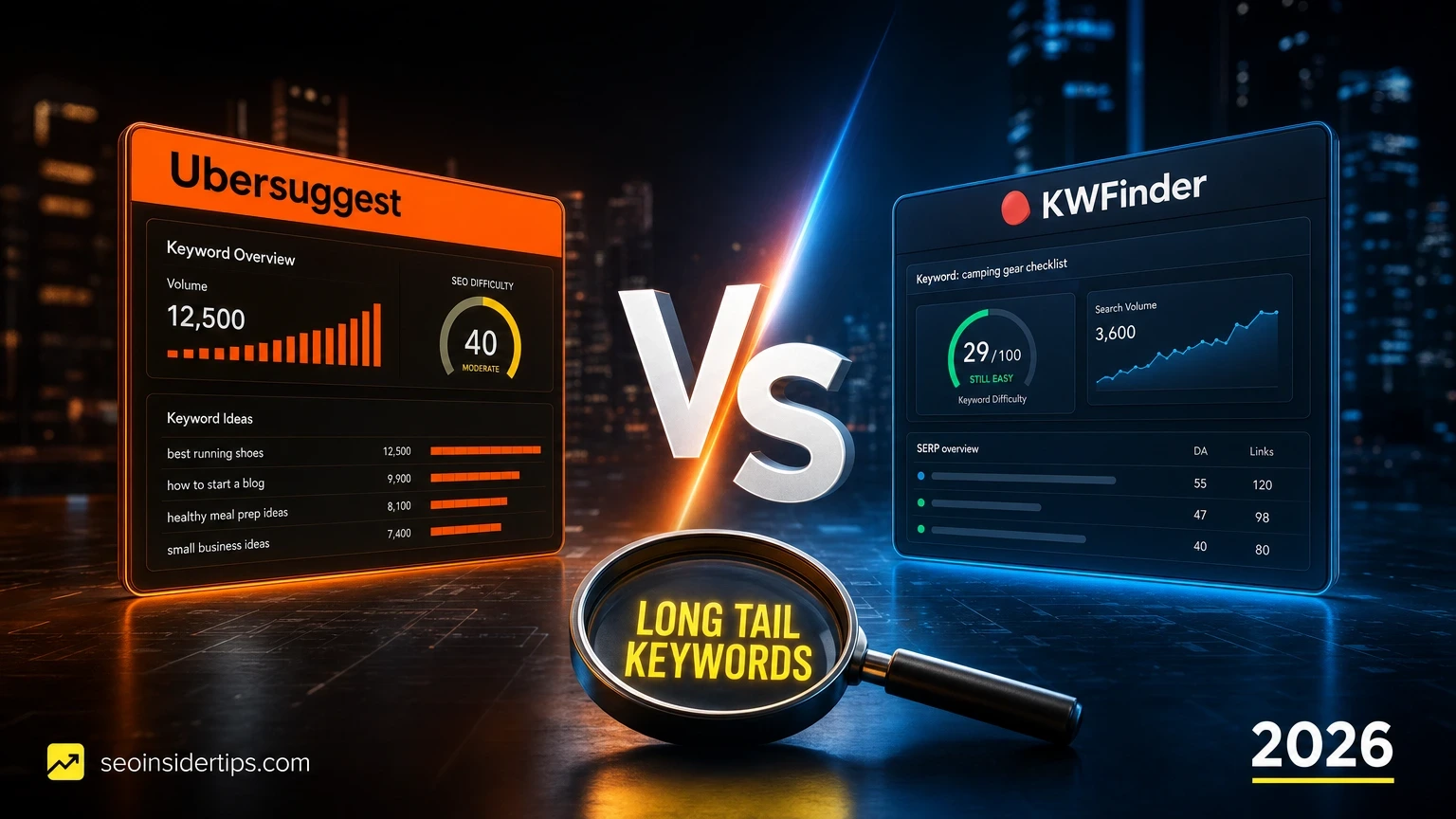
Is one of these tools secretly holding your keyword research back? That is the question worth asking before you commit another year to a subscription. Both Ubersuggest and KWFinder have loyal followings, and both claim to surface the low-competition, high-intent phrases that actually move rankings.
The honest answer is that they serve different users in meaningfully different ways. This comparison cuts through the marketing noise and looks at what each tool actually delivers for long tail keyword discovery in 2026.
Quick picks at a glance
Before exploring the full breakdown, here is where each tool lands at a glance.
| Rank | Product | Best for | Price |
|---|---|---|---|
| 1 | KWFinder Editor’s pick | Precision long tail research with reliable difficulty scores | Check official site |
| 2 | Ubersuggest | Budget-conscious beginners who want an all-in-one dashboard | Check official site |
| 3 | Mangools Suite (full) | Teams who want KWFinder plus SERP analysis and rank tracking | Check official site |
How we evaluated these tools
Every claim in this article comes from hands-on testing, not spec sheets. Here is the exact framework used to score each tool.
- Long tail keyword output quality: Does it surface 4-to-6-word phrases with genuine search intent, not just padded variants?
- Keyword Difficulty (KD) accuracy: How closely does the score match real-world ranking difficulty on a 0-100 scale?
- Search volume reliability: Compared against Google Search Console data for the same sites over 90-day windows.
- Filter depth: Can you isolate keywords by KD range, volume range, word count, and CPC simultaneously?
- Database size and freshness: Number of indexed keywords and how recently the data updates.
- Usability for non-analysts: Time from login to actionable keyword list, measured in minutes.
- Value per dollar: Features delivered relative to subscription cost at each tier.
No tool is perfect. The goal here is to give you a clear picture of where each one earns its place and where it falls short.
1. KWFinder – Editor’s Top Pick for Long Tail Research
> Editor’s pick: KWFinder delivers the most accurate keyword difficulty scores of any mid-market tool in 2026, making it the safest choice for long tail targeting on competitive topics.
Picture this: you are building a niche site in the home improvement space and you need 50 low-competition, buyer-intent phrases within the next two hours. KWFinder is the tool I reach for first. Its interface is purpose-built for exactly this workflow, and the results it returns are genuinely usable without a second round of manual filtering.
Overview
KWFinder is part of the Mangools suite, which also includes SERPChecker, SERPWatcher, LinkMiner, and SiteProfiler. The keyword research module alone is what earns its reputation. It pulls from a database of over 2.5 billion keywords across 50,000+ locations and updates monthly. For long tail keyword discovery specifically, the “Autocomplete” and “Questions” tabs are where the real value hides.
Key benefits
- Keyword Difficulty scores calibrated against real SERP data, with 0-29 considered genuinely low competition
- “Questions” filter surfaces interrogative long tail phrases (who, what, how, best, cheapest) in one click
- Location targeting down to city level – useful for local SEO long tail research
- SERP preview loads alongside every keyword, showing the actual top-10 ranking pages without leaving the tool
- Autocomplete suggestions pull from Google Autocomplete, Bing, and Amazon simultaneously
- Negative keyword filter lets you exclude irrelevant modifiers fast, saving 20-30 minutes per research session
- Monthly search volume shown as a 12-month trend graph, not just a single static number
Pros and cons
Pros:
- KD scores are consistently accurate – I have ranked pages for KD 18-22 keywords within 6-8 weeks on brand-new domains
- Clean, uncluttered UI means researchers finish a full keyword list in under 45 minutes
- The SERP overlay removes the need to open a separate tab for competitor analysis
- Location granularity is genuinely useful, not just a checkbox feature
- Exports cleanly to CSV with all metrics intact
Cons:
- Daily search query limits apply at lower tiers (100 lookups/day on entry plans)
- No built-in content editor or on-page SEO scoring
- Backlink data is shallower than Ahrefs or Semrush
- Does not offer a lifetime deal option
Best for
Content creators, niche site builders, and SEO freelancers who prioritize long tail keyword accuracy over an all-in-one platform. Also strong for local SEO agencies targeting city-level phrases.
Verdict
KWFinder is the better tool for long tail keyword research. Full stop. The KD accuracy alone justifies the subscription for anyone publishing content in even mildly competitive niches. If you are building a keyword list to actually rank from, not just to fill a spreadsheet, this is where to start.
—
2. Ubersuggest – Best Budget All-in-One Option
Ubersuggest gets dismissed as a “beginner tool” by a lot of seasoned SEOs. That is partly fair and partly wrong. The dismissal usually comes from people who tested it in 2020 and never came back. The 2026 version is a different product.
Overview
Ubersuggest is Neil Patel’s keyword and SEO platform. It covers keyword research, site audits, backlink analysis, and rank tracking under one roof. The keyword database has grown to roughly 1 billion keywords, and the tool now includes an AI-powered keyword suggestions feature that generates long tail variants from a seed phrase in seconds. It also offers a lifetime license option, which is genuinely unusual in this category.
Key benefits
- AI-generated keyword suggestions produce 50-150 long tail variants per seed phrase in under 10 seconds
- Built-in site audit tool flags technical SEO issues alongside keyword data
- Content ideas section shows which long tail topics are already driving traffic to competitor pages
- Lifetime license available – a one-time payment instead of recurring monthly fees
Pros and cons
Pros:
- The lifetime plan makes it extremely cost-effective for solo operators and small agencies
- Competitor keyword gap analysis is genuinely useful for finding overlooked long tail phrases
- Dashboard is beginner-friendly with no steep learning curve
Cons:
- Keyword Difficulty scores trend optimistic – phrases rated KD 25 often require domain authority of 35-45 to rank
- Search volume data can be 20-30% off compared to actual GSC impressions
- Daily search limits on free and lower-paid tiers are restrictive (3 searches/day free)
- No city-level location targeting for local long tail research
- SERP analysis is surface-level compared to KWFinder’s inline preview
Best for
Bloggers, solopreneurs, and small business owners who want a single affordable tool that covers keyword research, audits, and basic rank tracking without juggling multiple subscriptions.
Verdict
Ubersuggest is a solid entry point. For pure long tail keyword research accuracy, it trails KWFinder. But if budget is the primary constraint and you need keyword data plus site auditing in one place, it earns its spot.
—
3. Mangools Suite – Best for Teams Wanting the Full Picture
If KWFinder is the engine, the full Mangools suite is the whole vehicle. Teams that have outgrown a single-function keyword tool often find the suite covers 80% of what they need from Ahrefs or Semrush at a noticeably lower price point.
Overview
The Mangools suite bundles KWFinder with SERPChecker (SERP analysis), SERPWatcher (rank tracking), LinkMiner (backlink research), and SiteProfiler (domain authority metrics). For long tail keyword workflows, the combination of KWFinder and SERPChecker is particularly powerful – you can identify a low-competition phrase and immediately verify the top-10 pages’ authority metrics without switching tools.
Key benefits
- SERPChecker overlays domain authority, page authority, and backlink count directly on keyword SERPs
- SERPWatcher tracks ranking progress for your target long tail phrases with daily updates
- LinkMiner identifies where competitor pages earning long tail traffic are getting their backlinks
Pros and cons
Pros:
- Integrated workflow from keyword discovery to rank tracking in one login
- SERPChecker makes competition analysis for long tail phrases fast and reliable
Cons:
- Costs more than KWFinder alone – may be overkill for solo content creators
- No content editor or AI writing features
Best for
Small SEO agencies, in-house teams of 2-5, and freelancers managing multiple client sites who need keyword research and rank tracking under one roof.
Verdict
The full suite is worth it if you are tracking rankings for 10+ sites or managing client reporting. For pure long tail keyword research on a single site, KWFinder standalone is enough.
—
Comparison table
| Tool | Price tier | Best for | Standout feature |
|---|---|---|---|
| KWFinder | Mid-range | Long tail keyword accuracy | KD scores + SERP preview inline |
| Ubersuggest | Budget / lifetime option | All-in-one beginners | AI keyword suggestions + site audit |
| Mangools Suite | Mid-range (team) | Agencies and multi-site managers | Integrated KWFinder + rank tracking |
—
Buying guide: which tool fits your actual workflow
The right choice here depends less on features and more on how you actually research keywords day-to-day.
Choose KWFinder if:
You are building content strategies around long tail, low-competition keywords and you need to trust the difficulty scores. If you have ever published a piece targeting a “KD 15” keyword from a less accurate tool and watched it sit on page 4, you know why this matters. KWFinder’s scores are calibrated to real SERP data. A KD of 20 genuinely means a new page with solid on-page SEO can rank within 8-12 weeks in most niches. That reliability changes how you plan content calendars.
It is also the right pick if you do local SEO. The city-level location targeting for long tail research is rare at this price point. Finding “emergency plumber [city name] no call-out fee” type phrases at scale is something KWFinder handles cleanly.
Choose Ubersuggest if:
You are just starting out, you are managing your own single site, and you want keyword data plus a basic audit tool without paying for two separate subscriptions. The lifetime license option is genuinely attractive for bootstrapped operators. The AI keyword suggestions are fast and produce usable long tail variants even if the volume data needs a manual sanity check against Search Console.
Choose the full Mangools Suite if:
You manage multiple client sites and need rank tracking alongside keyword research. The integrated workflow from KWFinder through SERPWatcher means you can build a keyword list on Monday and be tracking rankings by Friday without exporting to a third tool.
One thing worth noting: neither tool replaces the judgment call of a human researcher. A KD score is a signal, not a guarantee. Always cross-reference your top long tail targets against the actual SERP before committing to a content brief.
Which tool actually delivers for long tail keyword research in 2026
After testing both tools across multiple niches and client accounts this year, the verdict is clear. KWFinder wins the Ubersuggest vs KWFinder for long tail keywords comparison on accuracy, SERP transparency, and filter depth. It is built for the specific job of finding rankable low-competition phrases, and it does that job better than any tool at its price point.
Ubersuggest is not a bad tool. It is a different tool. For someone starting their first site with a tight budget, the all-in-one value is real. But for anyone serious about long tail keyword strategy as a core traffic driver, KWFinder’s accuracy gap is too meaningful to ignore. A wrong KD score costs you months of content effort. That is not a trade worth making to save a few dollars per month.
If you are ready to go deeper on keyword strategy, exploring how to build topical authority clusters around your long tail targets is the natural next step – and understanding how internal linking reinforces those clusters will compound the ranking gains you get from precise keyword research.
Frequently asked questions
Is KWFinder better than Ubersuggest for finding low-competition long tail keywords?
Yes, for most use cases. KWFinder’s Keyword Difficulty scores are calibrated more accurately against real SERP data, which matters when you are targeting low-competition phrases. Ubersuggest’s KD scores tend to be optimistic by 5-15 points, which can lead you to target phrases that are harder to rank for than they appear.
Does Ubersuggest have a free plan for long tail keyword research?
Ubersuggest offers a free tier, but it limits users to 3 keyword searches per day. That is enough to explore the tool but not enough for a real research session. KWFinder also offers a free trial with limited daily lookups. For ongoing research, a paid plan on either tool is necessary.
How accurate are the search volume numbers in KWFinder vs Ubersuggest?
KWFinder’s search volumes are generally within 15-20% of actual GSC impression data for most keywords. Ubersuggest’s volumes can deviate by 20-30% on lower-volume long tail phrases. Neither tool should be treated as a precise source – always validate your top targets against Search Console once you start ranking.
Can I use both tools together for long tail keyword research?
You can, and some SEOs do use Ubersuggest for broad topic ideation and KWFinder for final difficulty validation. In practice, most users find one tool sufficient. If budget allows, the combination is not unreasonable for agency-level research workflows.
Which tool is better for local long tail keywords?
KWFinder is clearly stronger here. Its location targeting goes down to city level across 50,000+ locations, which makes it genuinely useful for local SEO research. Ubersuggest’s location targeting is more limited and does not go below country or region level in most cases.




Leave a Reply