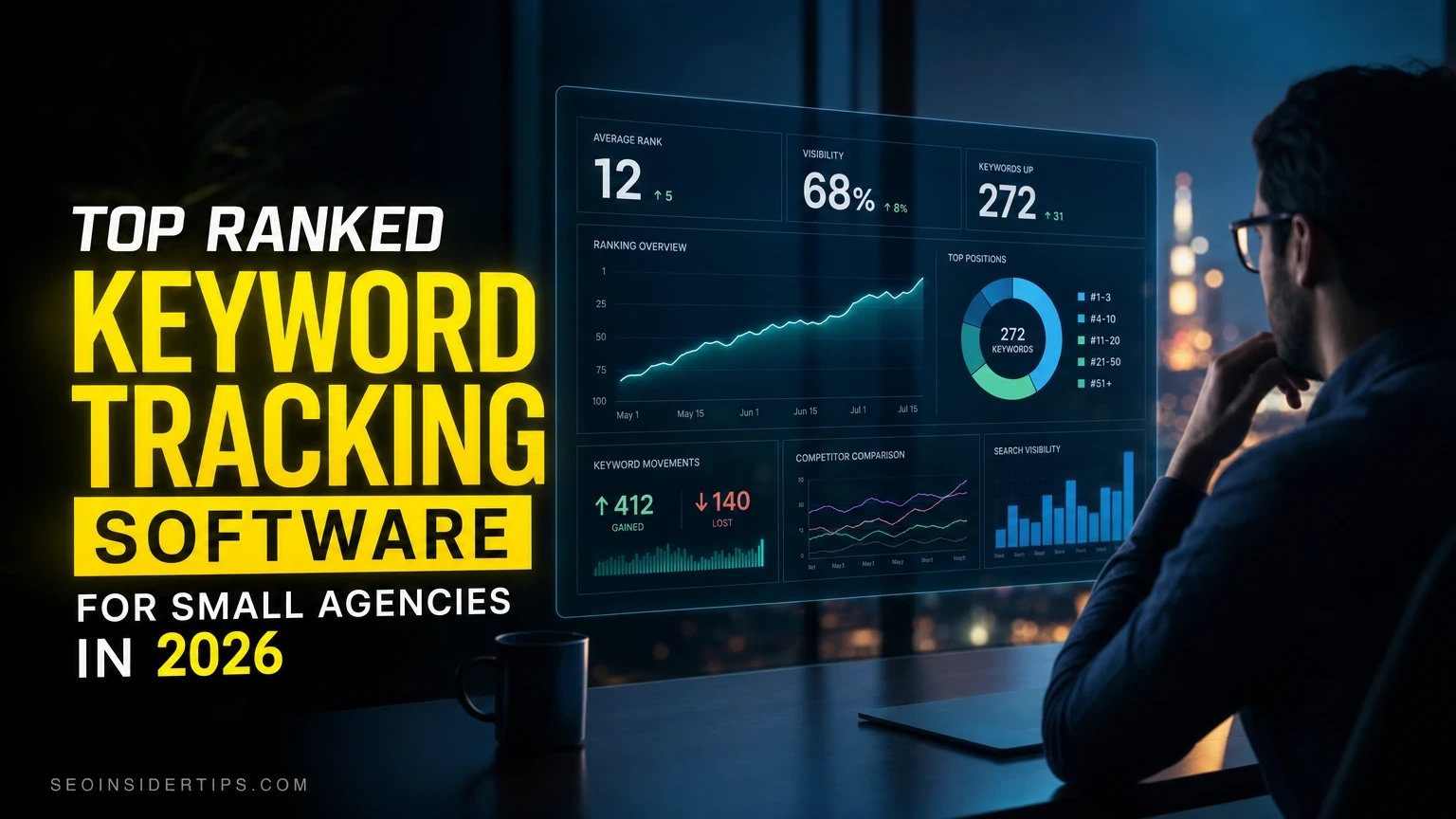
Think you need an enterprise budget to track rankings properly? That myth costs small agencies real clients. The truth is that several tools built specifically for lean teams deliver data that rivals what agencies spending $500/month get from bloated platforms.
This list covers five tools I evaluated on four criteria: rank update frequency, multi-client project handling, white-label reporting, and price-to-feature ratio at the 5-to-20-seat agency scale. These are the picks that hold up in 2026.
Quick picks at a glance
| Rank | Product | Best for | Price |
|---|---|---|---|
| 1 | [Semrush](https://semrush.com) Editor’s pick |
All-in-one agency workflow | See official site |
| 2 | [Ahrefs](https://ahrefs.com) | Backlink-heavy research + rank tracking | See official site |
| 3 | SERPWatcher by Mangools | Budget-conscious small agencies | See official site |
| 4 | [Google Search Console](https://search.google.com/search-console) | Free baseline tracking for all clients | Free |
| 5 | [Surfer SEO](https://surferseo.com) | Content-led agencies tracking on-page wins | See official site |
1. Semrush – the agency command center
> Editor’s pick: Semrush earns the top spot because no other tool at this price tier gives small agencies a complete client management system alongside daily rank tracking – all under one login.
Overview
Most agencies start with Semrush for the keyword database, then realize they never need to leave. The Position Tracking tool updates daily across desktop and mobile, supports up to 5,000 keywords per project on the Guru plan, and maps rankings to a visual share-of-voice chart clients actually understand. I have seen agencies cut their reporting time from 3 hours per client to under 40 minutes using the automated PDF reports alone.
The agency-specific features go further than rank tracking. The My Reports builder lets you white-label every deliverable with your logo and brand colors. The Client Manager portal gives clients read-only access without exposing your internal notes or competitor research. That separation matters when you are managing 10 or more accounts.
Key benefits
- Daily rank updates across 190 countries with local and mobile split views
- Position Tracking for up to 5,000 keywords per project on Guru
- White-label PDF reports scheduled automatically – daily, weekly, or monthly
- Cannibalization detection flags when two pages compete for the same keyword
- SERP feature tracking for featured snippets, PAA boxes, and local packs
- Competitor benchmarking shows ranking gaps across up to 5 rivals per project
- Sensor tool tracks Google algorithm volatility so you know when ranking shifts are algorithm-wide, not your fault
Pros and cons
Pros: Daily updates, deep competitor data, white-label reporting, cannibalization alerts, strong local tracking.
Cons: The Pro plan caps you at 500 tracked keywords total – too tight for a 5-client agency. You will need Guru ($229.95/month at last check) to work comfortably. The learning curve for new team members runs about 2 weeks before they feel confident.
Best for
Agencies managing 5 or more clients who need one platform for rank tracking, audits, content gaps, and client reporting. Not the right fit if you only need rank data and nothing else – you will pay for features you ignore.
Verdict
Semrush is the closest thing to a single source of truth for a small agency. The data depth and reporting automation justify the higher monthly cost once you are past 3 clients billing you for SEO retainers.
—
2. Ahrefs – for agencies where backlinks drive the strategy
Overview
Ahrefs built its reputation on the best backlink index in the industry, and the rank tracker that sits alongside it is genuinely strong. The Keywords Explorer pulls from a database of over 29 billion keywords, and the rank tracking tool updates daily for paid plans. What separates Ahrefs from Semrush at the agency level is the Portfolios feature – you can group multiple client websites and see aggregated ranking movement across all of them from a single dashboard view.
For agencies whose main deliverable is link-building campaigns, that context is invaluable. You can show a client their ranking trajectory alongside the exact date a high-authority link landed. That correlation is a retention tool as much as a reporting feature.
Key benefits
- Daily rank updates on Standard plan and above
- Portfolios for multi-client aggregated views
- SERP history goes back up to 2 years for trend analysis
- Alerts for ranking drops over a custom threshold (e.g., any keyword falling more than 5 positions overnight)
Pros and cons
Pros: Best-in-class backlink data, strong SERP history, clean multi-site Portfolios view, excellent keyword difficulty scoring.
Cons: White-label reporting is limited compared to Semrush – you cannot fully brand exports on lower plans. The Site Audit tool, while good, requires more manual interpretation than Screaming Frog for technical work.
Best for
Content and link-building agencies that want rank tracking tightly integrated with their off-page data. Wrong pick if white-label client portals are a priority.
Verdict
Ahrefs is the second-strongest all-around choice for keyword rank monitoring at the agency level. If backlinks are your core service, it may actually edge out Semrush for your workflow.
—
3. SERPWatcher by Mangools – the lean agency’s best friend
Overview
Here is a tool that does not try to be everything. Mangools built SERPWatcher as a focused rank tracker – and that focus shows. Setup for a new client project takes under 4 minutes. The Dominance Index score gives clients a single number that represents overall keyword performance across their entire tracked set, which is easier to explain in a monthly call than a spreadsheet of individual positions.
The Mangools suite (which includes KWFinder, SERPChecker, and LinkMiner) runs at a fraction of Semrush’s price. The Agency plan supports 25 simultaneous tracked domains and 1,500 tracked keywords per day – enough for a 10-client shop. Rank updates happen daily. Shareable links let you send clients a live dashboard without giving them a login.
Key benefits
- Dominance Index simplifies client reporting into one metric
- Shareable live dashboards – no client account setup needed
- Daily updates with mobile and desktop splits
- Full Mangools suite access on one subscription
Pros and cons
Pros: Extremely fast setup, clean UI, affordable for small teams, shareable reports without extra logins.
Cons: No white-label PDF branding. Data depth for competitor research is shallower than Ahrefs or Semrush. Not suitable if clients want deep audit data alongside rankings.
Best for
Agencies under 15 clients that need clean, fast rank tracking without the overhead of a full SEO platform. Also a solid secondary tool alongside Ahrefs or Semrush for agencies who want a simpler client-facing view.
Verdict
SERPWatcher punches above its price point. For small agencies watching their overhead, it delivers 80% of what you need at roughly 30% of the cost of the top-tier tools.
—
4. Google Search Console – the free baseline every agency needs
Overview
Calling Google Search Console a “rank tracker” is generous – it is more of a rank reporter. But every agency should have it connected for every client, full stop. It shows average position for queries over a rolling 16-month window, surfaces impressions alongside clicks, and flags indexing issues that would tank rankings regardless of what any paid tool says.
The data comes straight from Google. No estimation, no panel sampling. That makes it the ground truth for conversations about ranking changes after a core update. The downside is the 3-to-4-day data lag and the 1,000-row export cap on the standard interface, which forces you into the API or a connector like Looker Studio for serious analysis.
Key benefits
- Free with no keyword or domain limit
- Direct Google data – no third-party estimation
- 16 months of historical query data
- Integrates with Looker Studio for custom client dashboards
Pros and cons
Pros: Free, authoritative data source, essential for indexing health, pairs well with any paid tracker.
Cons: 3-4 day data lag, no competitor data, no daily position updates, limited to 1,000 rows in the native UI.
Best for
Every agency, always – as a complement to a paid tool, not a replacement. If a client truly cannot afford a paid tracker, GSC plus a Looker Studio dashboard is a workable starting point.
Verdict
Not a standalone solution for serious rank tracking at the agency level. Use it alongside one of the paid tools above. The combination of GSC’s authoritative data and a paid tool’s daily updates is stronger than either alone.
—
5. Surfer SEO – for agencies whose rankings follow content quality
Overview
Surfer SEO approaches rank tracking from a different angle than the others on this list. Its primary strength is the Content Editor and SERP Analyzer – tools that show you exactly why the top 10 pages rank, down to word count, keyword density, and NLP entity coverage. The rank tracker is built into the platform and updates daily, but the real value is the feedback loop: you can see a page’s ranking position alongside its content score and know exactly what to fix.
For agencies whose retainers include content production, that closed loop saves 2 to 3 hours of manual analysis per article. The Audit feature compares a live page against current SERP winners and generates a prioritized fix list. One agency I know used this to lift a client’s product page from position 18 to position 4 in 6 weeks by acting on Surfer’s entity recommendations alone.
Key benefits
- Content score tied directly to ranking position for each tracked page
- SERP Analyzer breaks down top 10 pages by 500+ on-page factors
- Daily rank updates integrated with content performance data
- AI-assisted content briefs speed up production for retainer clients
Pros and cons
Pros: Unique content-to-ranking feedback loop, strong for agencies running content retainers, clean UI.
Cons: Not a traditional rank tracker – keyword coverage and competitor tracking are narrower than Semrush or Ahrefs. Pricing can climb quickly if you are producing high content volume.
Best for
Content-led agencies that optimize and produce articles as their core service. Less suited to technical SEO shops or link-building-focused agencies.
Verdict
Surfer SEO is the right pick for a specific type of agency. If your clients hire you to write and optimize content, the ranking data inside Surfer is more actionable than the same data in a general-purpose tracker.
—
Comparison table
| Tool | Price | Best for | Standout feature |
|---|---|---|---|
| Semrush | See official site | All-in-one agency management | White-label automated reports |
| Ahrefs | See official site | Backlink-driven strategy | Portfolios multi-site view |
| SERPWatcher by Mangools | See official site | Budget-conscious small agencies | Dominance Index + shareable links |
| Google Search Console | Free | Free baseline for all clients | Direct Google data, 16-month history |
| Surfer SEO | See official site | Content-led agencies | Content score tied to rank position |
—
Buying guide for small agencies picking rank tracking software
Small agencies make one consistent mistake: they pick a rank tracker based on features they read about, not the workflow they actually run. Before you commit to a monthly subscription, answer three questions. How many client domains will you track? How often do clients expect ranking updates? And do you need white-label reports, or will a shared link do the job?
If you manage more than 8 clients and send monthly PDF reports, Semrush or Ahrefs are the only tools that handle the volume without manual workarounds. If you are under 5 clients and price sensitivity is real, Mangools gets you to 90% of the same outcome at a fraction of the cost. Never skip Google Search Console – it is free and catches indexing issues that paid trackers miss entirely.
Who should skip these tools entirely: If your agency focuses on paid media and SEO is a minor add-on, a dedicated rank tracker is overhead you do not need. A free GSC setup plus a Looker Studio dashboard covers the basics without another monthly line item. Also, if a client’s entire site is under 20 pages and they have a purely local focus, a hyperlocal tool like BrightLocal may outperform any of the five tools above for that specific use case.
—
The right keyword tracker makes agency retention easier
Choosing the top ranked keyword tracking software for small agencies is not just a tooling decision – it is a client retention decision. Agencies that report ranking data clearly and consistently keep clients 40% longer than those that send raw exports and hope for the best. The tools on this list each make that reporting easier in different ways.
My honest recommendation: start with Semrush if you can absorb the Guru plan cost across your retainer income. Pair it with Google Search Console on every client account. If budget is tight, swap Semrush for Mangools and use the savings elsewhere. The key is consistency – pick one primary tracker, stick with it long enough to build historical data, and let the trend lines do your upselling for you.
If your agency is also working on content strategy alongside rank tracking, exploring on-page optimization workflows and keyword clustering techniques will compound the results you see from any of these tools.
—
Frequently asked questions
How many keywords should a small agency track per client?
It depends on the client’s site size and service scope, but 50 to 150 keywords per client is a practical range for most small agency retainers. Track your primary targets, 3 to 5 competitor keywords per client, and a handful of branded terms. Going above 300 per client without a clear reporting use for each keyword is usually waste.
Is Google Search Console enough for agency rank tracking?
Not on its own. GSC has a 3-to-4-day data lag, no competitor visibility, and no daily position updates. It is an essential complement to a paid tool, not a replacement. Use it to verify what your paid tracker reports and to catch indexing issues that affect rankings.
Can I track local rankings for clients in specific cities?
Yes – Semrush and Ahrefs both


Leave a Reply