Free Ahrefs access is not a trial, and it is not a watered-down toy. It is a split offer: one set of tools for any visitor, and a bigger set for sites you can prove you own. Most people try one half, hit a wall, and assume that is all there is.
This guide covers both halves and where each one stops. It also covers who should pay and who should look elsewhere. I am judging Ahrefs free SEO tools the way I would for a client site: by what they let you fix this week.
The two free doors: no account versus verified owner
Ahrefs has two separate free offers, and mixing them up causes most of the confusion.
The first needs no account. Ahrefs runs standalone tools for keyword ideas, keyword difficulty, backlink checks and Domain Rating (DR), its site authority score. You type a keyword or domain and get a trimmed result.
The second is Ahrefs Webmaster Tools (AWT), which is free for verified owners. You prove you own a site, usually through Google Search Console or a DNS record. In return you get Web Analytics, Site Audit and Site Explorer for that site.
The catch is simple. The first door shows limited data on anyone. The second shows deeper data, but only on sites you control.
Ahrefs Webmaster Tools: the part worth your time
AWT is the better of the two offers, and it costs nothing. It is a real piece of Ahrefs, not a demo.
Verification is the first step. Create an account, add your site, and choose Google Search Console import or a DNS TXT record. The Search Console route is quicker if you already use it. DNS is better when you do not have Search Console access.
Once verified, three tools open up:
- Site Audit crawls your pages and flags 170+ technical and on-page issues.
- Site Explorer shows your own backlinks, referring domains and top pages.
- Web Analytics gives privacy-friendly traffic numbers.
This is a strong fit for a site owner who wants a second opinion on technical health. If you only run client sites you do not control, you will need each owner to verify, which gets awkward fast.
Site Audit: a free crawl that finds real problems
Site Audit is where AWT earns its keep. A crawl takes minutes on a small site and returns a prioritised issue list.
Start with the Indexability and Links reports. Broken internal links, redirect chains and noindex pages sitting in your sitemap are the usual finds. Fix errors first, then warnings. Notices can wait.
A common mistake is chasing every item. Many flagged items are harmless, such as a long title on a page you do not care about. Another trap is crawling a staging site by accident and “fixing” a robots block that is meant to be there.
My routine is simple. Run the crawl, export the errors, fix the five that touch revenue pages, then recrawl. Compare the result against Google’s guidance on helpful, people-first content before rewriting thin pages, because a clean crawl does not make weak content good.
The no-login tools: useful, but deliberately capped
The standalone tools answer quick questions, not research projects. They show enough to be useful and hide enough to sell you the paid plan.
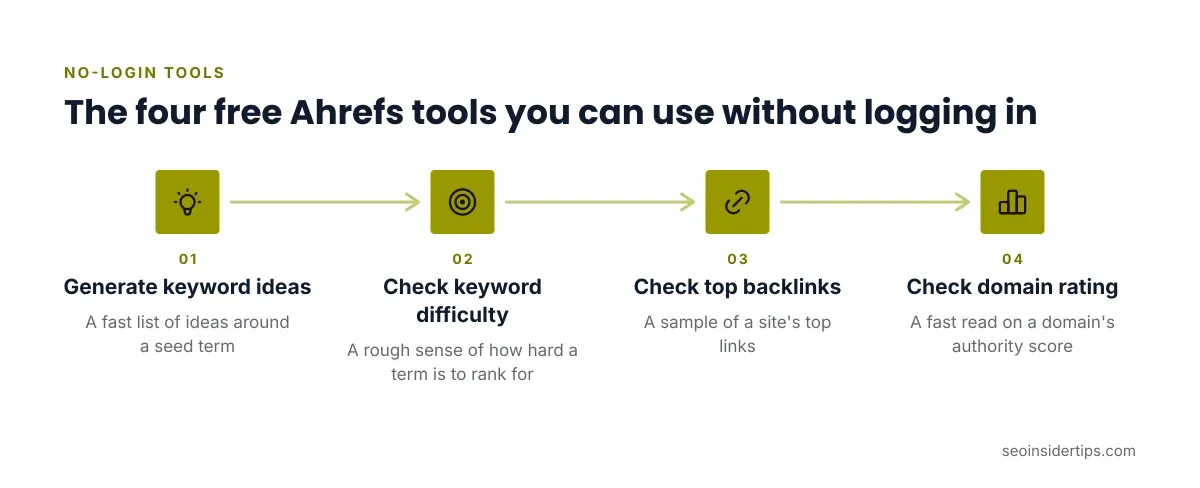
Here is what each one is good for:
- Keyword generator: a fast list of ideas around a seed term. Good for brainstorming, weak for volume planning.
- Keyword difficulty checker: a rough sense of how hard a term is to rank for.
- Backlink checker: a sample of a site’s top links. Handy for a quick look at a competitor.
- DR checker: a fast read on a domain’s authority score.
All four cut results off. You will not see the full keyword list or the complete backlink profile. That is by design.
The honest use is triage. Check difficulty before you commit to a topic, then do deeper research somewhere else. Do not build a content plan from a truncated list.
Where Ahrefs free tools fall short
Free Ahrefs will not replace a paid keyword tool. Knowing that early saves you a frustrating month.
The limits that matter:
- No full competitor research on sites you do not own. AWT only opens up your verified domains.
- No rank tracking on the free side. Paid plans add tracked keywords.
- Truncated keyword and backlink data in the standalone tools.
- Nothing for agencies who need many client projects under one roof.
Ahrefs is also not the cheapest way to get keyword ideas. If your main need is brainstorming topics, Ubersuggest has a limited free plan and paid tiers from $29/mo, plus one-time lifetime plans if you hate subscriptions. It is lighter, and for a solo operator that can be enough.
The paid ladder: when free stops being enough
If the free tools keep making you wish for more, here is the next step. Ahrefs paid plans run Starter $29/mo, Lite $129/mo, Standard $249/mo, Advanced $449/mo and Enterprise $1,499/mo.
Lite is where most small teams land. It includes 5 projects, 750 tracked keywords, 100K crawl credits a month and 6 months of historical data. Extra users on Lite cost $40/mo.
Move up when you need to research sites you do not own, track rankings, or report across several projects. Stay free if your goal is auditing and monitoring one or two sites you own.
A fair test: do three months on AWT. If you keep exporting data to fill gaps, you have your answer.
Free Ahrefs versus the alternatives
Here is how the three options compare for someone starting out.
| Tool | Free offer | Paid from | Best for |
|---|---|---|---|
| Ahrefs | Webmaster Tools plus standalone tools | Starter $29/mo | Audits and backlinks on your own site |
| Semrush | Limited free plan | $139.95/mo | Teams wanting one suite plus AI visibility |
| Ubersuggest | Limited free plan | $29/mo | Solo operators on a tight budget |
Ahrefs gives the most generous free access for site owners. Semrush has a free plan, but its entry paid plan costs more. For a deeper head-to-head, see this Semrush versus Ahrefs breakdown.
If you are weighing the whole free-versus-paid question across several tools, this comparison of free and paid SEO tools covers more ground than one vendor can.
A simple free workflow that actually works
Pair Ahrefs Webmaster Tools with Google Search Console and you cover most of a small site’s needs. Search Console shows real search queries and clicks. Ahrefs adds the crawl and the backlink view.
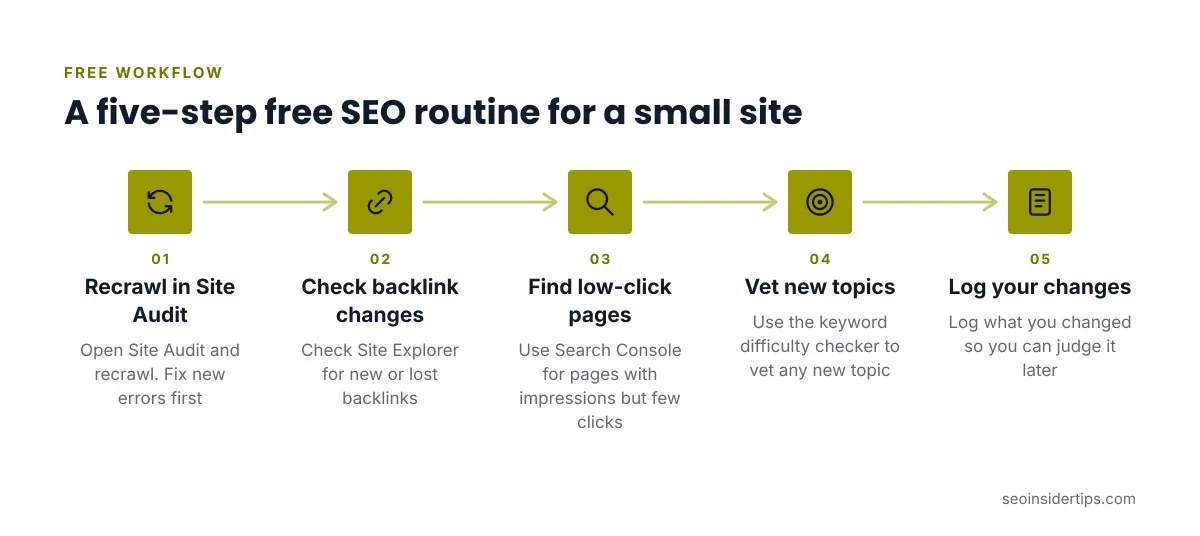
Here is the loop I would run monthly:
- Open Site Audit and recrawl. Fix new errors first.
- Check Site Explorer for new or lost backlinks.
- Use Search Console to find pages with impressions but few clicks.
- Use the keyword difficulty checker to vet any new topic.
- Log what you changed so you can judge it later.
None of this promises rankings. It gives you a repeatable habit, and results depend on your site, your competition and how good the content is.
Who should skip it
Some readers will not get much from Ahrefs free tools. Agencies handling many client sites need paid seats. Anyone needing broad competitor research should budget for a paid plan. Beginners who want an all-in-one dashboard may find a lighter tool easier.
If you want to see where AI features fit in, this roundup of AI SEO tools is worth a look.
Is Ahrefs free enough for you?
For one or two sites you own, yes. Ahrefs Webmaster Tools gives you a serious crawler, a backlink view and basic analytics for nothing. That beats most free offers I have used on real sites.
For everything outside your own domains, no. The standalone tools are samples, and the useful research sits behind the paywall. Treat the free side as a way to learn the interface and fix technical problems, not as a replacement for a research subscription.
My advice is to verify your site today, run one crawl, and fix what touches your money pages. Decide on a paid plan only after you have hit a real limit. Pricing verified 2026-10-18. Check the vendor site for the latest.
Frequently asked questions
Is Ahrefs really free?
Partly. Ahrefs Webmaster Tools is free for verified site owners, and several standalone tools work without paying. Full competitor research, rank tracking and complete data need a paid plan starting at $29/mo.
Do I need to own a website to use Ahrefs Webmaster Tools?
Yes. You must verify ownership, typically through Google Search Console or a DNS record. Without a verified site, you are limited to the capped standalone tools.
Can Ahrefs free tools replace Google Search Console?
No. Search Console shows your real queries, clicks and indexing status straight from Google. Ahrefs adds crawl audits and backlink data. They work best together.
Which free Ahrefs tool should a beginner try first?
Start with Site Audit inside Webmaster Tools. It gives a prioritised list of fixable problems on your own site, which is more actionable than a keyword list.
When should I upgrade from the free tools?
Upgrade when you need to research competitors, track keyword rankings, or manage several projects. If you keep exporting data to fill gaps, that is the signal.


Leave a Reply