Your rank tracker bill keeps climbing, and every new client site adds another seat. Meanwhile, a crawler you could run on your own server costs nothing per month. That trade is real, but it comes with maintenance you will own.
This guide looks at open source SEO tools for site owners and small teams. I cover what two proven projects do well, where they fall short, and who should skip self-hosting entirely.
What “Open Source” Actually Buys You
Open source means the code is public, and you run it yourself. That changes the cost model, not just the price tag.
You pay nothing for the software. You pay in setup time, server upkeep, and fixing things when they break. Paid suites like Semrush start at $139.95/mo for SEO Classic Pro, so the savings can be real. Still, free software on a neglected server is not free if it stops working during an audit.
Three things you gain: no per-keyword caps, full control over your data, and the ability to modify the tool. Three things you give up: vendor support, a polished interface, and built-in data sets such as backlink indexes.
Quick Picks by Job
Match the tool to the job before you install anything. Here is how the two verified options split up:
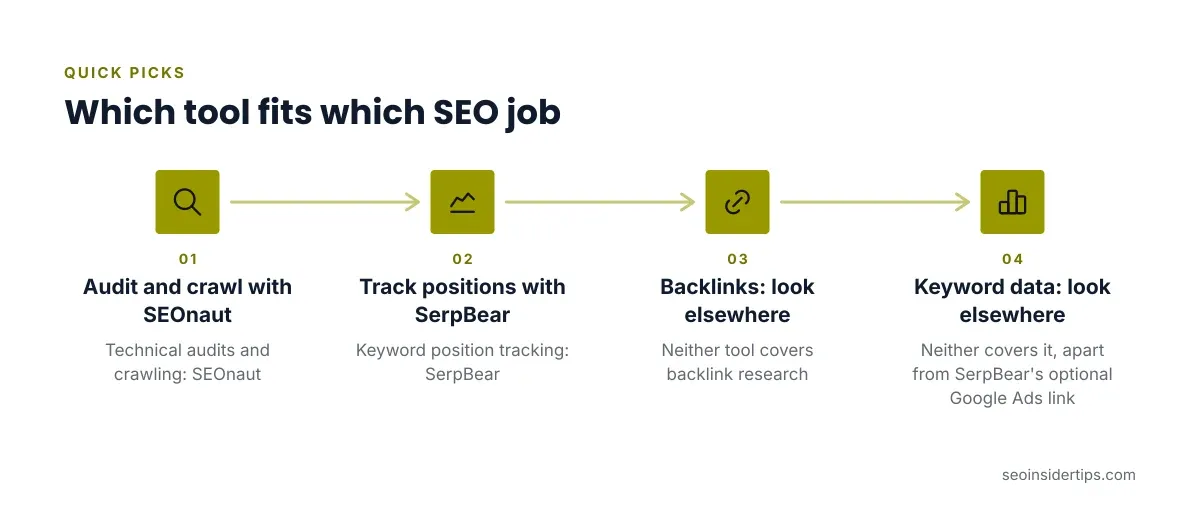
- Technical audits and crawling: SEOnaut
- Keyword position tracking: SerpBear
- Backlink research: neither covers it
- Keyword volume and difficulty data: neither covers it, apart from SerpBear’s optional Google Ads link
That gap matters. Open source SEO tools handle site-side checks and rank logging well. They do not replace a link index or a large keyword database.
SEOnaut for Technical Audits
A crawler finds the broken pages you never knew existed. A single bad redirect chain can waste crawl time on a site with thousands of URLs.
SEOnaut is a free, self-hosted technical SEO auditor under the MIT license. It is written in Go and uses a MySQL database. It sorts issues into critical, high, and low severity, so you know what to fix first.
It detects broken links, redirect problems (temporary, permanent, and loops), missing or duplicate meta tags, and incorrectly ordered headings. Price: Free.
It suits developers and technical SEOs who want to crawl staging sites before launch. It is a poor fit if nobody on your team is comfortable with a database and a command line. It also gives you no keyword or backlink data.
A common mistake is crawling a staging site that blocks robots in robots.txt. Check the file first, or the crawl will report almost nothing.
SerpBear for Rank Tracking
Rank tracker subscriptions usually limit how many keywords you can follow. Self-hosting removes that limit.
SerpBear is an open source position tracker that notifies you when keyword rankings change in Google. It is built on Next.js and SQLite and supports Docker. Price: Free for the self-hosted version.
The catch is scraping. SerpBear gets Google results through third-party scrapers such as ScrapingRobot or SerpAPI, or through your own proxy IPs. Those scraper costs are separate from the software. “Unlimited” tracking still has a running cost if you track a lot of keywords.
You can also connect Google Ads to pull search volume data. That is optional and needs its own account setup.
What These Tools Cannot Do
Be honest about the gaps before you cancel a paid plan. Neither tool has a backlink index, so link research stays with an outside source. Neither offers competitor traffic estimates or a keyword difficulty score.
For links, the free Ahrefs Webmaster Tools tier covers your own verified sites at no cost. Paid Ahrefs plans run from Starter at $29/mo up to Enterprise at $1,499/mo. Pairing a free Ahrefs account with the two open source tools above covers crawling, rank logging, and your own backlink profile for $0 in license fees.
Open source also means no support desk. When an update breaks your setup, you read the project’s issue tracker and fix it.
Self-Hosting Setup Checklist
Setup is where most people stall. Run through these steps in order:
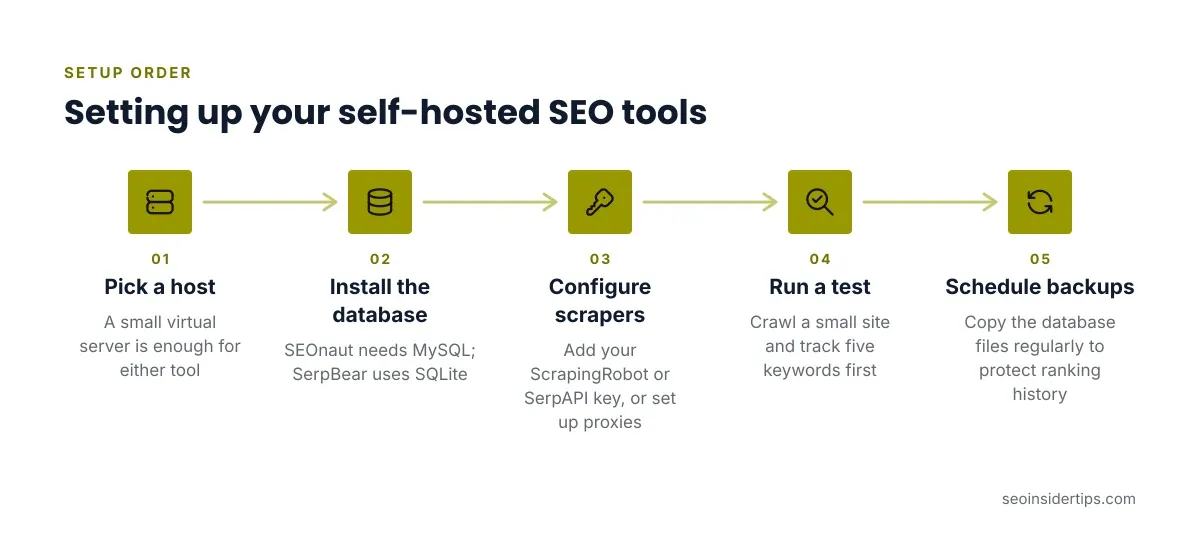
- Pick a host. A small virtual server is enough for either tool. Docker support in SerpBear makes it the easier of the two.
- Install the database. SEOnaut needs MySQL. SerpBear uses SQLite, which needs no separate server.
- Configure scrapers. For SerpBear, add your ScrapingRobot or SerpAPI key, or set up your own proxies.
- Run a test. Crawl a small site with SEOnaut and track five keywords in SerpBear before scaling up.
- Schedule backups. Copy the database files regularly. A lost SQLite file means lost ranking history.
Docker packages the app and its dependencies together. In plain terms, you start one container instead of installing many separate pieces by hand.
Who Should Skip Open Source
Self-hosting is the wrong call for some teams. Skip it if you have no one to maintain a server, or if you bill clients for reports that need polished exports.
It is also a weak choice if your time is worth more than the subscription. An hour a month fixing a broken install can cost more than a low paid plan. If you only need a few keywords tracked, a free tier from a hosted tool is simpler.
For a broader look at where free tools stop and paid ones start, see this comparison of free and paid SEO tools.
How to Choose Between Them
Start from your biggest pain point, not from the feature list. If crawl errors are your problem, install SEOnaut first. If rank tracking costs hurt, start with SerpBear.
Test one tool for a month before adding the second. Watch how much time upkeep takes. If you spend more than an hour or two a month, price a hosted alternative against that time.
Match the tool to your skills too. SEOnaut rewards someone who reads crawl logs. SerpBear rewards someone who can manage scraper credentials and watch usage.
Final Recommendation on Open Source SEO Tools
Open source SEO tools work best as a supplement, not a full replacement. SEOnaut gives you a free, serious crawler. SerpBear gives you rank tracking without keyword caps, though scraper fees still apply. Together they cover the site-side and ranking-side work for no license cost.
If you are technical and run several sites, install both and add a free backlink source. If you are not technical, start with hosted free tiers and revisit self-hosting later. Rankings depend on your site, not your tools, so judge any setup by whether it helps you find and fix problems faster.
Pricing verified 2026-10-18. Check the vendor site for the latest.
Frequently asked questions
Are open source SEO tools really free?
The software is free, but running it is not. You pay for hosting and your own time. SerpBear also needs a scraper service or proxies, which have their own costs.
Can open source tools replace Semrush or Ahrefs?
Not fully. They lack backlink indexes and large keyword databases. They replace parts of the workflow, such as crawling and rank tracking, not the whole suite.
Do I need coding skills to use them?
Basic server skills help a lot. SEOnaut needs a MySQL database, and SerpBear is easiest with Docker. If those terms are unfamiliar, expect a learning curve.
Is self-hosted rank tracking safe for my site?
The tracker queries Google, not your site, so your pages are not affected. The risk is scraper reliability, since results come through third-party services or your own proxies.



Leave a Reply